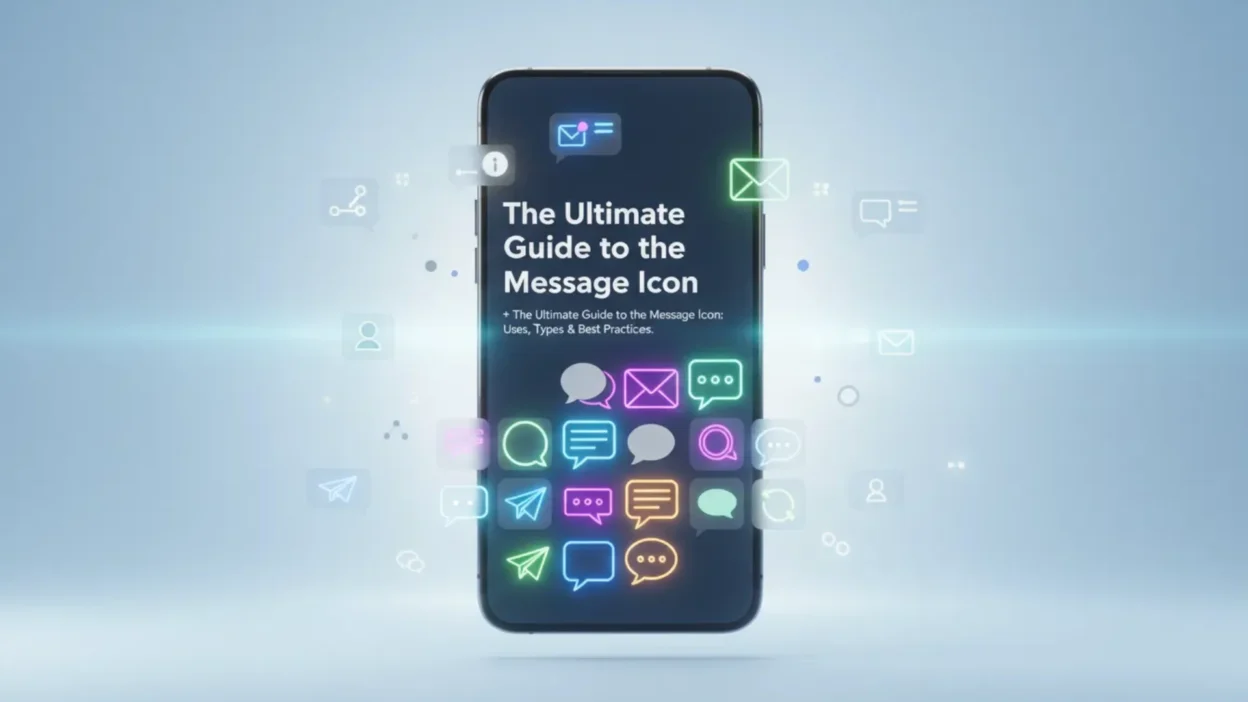
A message icon is one of the most universally recognized symbols in the digital world. It serves as a visual cue for communication, typically representing text messaging, chat, email, or other forms of digital correspondence. Whether you are designing an app, building a website, or simply navigating your smartphone, the message icon is an essential element of modern user interfaces. It appears in various styles, from simple speech bubbles to detailed envelope designs, each carrying the same fundamental meaning: “click here to communicate” .
In the digital age, the message icon has become so ubiquitous that it’s easily one of the most recognized symbols across platforms. From the bottom dock of your smartphone to floating chat buttons on websites, these small graphics guide billions of interactions daily. This guide explores everything you need to know about the message icon—from its common uses and variations to where you can find high-quality icons for free.
What Does a Message Icon Look Like?
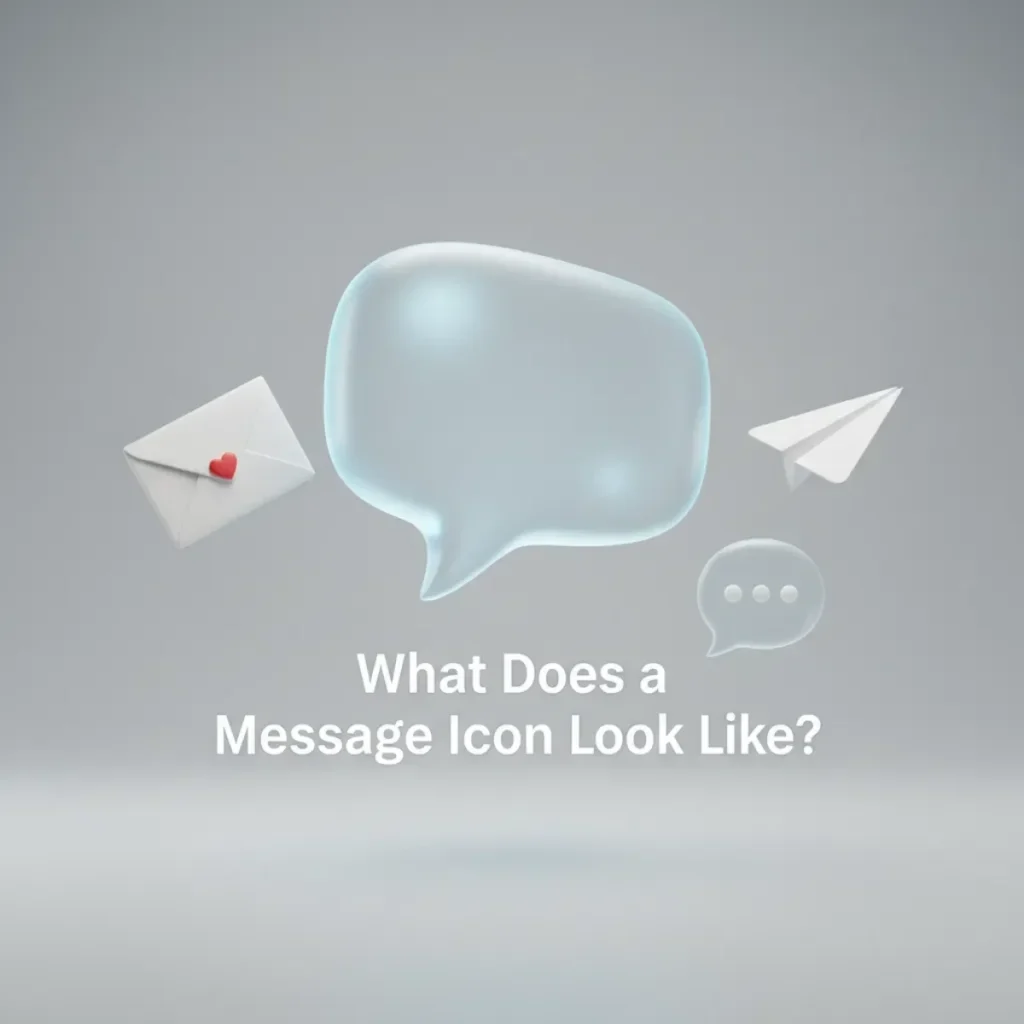
The message icon takes several forms depending on the platform and context. The most common interpretations include :
- Speech Bubble: A classic chat bubble design, often with dots inside indicating an active conversation. This is the most popular style for chat and SMS applications .
- Envelope: A paper envelope symbol, typically used for email communication. The envelope may feature a letter “E” or the “@” symbol .
- Chat Box: A square or rounded rectangle with a cursor or dots inside, representing typing.
- Combination: Some icons combine elements, such as an envelope with a speech bubble overlay.
Popular Message Icon Styles
According to icon libraries, the message icon is available in several design styles :
StyleDescriptionBest Used ForFlatSimple, two-dimensional design with solid colors Modern UIs, mobile appsGradientSmooth color transitions for depth App icons, premium interfacesOutlineThin, minimalist line artClean designs, light interfacesSolidFilled, bold design High-visibility buttons
Common Uses of the Message Icon
The message icon appears across virtually every digital platform and serves multiple purposes .
Mobile Apps
Most messaging apps feature a message icon as their primary navigation element. Apps like WhatsApp, iMessage, Facebook Messenger, and Telegram all use variations of the speech bubble icon. On smartphones, the message icon often sits in the bottom dock for quick access to texting features.
Websites
Websites frequently use the message icon to indicate contact options. It might appear as:
- A floating chat button for customer support
- A link to a contact form
- A call-to-action for email signups
- An indicator for unread notifications
Email Clients
Email applications typically use a message icon represented as an envelope, often with a “new mail” indicator (such as a red badge or an unread count) to alert users to incoming messages .
Social Media
Most social media platforms use the message icon for direct messaging features. It allows users to send private messages to other users without leaving the main feed.
User Interface Guidelines
Design systems often provide specific guidance for using message icons. Key principles include :
- Timely, not noisy: Deliver messages at the right time. Not every interaction requires messaging to go with it.
- Informative, not verbose: Say what’s necessary and not much more.
- Actionable, not static: Enable shortcuts for relevant actions to improve efficiency.
- Cross device, not duplicative: When appropriate, alert users on all their devices, but clear the messaging once user has read it.
Types of Message Icons in UI Systems
Design systems often categorize message icons by their purpose. Here are common types found in professional UI libraries :
Icon TypeSymbolUse CaseGENERALGeneric symbolMiscellaneous notices, general announcementsINFO“i” in a circleProduct specifications, compatibility information, feature detailsTEXTDocument iconTerms and conditions, detailed instructionsTIPSLightbulbOptimization suggestions, shortcuts, best practicesWARNINGExclamation mark in triangleCompatibility warnings, limitation noticesSUCCESSCheckmarkAction completed confirmation ERROR“X” or exclamationSomething is erroneous
Message Icon vs Speech Bubble Icon
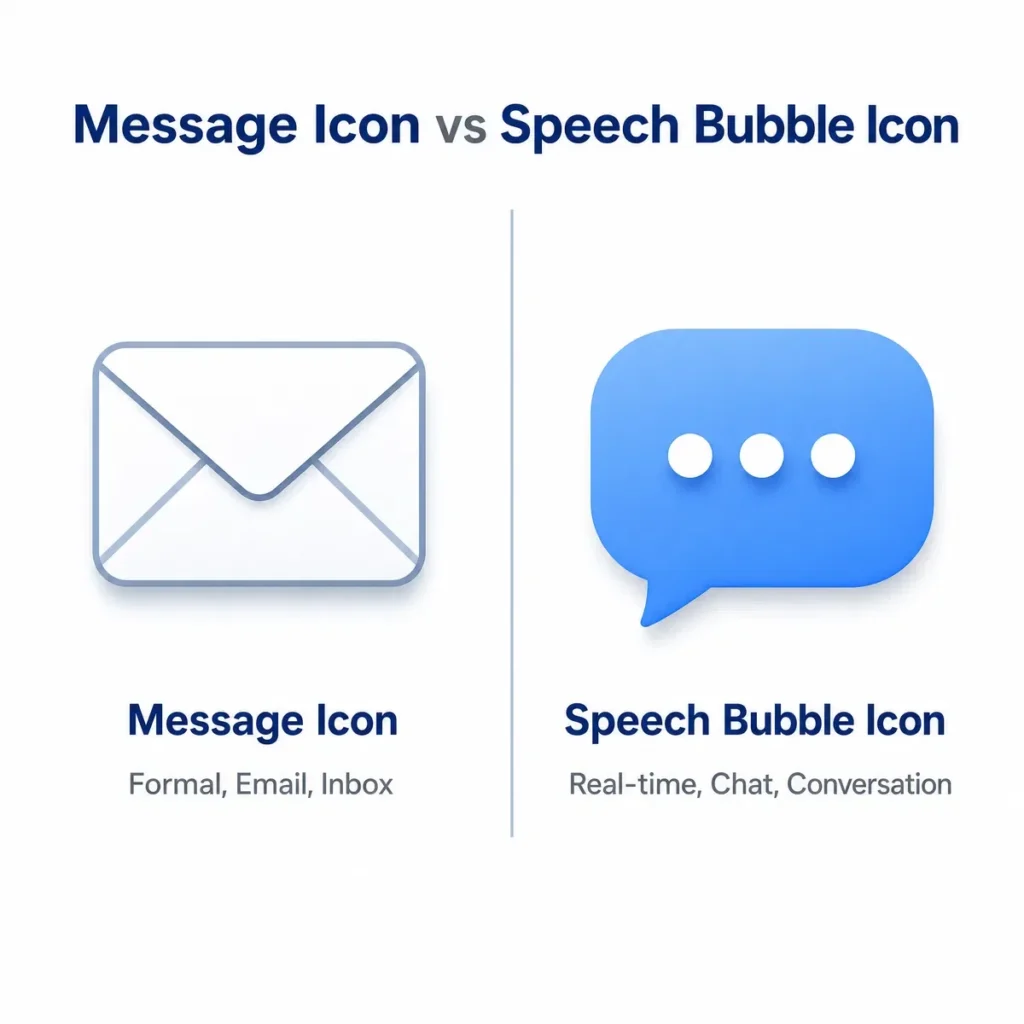
Many people use these terms interchangeably, but they serve slightly different purposes:
- Message Icon: Typically refers to the broader category of communication symbols, which can include envelopes, chat bubbles, and speech bubbles.
- Speech Bubble Icon: A specific type of message icon that represents conversation or chat. It’s the most popular style for messaging apps .
Both fall under the umbrella of message icon design, but understanding the distinction helps when selecting the right icon for your specific use case.
Where to Find Free Message Icons
Several platforms offer free message icons for personal and commercial use. Most sources provide icons in SVG and PNG formats, and many are open source or covered by permissive licenses.
Iconify
Iconify hosts thousands of icons, including the Font Awesome Regular message icon. It is available under the CC BY 4.0 license (attribution required, commercial use is allowed) .
IconScout
IconScout provides multiple message icons in various styles and packs, including colored outline and gradient options. They are available under a Digital License and can be downloaded in SVG, PNG, ICO, and more . They also offer a speech bubble icon under a similar license .
Streamline
Streamline offers message icons in solid and bold styles, derived from the Font Awesome Solid set. They are ideal for Sketch and Figma designs .
Iconduck
Iconduck hosts open source message icons under the Apache 2.0 license. These are free for both personal and commercial use .
Hexmos
Hexmos provides free PNG with transparent backgrounds. These are ideal for websites, mobile applications, or software interfaces .
Bootstrap Icons
Bootstrap Icons offers a chat icon that functions as a message icon. It’s available as an SVG and can be used in web projects .
Best Practices for Using Message Icons

Consider Your Audience
Choose an icon style that resonates with your target audience. For professional settings, stick to clean, monochrome designs. For consumer apps, colored or playful icons may be more appropriate.
Maintain Consistency
Your message icon should match the overall aesthetic of your platform. If your app uses rounded corners everywhere else, avoid using sharp-edged message icons.
Ensure Accessibility
Make sure your message icon is easily distinguishable from other icons in your interface. Sufficient contrast and clear labeling (with alt text or tooltips) improve accessibility for all users .
Follow Platform Guidelines
Different platforms have different icon standards. The Lightning Design System provides specific guidelines for messaging icons in enterprise applications .
Test the Icon
Before finalizing your design, test the message icon with real users to ensure it communicates the intended action.
Frequently Asked Questions About the Message Icon
What is a message icon?
A message icon is a visual symbol used to represent communication, typically indicating text messaging, chat, email, or other forms of digital correspondence. It often appears as a speech bubble, envelope, or chat box .
What does the look like?
The most common variations are a speech bubble with dots, a chat box with a cursor, or an envelope. Styles include flat, gradient, outline, and solid designs .
Where can I download free?
You can download free message icons from Iconify, IconScout, Streamline, Iconduck, Hexmos, and Bootstrap Icons. These platforms offer icons in SVG, PNG, and other formats under open source or permissive licenses .
Can I use for commercial purposes?
Yes, most platforms provide icons under licenses that allow commercial use, though some may require attribution. Always check the specific license before use .
What file formats are available for message icons?
Common formats include SVG (vector) and PNG (raster). Some platforms also offer ICO, WebP, and other formats .
What is the difference between a message icon and an email icon?
The typically represents chat or SMS, while the email icon (envelope) represents email communication. However, both convey the general idea of messaging .
What are the different types of in UI design?
Design systems categorize message icons into types such as GENERAL, INFO, TEXT, TIPS, WARNING, SUCCESS, and ERROR, each with specific use cases .
Are free to use?
Many message icons are free to use, especially those from open source libraries and icon sets. Some may require attribution or have restrictions, so review the license terms before use .
Conclusion
The message icon is an essential component of modern digital design, bridging the gap between users and communication tools. Whether you are designing an app, building a website, or simply navigating your phone, this small symbol carries significant meaning. Its versatility is reflected in its various styles—from simple speech bubbles to detailed envelopes—and its widespread availability across free icon platforms.
When choosing a consider your audience, maintain consistency with your design system, and always check the licensing terms. A well-chosen improves user experience and makes your platform more intuitive and engaging. With the resources provided in this guide, you can find and implement the perfect for your next project.

Amelia Brooks is a passionate writer specializing in text meanings, slang, and digital communication trends. She simplifies modern messaging to help readers understand every text with ease.