If you’ve ever used a smartphone, opened a website, or interacted with any digital product, you’ve almost certainly seen a message icon. It’s one of the most recognizable symbols in the digital world — a small pictogram that represents communication through text, email, or other digital means. But what exactly is a message icon, and why does it matter?
A message icon is a graphical symbol used to represent communication, messaging, or the act of sending a text or email. It’s commonly found in messaging apps, email clients, and user interfaces to help users quickly identify messaging-related features. Whether it’s a speech bubble, an envelope, or a chat box, the message icon serves as a visual shortcut for digital communication.
What Does a Message Icon Typically Look Like?
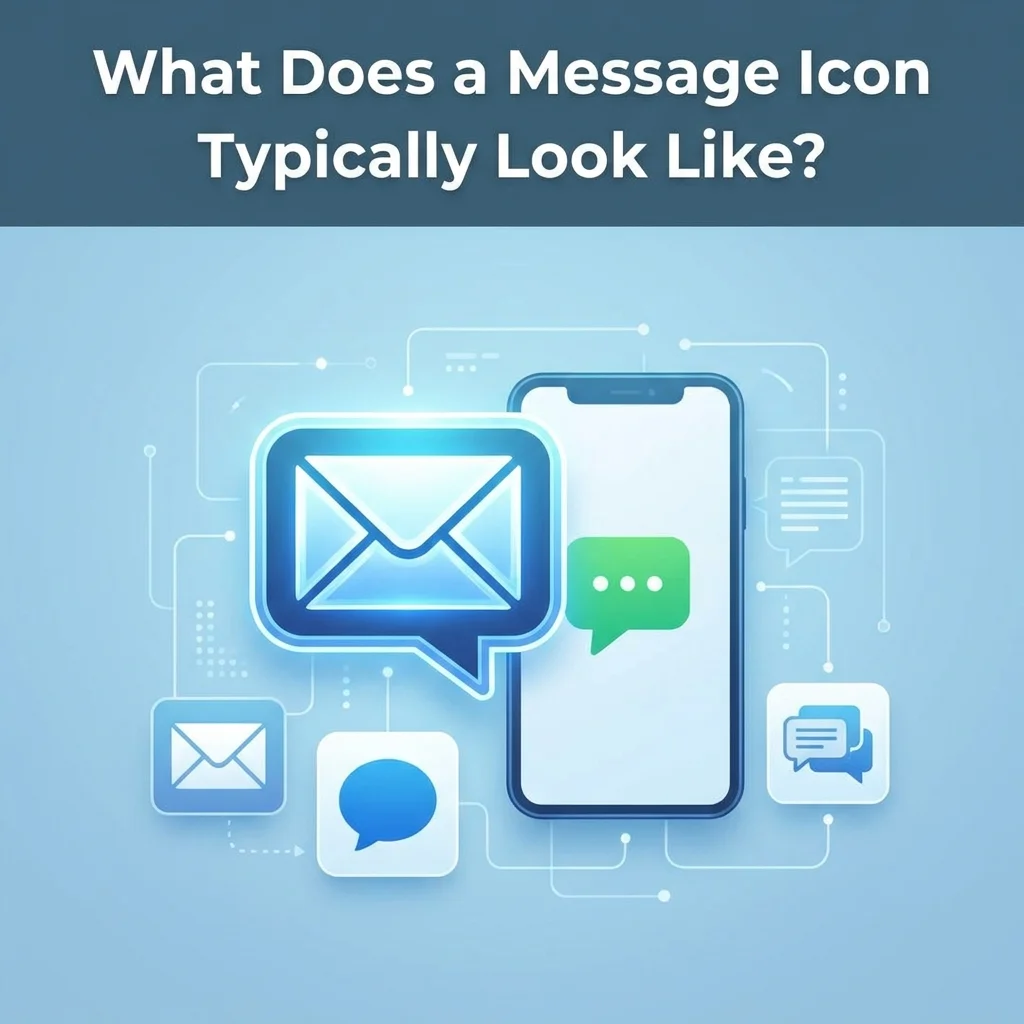
Message icons come in many styles, but they all share a common purpose: representing communication. The most common visual representations include:
Speech Bubbles
Perhaps the most recognizable form, speech bubble icons look like comic book dialogue boxes with a small tail pointing down. These are heavily used in chat applications and social media platforms. They immediately suggest conversation and real-time messaging.
Envelopes
Traditional envelope icons represent email or mail features. Many email clients use this design for compose, inbox, or send functions. This style is more formal and associated with traditional correspondence.
Chat Boxes
Modern messaging apps often use chat box designs — rectangular shapes with rounded corners that mimic text message conversations. These often include dots or lines to suggest text. This style feels contemporary and is commonly seen in apps like WhatsApp and Facebook Messenger.
Combined Elements
Many message icons combine elements, such as a speech bubble with a letter inside or a chat box with a pencil, to indicate composing or sending messages. These hybrid designs help convey more specific actions.
Popular Icon Collections and Where to Find Them
There are numerous free icon libraries where you can find message icons for your projects. These collections offer icons under open-source licenses, making them usable for both personal and commercial projects.
Font Awesome
Font Awesome is one of the most popular icon libraries, offering a “Message” icon as part of its free desktop and web collections. It’s available under the CC BY 4.0, SIL OFL 1.1, and MIT licenses, meaning it’s free for commercial use with some attribution requirements depending on your usage.
The SVG markup for the Font Awesome message icon typically shows a speech bubble shape:
text
<svg viewBox=”0 0 512 512″><path d=”M0 352L0 128C0 75 43 32 96 32l320 0c53 0 96 43 96 96l0 224c0 53-43 96-96 96l-120 0c-5.2 0-10.2 1.7-14.4 4.8L166.4 539.2c-4.2 3.1-9.2 4.8-14.4 4.8-13.3 0-24-10.7-24-24l0-72-32 0c-53 0-96-43-96-96z”/></svg>
Material Icons
Google’s Material Icons collection, available under the Apache 2.0 license, provides a rounded message icon that’s also free for commercial use with no attribution required. This is the style commonly seen in Android apps and Google products. The design is clean, minimal, and highly recognizable.
Ant Design Icons
The Ant Design library offers outline-style message icons that work well for modern web applications. These are also available for free use. They feature a sleek, professional appearance suitable for enterprise applications.
Vivid Icons
The Vivid Icons pack offers a clean, colorful message icon under the MIT license. This collection includes a simple speech bubble design with a tail, making it suitable for chat features. The vibrant colors make them ideal for social media and consumer-facing apps.
Other Resources
- Noun Project: Offers a royalty-free message icon in PNG and SVG formats
- IconScout: Provides UI message icon packs, including colored outline styles and sticker icons
- Flaticon: Extensive collection of free message icons in various styles
- Icons8: Offers both free and premium message icon options
Why Message Icons Matter in User Interface Design
Message icons play a crucial role in user experience (UX) and interface design. Here’s why they’re so important:
Visual Communication
Icons communicate instantly without words. A message icon tells users “this is where you send or view messages” without needing a text label. This is particularly valuable on mobile screens where space is limited. Visual communication transcends language barriers, making icons universally understood.
Intuitive Navigation
Users have learned to recognize message icons across platforms. Consistent iconography reduces cognitive load — users don’t have to figure out what a button does; they already know. This familiarity speeds up interaction and reduces frustration.
Emotional Connection
Well-designed icons can evoke feelings of connection and communication. A friendly, rounded message icon feels inviting and encourages engagement. The right icon can make users feel more comfortable interacting with your product.
Brand Identity
Custom message icons help establish brand recognition. Companies often create their own unique versions of common icons to stand out. A distinctive message icon can become part of your brand’s visual language.
Accessibility
Icons also support accessibility. For users with reading difficulties or those who process visual information more easily, icons provide an alternative way to navigate. When combined with proper alt text, they make interfaces more inclusive.
Different Types of Message Icons
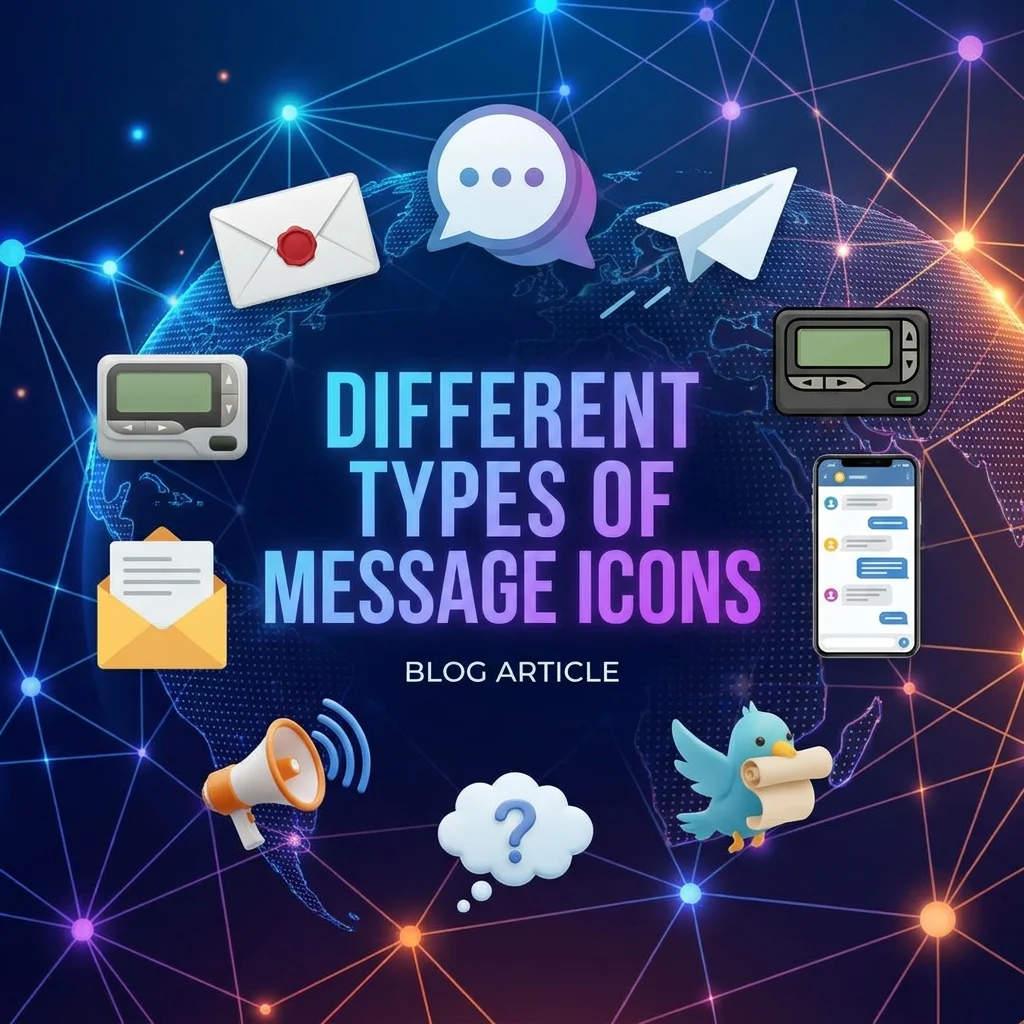
Not all message icons serve the same purpose. Depending on the context, a message icon might indicate different functions:
Icon TypeTypical MeaningCommon UseNew MessageCompose or create a new messageEmail clients, chat appsInboxView received messagesEmail, social mediaSentConfirm message was sentMessaging appsReplyRespond to a messageEmail, chatForwardSend to another recipientEmail, messagingUnreadIndicate new or unread messagesNotification badgesDraftsSaved but unsent messagesEmail clientsArchiveStored messagesEmail, messaging
How to Choose the Right Message Icon for Your Project
Selecting the right message icon depends on your project’s needs:
Style Considerations
- Outline vs. Filled: Outline icons look modern and minimal; filled icons are bolder and more visible at small sizes
- Color: Choose colors that match your brand palette and provide sufficient contrast
- Line Weight: Thicker lines are more legible at small sizes; thinner lines look more elegant at larger sizes
- Rounded vs. Sharp Corners: Rounded corners feel friendly and approachable; sharp corners feel professional and precise
License Requirements
Before using any icon, check its license:
LicenseAttribution RequiredCommercial UseMIT LicenseNoYesApache 2.0NoYesCC BY 4.0YesYesSIL OFL 1.1SometimesYesCreative CommonsUsuallyDepends
File Format Considerations
Most icon libraries provide:
- SVG: Scalable, editable, works at any size — best for web use
- PNG: Raster format, choose the right resolution (256px, 512px, 1024px, or 2048px)
- WebP: Modern format with good compression
- ICO: Windows icon format
How to Use a Message Icon in Your Code
Most icon libraries provide ready-to-use code snippets. Here are common implementation methods:
HTML
html
<img src=”icon-url.svg” alt=”Message icon” width=”24″ height=”24″>
React JSX
jsx
import { MessageIcon } from ‘icon-library’; function App() { return <MessageIcon size={24} color=”#333″ />; }
CSS Background
css
.icon-message { background-image: url(‘icon-url.svg’); background-size: contain; background-repeat: no-repeat; width: 24px; height: 24px; display: inline-block; }
Vue Template
vue
<template> <img src=”icon-url.svg” alt=”Message icon” :width=”24″ :height=”24″ /> </template>
Direct SVG Markup
html
<svg viewBox=”0 0 24 24″ width=”24″ height=”24″ fill=”currentColor”> <path d=”M12 2C6.48 2 2 6.04 2 11c0 2.93 1.52 5.57 4 7.35V22l4.65-2.18C11.74 20.05 12.87 20 14 20c5.52 0 10-4.04 10-9S17.52 2 12 2z”/> </svg>
Best Practices for Using Message Icons
Accessibility Guidelines
- Always include alt text for screen readers
- Ensure sufficient contrast between the icon and background
- Provide text labels alongside icons when possible
- Avoid using icons as the only way to convey important information
Design Guidelines
- Keep icons consistent across your platform
- Use appropriate sizes for different contexts
- Consider touch targets for mobile interfaces (minimum 44x44px)
- Test icons at different sizes to ensure legibility
The Future of Message Icons
As digital communication continues to evolve, so do message icons. Here are some trends to watch:
Animated Icons: Motion adds another layer of communication. An animated message icon might pulse when there’s a new notification.
3D Icons: With AR and VR on the rise, three-dimensional message icons are becoming more common.
Customization: Platforms increasingly allow users to customize icon appearance, including color and style.
AI-Generated Icons: AI tools can now generate custom icons based on text descriptions.
Accessibility-First Design: Icons are being designed with accessibility as a primary consideration from the start.
Frequently Asked Questions About Message Icons
Is the message icon free for commercial use?
Yes, many message icons are free for commercial use. Collections like Font Awesome (CC BY 4.0/SIL OFL 1.1/MIT), Material Icons (Apache 2.0), and Vivid Icons (MIT) all allow commercial use. Check individual license terms for attribution requirements.
What file formats are available for message icons?
Most icon libraries offer SVG (scalable vector graphics) and PNG at various resolutions (256px, 512px, 1024px, 2048px). SVG is generally recommended for web use because it scales perfectly at any size.
Can I change the color of a message icon?
Yes, most SVG icons can be recolored. Many icon libraries provide a color picker on their download pages. For SVG markup, you can edit the fill attribute directly or use CSS to style it.
What is the difference between a message icon and a chat icon?
While often used interchangeably, a message icon typically represents general text-based communication (including email), while a chat icon often specifically represents real-time conversations like those in messaging apps or live chat.
How do I add a message icon to my website?
You can use an <img> tag with the SVG URL, copy the SVG markup directly into your HTML, use CSS with a background image, or use an icon library’s JavaScript component. Most icon libraries provide copy-paste code snippets.
What size should a message icon be?
For web use, common sizes include 16px, 24px, 32px, 48px, and 64px. For mobile interfaces, touch targets should be at least 44x44px. Choose a size that’s appropriate for your context and legible at that size.
Do I need attribution for using free message icons?
It depends on the license. MIT and Apache 2.0 licenses typically don’t require attribution. CC BY 4.0 requires attribution. Always check the license terms of the specific icon collection you’re using.
Can I modify a message icon?
In most cases, yes. Open-source licenses generally allow modification. However, some licenses may have restrictions. Always check the specific license terms.
What is the most recognized message icon design?
The speech bubble is perhaps the most universally recognized message icon design. It’s used across platforms including WhatsApp, Facebook Messenger, and many other messaging apps. The envelope is also widely recognized for email.
Conclusion: The Universal Language of Digital Communication
The message icon has become one of the most recognized symbols in digital design. Whether it appears as a simple speech bubble on a smartphone app or a detailed illustration on a website, this icon serves as a universal shortcut for communication.
By understanding the different styles, licenses, and implementation methods available, you can confidently choose and use message icons in your projects. Whether you’re a developer building a messaging app, a designer creating a user interface, or a content creator making social media graphics, message icons help you communicate clearly and intuitively.
The best part? Many high-quality message icons are completely free for personal and commercial use, thanks to generous open-source libraries and icon collections. So go ahead — find the perfect message icon for your project and start connecting with your users.

Amelia Brooks is a passionate writer specializing in text meanings, slang, and digital communication trends. She simplifies modern messaging to help readers understand every text with ease.