If you’re searching for a “Snap message board,” you might be looking for one of two very different things. The term can refer to a new public chat feature inside the Snapchat app, or it can refer to a message board about the Snap! programming language. This guide covers both in detail so you can find exactly what you’re looking for.
What Is a Snapchat Topic Chat?

Snapchat recently introduced a feature called “Topic Chats” — which is exactly what many people mean when they talk about a snap message board. This is a major shift for Snapchat, which has always been known for private, disappearing messages. After years of focusing on private conversations, Snapchat is now embracing public discussions with this new feature.
Topic Chats are large public group chats organized around specific subjects like sports, TV shows, music, gaming, or trending events. They let users have public conversations about shared interests while keeping their personal identity private. According to Snapchat, the feature was inspired after they saw how their community interacts in public comments on Spotlight videos.
How Topic Chats Work
Public but private profiles: You can post using your display name, but others cannot tap on your profile, send you friend requests, or DM you from the chat. Unlike usernames, display names can’t be used to search for someone.
Message retention: Unlike regular Snaps that disappear, messages in Topic Chats are stored for up to five years. This is a significant departure from Snapchat’s traditional ephemeral messaging.
Moderation: Snapchat uses AI, LLM technology, and human review teams to monitor conversations and enforce community guidelines. The company says it will take action against users who violate policies, including warnings and blocking accounts.
Where to Find and Join Topic Chats
- Look for the “Topics” shortcut at the top of your Chat feed
- Tap the yellow “Join the Chat” button on Stories or Spotlight videos
- Browse by category (Sports, TV, Music, Games, etc.) in the Topics tab
- Rollout is currently in the US, Canada, and New Zealand
Privacy and Visibility
- Friends can see which Topic Chats you’ve joined, and you can see theirs
- Topic Chats on profiles are only visible to friends
- Your Snapchat username is not shown in the chat, and others cannot add you as a friend from there
- Profiles remain private to non-friends, preventing unwanted friend requests or direct messages
How to Interact
- Send text messages and emojis
- Hold a message and tap “Snap” to share it as a Snap
- Share a chat link with friends by tapping the three-dot menu and selecting “Invite Friends”
- Mute notifications or quietly leave at any time
Who Can See Your Activity?
Your friends can see which Topic Chats you’re in, and you can see theirs too. If someone clicks on your profile, they’ll see the Topic Chats you’ve joined — but only if they’re your friend. If they’re not your friend, they can’t see anything.
What Is the Snap! Forum?
If you’re in the programming world, “snap message board” might refer to the Snap! Forum — a community board for the Snap! visual programming language. This is a completely different kind of message board.
Snap! Forum Overview
The Snap! Forum is a community where users discuss projects, ask coding questions, and share creations made with the Snap! programming language. Snap! was deeply inspired by Scratch and is named after Alonzo Church, one of the founders of computer science.
Main categories on the Snap! Forum include:
CategoryWhat It’s ForHelp with Snap!Ask questions about using the Snap! editorShare your ProjectsShow off your work and get feedbackBug reportsReport issues with the Snap! editor or siteRequests to the CommunityFind collaborators or get help with ideas
Forum Etiquette Tips
- Search before asking a question — someone may have already answered it
- Stay on topic. Use [details=offtopic] for off-topic replies
- Don’t necropost (reply to very old threads unless you have something valuable to add)
- New users may have posts approved by a human moderator before they appear
- New users also cannot upload images until they reach a higher trust level
- Be respectful and helpful
Coding Tips for Snap! Users
If you’re coming from Scratch, you can adjust settings to make Snap! look more familiar:
- Choose Settings > Looks, then check “Bright Theme” and “Flat Design”
- Enable “Single Palette” option if you prefer Scratch’s layout
- Use “Visible stepping” to slow down code execution and debug issues
The design philosophy of Snap! is to provide a small set of versatile programming capabilities, allowing users to create their own procedures (blocks).
Snapchat Topic Chats vs. Snap! Forum: Key Differences
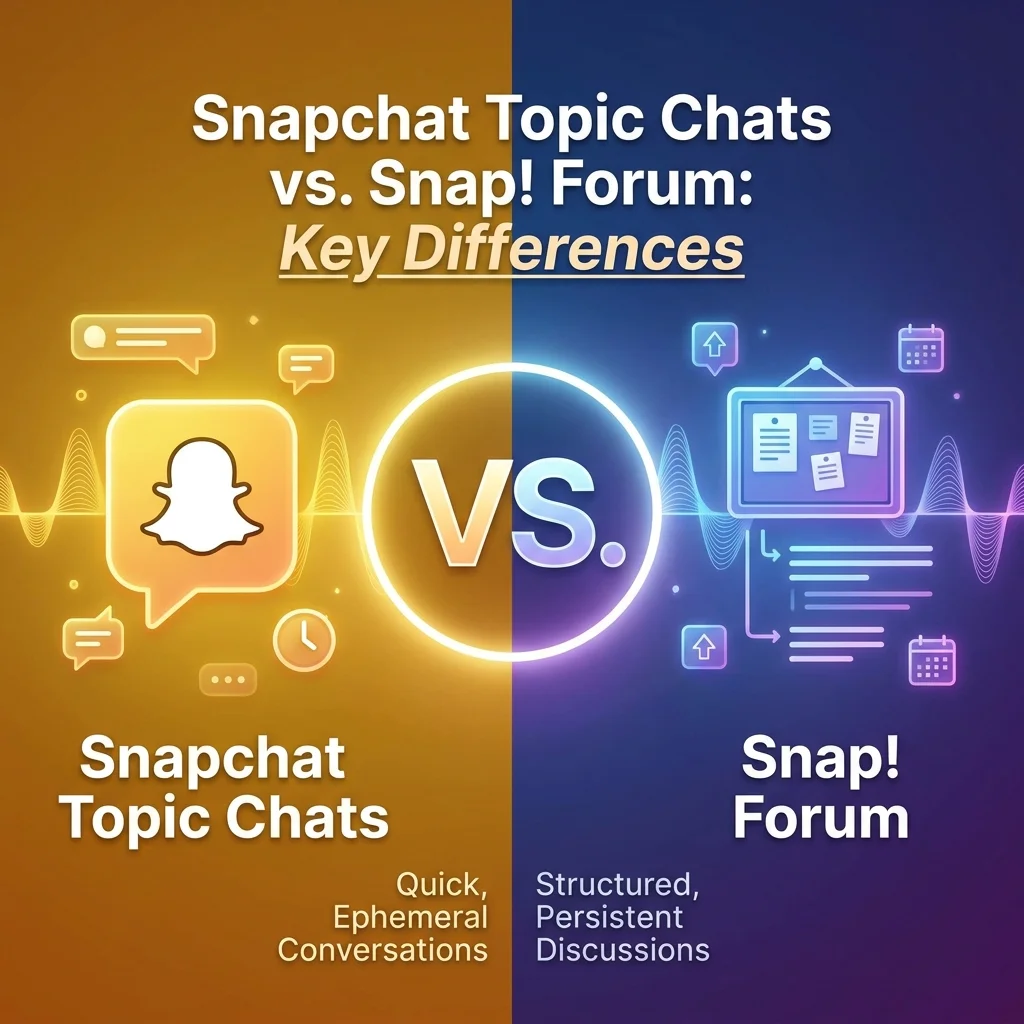
FeatureSnapchat Topic ChatsSnap! ForumPlatformSnapchat appWeb-based forumPurposeSocial conversations about interestsProgramming help and project sharingAudienceGeneral Snapchat usersProgrammers and codersMessagesStored for 5 yearsPermanent forum postsIdentityDisplay name only, username hiddenUsername visibleModerationAI and human moderatorsHuman moderatorsAccessThrough Snapchat appThrough web browser
How to Make the Most of Snapchat Topic Chats
If you’re new to Topic Chats, here are some tips to get started:
Find Your Interests: Browse the Topics tab to find chats about things you love. Whether it’s sports, music, gaming, or TV shows, there’s likely a chat for it.
Join the Conversation: Don’t be shy — Topic Chats are designed for public discussion. Share your thoughts, ask questions, and engage with others.
Stay Respectful: Remember that these are public spaces. Treat others with respect and follow Snapchat’s community guidelines.
Use Emojis and Snaps: Make your messages more engaging by using emojis or sharing a Snap directly from the chat.
Invite Friends: If you find a great Topic Chat, tap the three-dot menu and select “Invite Friends” to bring others in.
How to Make the Most of the Snap! Forum
For programmers using the Snap! Forum:
Read Before Posting: Check if your question has already been answered. Search the forum before starting a new thread.
Be Specific: When asking for help, provide details about what you’re trying to do and what’s not working.
Share Your Work: Don’t be afraid to share your projects — the community is supportive and offers constructive feedback.
Report Bugs: If you find an issue with the Snap! editor, report it in the Bug reports category.
Help Others: Answer questions if you can. The forum thrives on community support.
Frequently Asked Questions About Snap Message Boards
What is a snap message board?
A snap message board can refer to two things: Snapchat’s Topic Chats (public group chats about specific interests) or the Snap! Forum (a community board for the Snap! programming language). The term depends on context.
What is a Snapchat Topic Chat?
A Topic Chat is a large public group chat on Snapchat organized around specific subjects like sports, music, or gaming. They let users discuss trending topics while keeping their profiles private from strangers.
How do I join a Topic Chat on Snapchat?
Look for the “Topics” shortcut in your Chat feed, or tap the yellow “Join the Chat” button that appears on Stories and Spotlight videos. You can also browse by category.
Can people see my profile in a Topic Chat?
Your display name is visible, but others cannot tap on your profile, send you friend requests, or DM you from the chat. Your actual username stays hidden.
How long do messages stay in Topic Chats?
Unlike regular Snaps that disappear, messages in Topic Chats are stored for up to five years.
What is the Snap! Forum?
The Snap! Forum is a community message board for users of the Snap! visual programming language. It’s where people ask coding questions, share projects, and report bugs.
Are Topic Chats available everywhere?
Currently, Topic Chats are rolling out in the US, Canada, and New Zealand. More regions may follow.
What happens if I break the rules in a Topic Chat?
Snapchat uses AI and human moderators to enforce community guidelines. Violations can result in warnings, restrictions, or account bans.
Is Snap! free to use?
Yes, Snap! is licensed under the GNU Affero General Public License (AGPL), which is designed to keep the software free.
Can I leave a Topic Chat?
Yes, you can quietly leave a Topic Chat at any time without notifying other members.
Do I need to be friends with someone to see their Topic Chats?
No, but you do need to be friends to see which Topic Chats someone has joined. Non-friends cannot see this information.
Conclusion
“Snap message board” can mean two very different things depending on context. If you’re a Snapchat user, it likely refers to the new Topic Chats feature — public group conversations about shared interests that keep your identity private. If you’re a programmer, it might mean the Snap! Forum, a community for discussing the Snap! programming language.
Quick summary:
- Snapchat Topic Chat: Public group chat in the Snapchat app about specific interests. Private profiles. Messages stored for 5 years.
- Snap! Forum: Online community board for the Snap! programming language where users share projects and ask for help.
Both serve as community message boards but in completely different contexts — one for social media users, one for programmers. Choose the one that matches your needs and start connecting with others who share your interests.

Amelia Brooks is a passionate writer specializing in text meanings, slang, and digital communication trends. She simplifies modern messaging to help readers understand every text with ease.