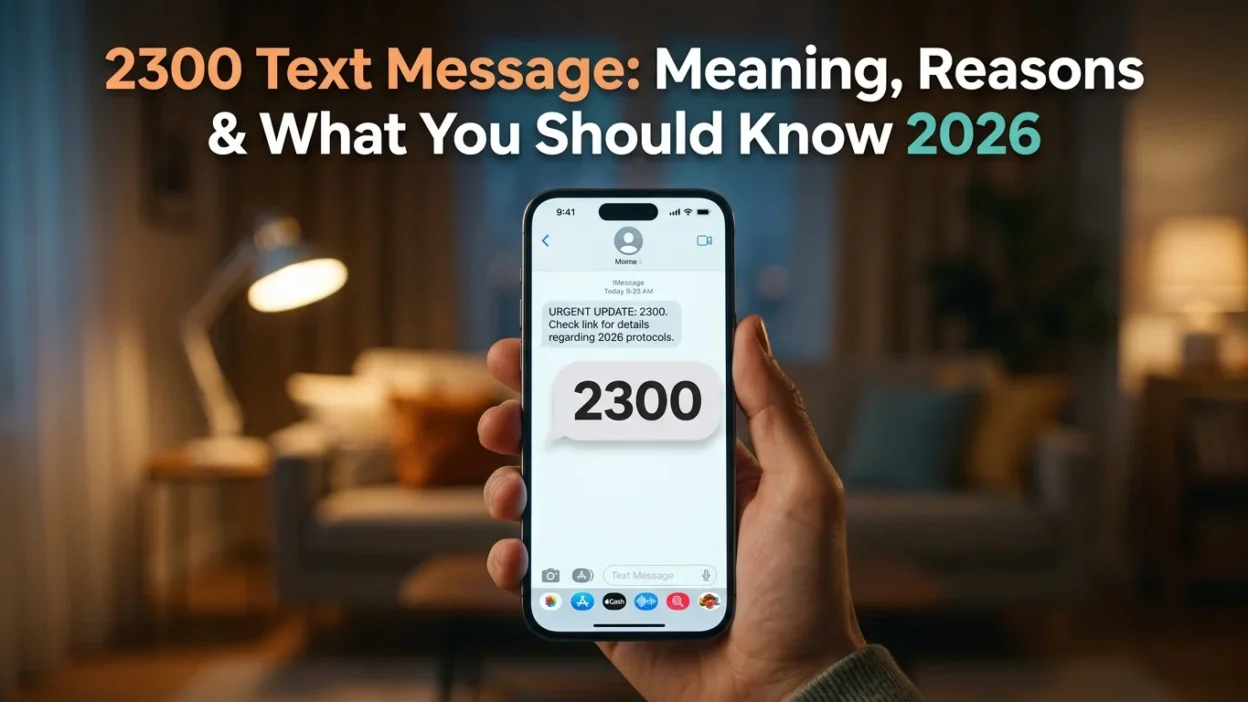
Have you ever examined your T-Mobile phone bill and noticed a string of mysterious entries for a 2300 text message? Perhaps you saw “incoming text from 2300” listed multiple times, but when you checked your phone, there was no actual message to read. This confusion is understandable, as the number 2300 doesn’t appear to be a typical phone number or marketing short code.
The 2300 text message is a legitimate internal system code used by T-Mobile for routing Multimedia Messaging Service (MMS) traffic . Unlike regular texts from friends or businesses, this is a behind-the-scenes communication that records specific network activities on your account. This guide explains everything you need to know about the 2300 short code, why it appears on your bill, and how to handle it safely.
📌 What Does the 2300 Text Message Represent?
The 2300 short code is classified as a carrier-specific system code. Unlike typical 5- or 6-digit short codes that businesses use for marketing or verification, this 4-digit code is an internal logging mechanism used by T-Mobile . When you see a 2300 text message on your usage log, the system is simply documenting that a network event occurred.
This is not a message that someone sent to you, nor is it something you can read in your messaging app. Instead, it functions as a technical marker showing that your phone communicated with T-Mobile’s network to process certain types of messages . The phone does not show the short code because it receives the real important stuff—your actual messages and media .
📸 The Primary Purpose: MMS Routing
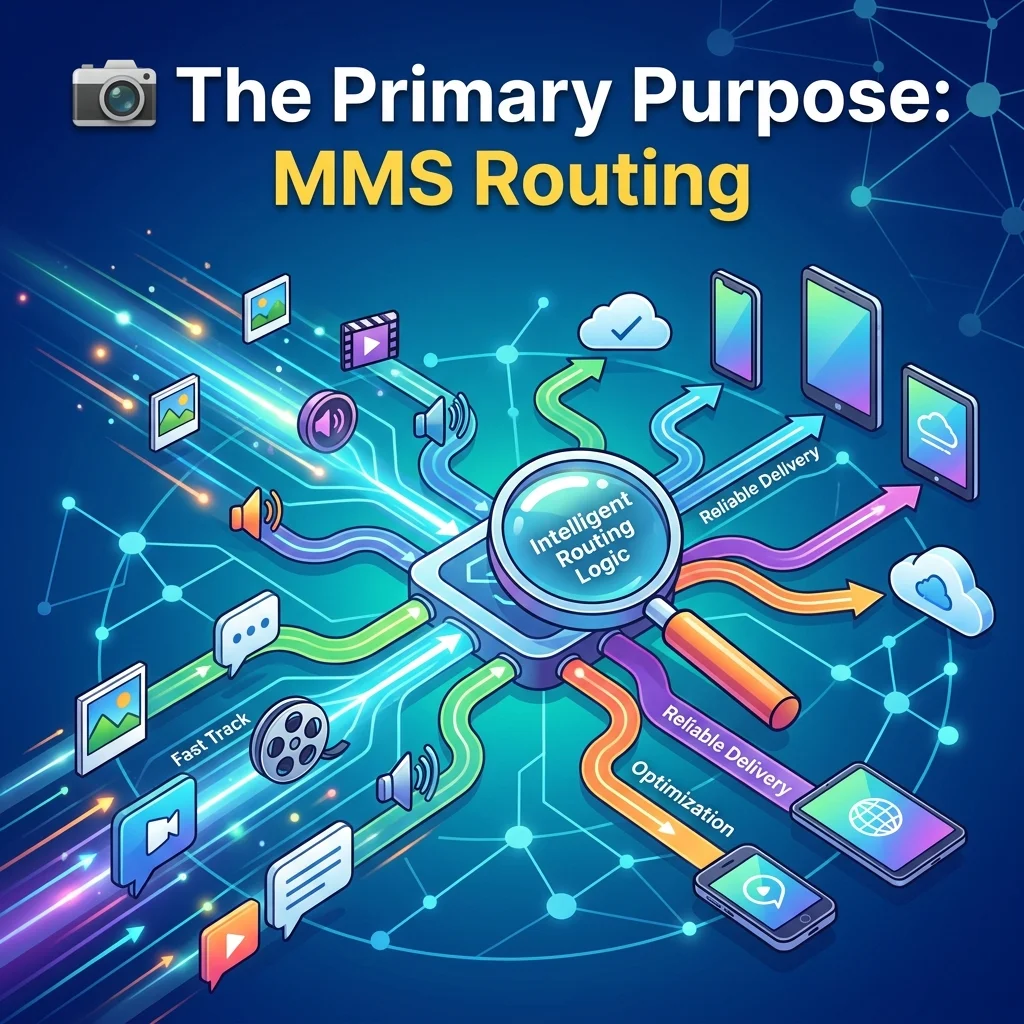
The most common reason for the 2300 text message log entry is MMS routing . According to T-Mobile representatives, “the 2300 code is used for Multimedia Messaging routing (think picture and group messages)” . These codes are used on the system side of things to deliver and confirm delivery of your important data, so it shows on the bill as a stamp .
The Multimedia Messaging Service Center (MMSC) handles all media-rich messages, including:
- Picture Messages: Every time you send or receive a photo.
- Video Messages: Short video clips shared via text.
- Group Text Messages: Group chats are automatically handled as MMS.
- GIFs and Animations: Animated images shared in conversations.
When you send or receive these media-rich messages, the carrier’s system processes them through the MMSC. The 2300 log is a technical entry created during this routing process . This explains why users who frequently send pictures or participate in active group chats may see multiple entries for 2300 on their bills.
🎯 Message Blocking and Delivery Confirmations
The 2300 short code also relates to message blocking notifications. In some cases, users receive a “2300: Message Blocking is On” error when trying to send certain messages . This typically indicates that:
- MMS is restricted: The line may not be fully set up for SMS/MMS after a plan change.
- A blocked number is still trying to contact you: Carriers send 2300 notifications when a number you’ve blocked attempts to text you .
- Messaging settings are preventing delivery: Group texts sent as MMS may fail if MMS is disabled.
Furthermore, 2300 can appear for other system-level confirmations like read receipts and delivery confirmations. The code can show multiple times because the message takes a couple attempts to get through to the phone .
🔧 Device Synchronization and System Alerts
The 2300 short code also plays a role in device synchronization. If your phone number is linked to a separate device like a tablet, hotspot, or smartwatch, the network sends internal synchronization signals. These signals keep your primary and secondary devices in communication.
In some cases, 2300 can appear for other system alerts including:
- Visual Voicemail Sync Issues: Carriers use short codes to manage voicemail syncing .
- Account Updates: Billing or service notifications.
- Spam Filtering: Carrier-level spam detection notifications.
🔒 Is the 2300 Text Message a Scam?
Generally speaking, the 2300 short code is not a scam. It is a verified, internal code that T-Mobile uses for network functions . The code is not used by brands or marketing campaigns but is a carrier-only system code .
However, there are important distinctions to understand. While the 2300 short code itself is legitimate, some users have reported seeing charges alongside 2300 entries due to a system called Direct Carrier Billing (DCB) . DCB allows third-party services to add charges directly to your T-Mobile bill without requiring a credit card. If you see charges alongside 2300, check for:
- Small, recurring charges in the “Other Charges” or “Premium Services” section.
- Unrecognized merchants listed on your bill.
- Contest or subscription entries you don’t remember signing up for.
If you find such charges, contact T-Mobile customer service to block all third-party charges on your account.
⚠️ The Mauritius Label Explained
If your usage log shows the entry as “2300 Mauritius,” this can be particularly confusing . The “Mauritius” label is a technical artifact—a stray piece of metadata from the carrier’s internal system. It signifies the geographic location of a server gateway that T-Mobile utilizes as part of its global network to route and process MMS traffic efficiently. It reflects a step in the message’s journey, not its origin or destination .
🔍 How to Fix 2300 Message Blocking Issues
If you are experiencing a “2300: Message Blocking is On” error, especially when trying to send group texts, here are the steps to resolve it :
Check Message Settings
Open your Messages app. Navigate to Settings > Advanced. Ensure that MMS messages are ON and group messaging is set to “Send as MMS.”
Check Your Block List
Review your blocked numbers list to ensure no numbers are blocked that shouldn’t be. If a blocked number is still attempting to contact you, the carrier sends a 2300 notification .
Disable Spam Protection Temporarily
Apps like TrueCaller or Hiya may block legitimate carrier shortcodes by accident. Temporarily disable spam protection in your messaging settings. On iPhone: Settings → Messages → Filter Unknown Senders → turn OFF. On Android: Messages → Settings → Spam Protection → turn OFF .
Reset Visual Voicemail
Turn Visual Voicemail off, restart your phone, then turn it back on. This can resolve synchronization issues .
Contact T-Mobile Support
If problems persist, contact T-Mobile customer support. Ask them to check if shortcode messaging is restricted on your line or if there are any account issues causing the message blocking .
❌ Common Mistakes About 2300 Text Messages
Many people misunderstand the nature of the 2300 short code, leading to unnecessary concern or confusion.
Mistake 1: Assuming It’s a Scam
Some users see a 2300 entry on their bill and assume it is spam. However, this is simply a system record of network activity. There is no actual message to read or respond to .
Mistake 2: Trying to Reply to 2300
Because 2300 is a system utility address, it does not accept replies. Sending a message to this number will not reach anyone and will not resolve anything.
Mistake 3: Blocking the 2300 Short Code
Blocking the 2300 short code is strongly discouraged. It prevents you from seeing important delivery notifications and system alerts . Instead of blocking the code, address any underlying issues through troubleshooting or contacting support .
Mistake 4: Confusing System Code with Error Code
Some users confuse the short code 2300 with error messages that say “2300: Message Blocking is On.” While related, they represent different things—one is a system log entry, the other is a notification that messages are being blocked .
📋 What If Your Bill Shows 2300 Text Messages?
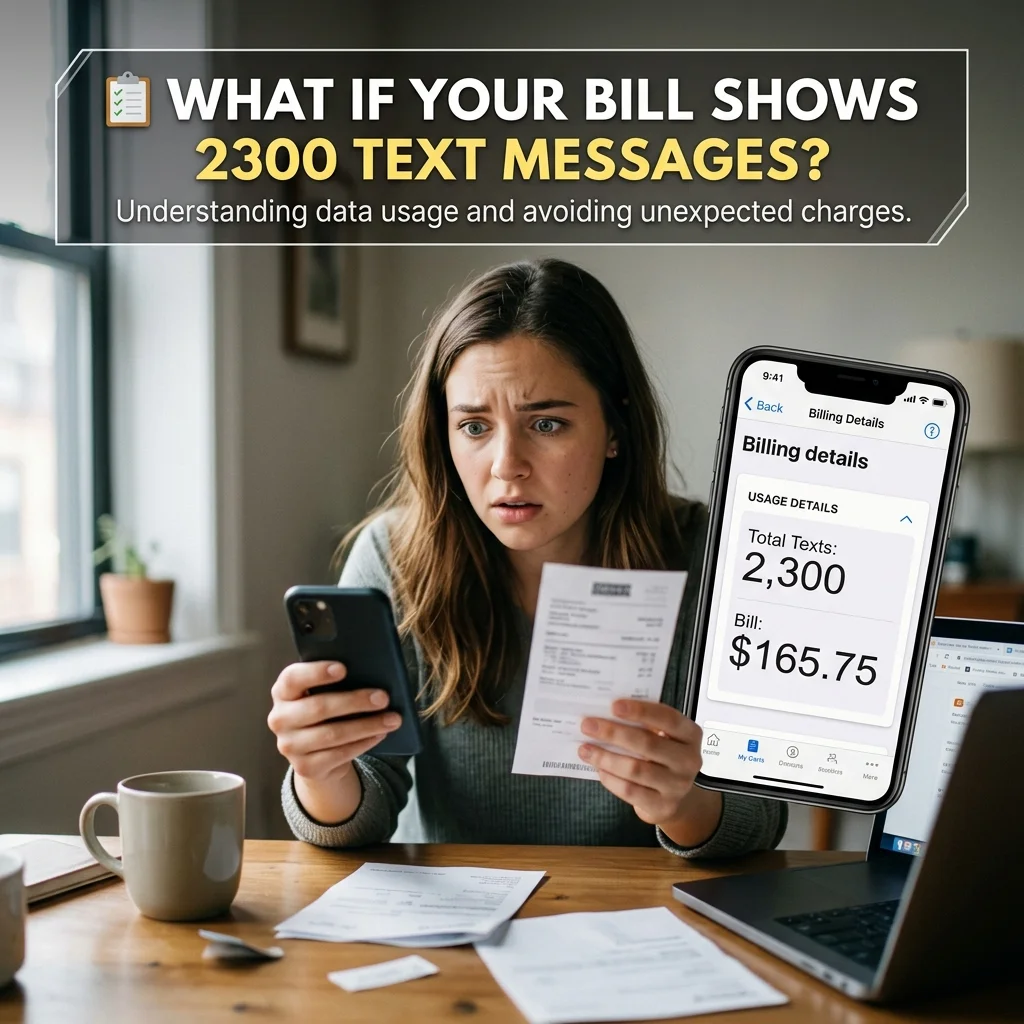
If you see entries for 2300 text messages on your T-Mobile bill, this is perfectly normal. Here is what you should understand:
- No Action Required: These entries do not indicate a problem with your account. They are simply records of system events.
- No Additional Charges: System-level messages do not incur additional charges. They are part of normal network operations.
- Not a Scam Indicator: The presence of these entries does not mean your phone is compromised.
- High Activity Indicator: If you see many entries, it simply means you are actively using MMS features like picture messaging or group chats .
❓ Frequently Asked Questions
What does 2300 mean on my T-Mobile bill?
When 2300 appears on your bill, it indicates a record of MMS routing activity. This happens when you send or receive picture messages, video messages, or group texts .
Is 2300 a legitimate T-Mobile code?
Yes, T-Mobile uses 2300 as an internal system code for MMS routing. It is a legitimate system identifier used for network functions .
Can I text STOP to 2300?
No, you cannot use STOP commands with the 2300 short code. Unlike marketing short codes, 2300 is a system utility address .
Am I charged for texts from 2300?
You are not charged for system-level messages from 2300. Carriers do not bill customers for automated configuration texts required for their services to function .
Why do I see so many 2300 entries on my bill?
The number of 2300 entries corresponds to your MMS activity. If you are in an active group chat or frequently send picture messages, you will see more entries . The code can also appear multiple times because the message takes a couple attempts to get through .
Can I block the 2300 short code?
Blocking 2300 is strongly discouraged, as it could interfere with your messaging services. It prevents you from seeing important system alerts and delivery notifications .
What does “2300 Mauritius” mean on my bill?
The “Mauritius” label is a technical artifact. It indicates the geographic location of a server gateway that T-Mobile uses to route MMS traffic. Your messages are not originating from Mauritius .
What should I do if I get a “2300: Message Blocking is On” error?
Check your Messages settings to ensure MMS is enabled. Review your blocked numbers list. Restart your phone. If the issue persists, contact T-Mobile support .
✅ Conclusion
The 2300 text message is a legitimate, internal system code that T-Mobile uses for important network functions. It primarily serves to log MMS routing activity, which includes picture messages, video messages, and group texts. While the code itself is safe and not a scam, it appears on your bill because the system records these background activities for tracking purposes.
Understanding what the 2300 code represents will help you interpret your phone usage logs correctly. It is not something to fear, block, or respond to. However, if you see a “2300: Message Blocking is On” error, troubleshooting your messaging settings or contacting support can resolve the issue. When in doubt, check with T-Mobile directly through official channels. Your phone uses the 2300 code to keep your messaging services working properly, so you can confidently ignore these entries on your bill

Amelia Brooks is a passionate writer specializing in text meanings, slang, and digital communication trends. She simplifies modern messaging to help readers understand every text with ease.