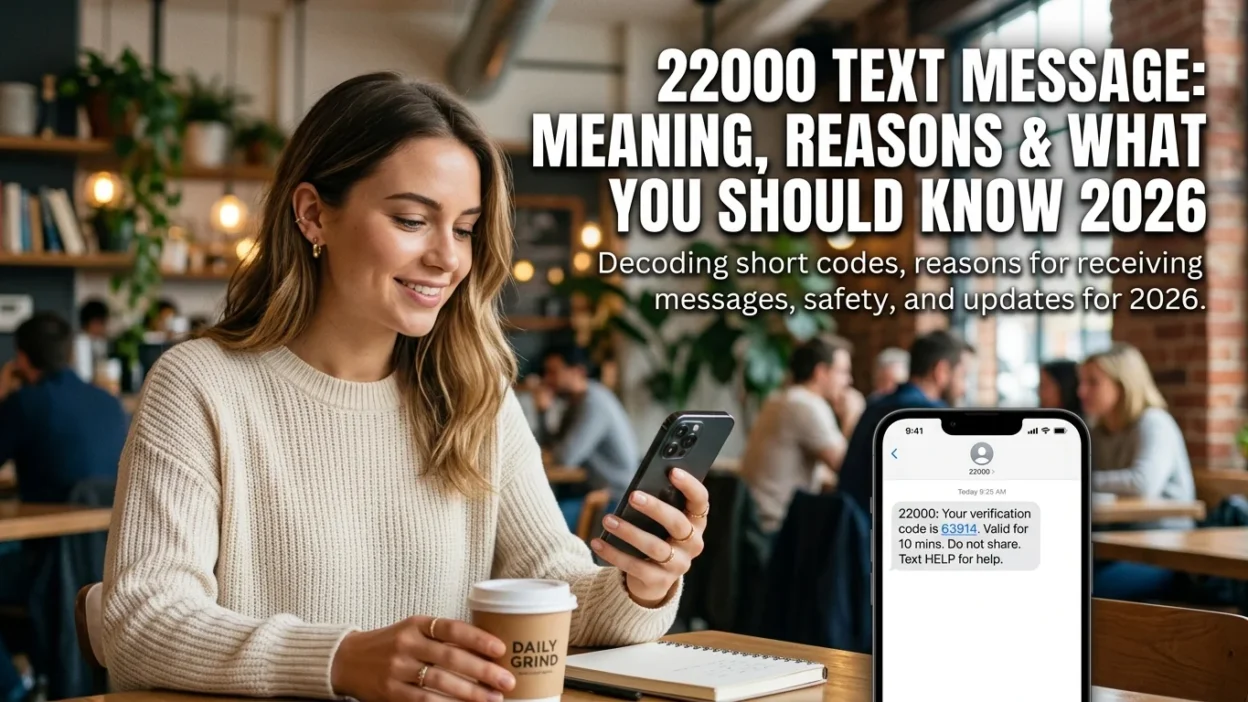
Have you ever received a text message from an unfamiliar 5-digit number and wondered where it came from? Short codes are commonly used by companies for two-factor authentication, alerts, and marketing. The 22000 text message is one such number, and its primary known association is with Google.
When you see 22000 appear on your phone, it is typically linked to the tech giant, as the number is listed as a Google short code in community-maintained directories of known SMS short codes. This means that any message you receive from this number usually relates to one of Google’s many services. However, it is always wise to be cautious. We’ll explore the legitimate uses of this short code, what to do if you receive an unexpected message from it, and how to spot potential scams.
📌 What Is the 22000 Text Message?
The number 22000 functions as a short code. Short codes are 5-6 digit phone numbers designed for high-volume, automated messaging. They are often easier to remember than standard 10-digit numbers and are used by businesses and organizations to send bulk texts to customers.
In the case of 22000, this number has been identified as a short code used by Google. This means when you get a text from this number, it likely originates from a Google service you use. Unlike typical 10-digit numbers that individuals use for personal communication, short codes like 22000 are dedicated to automated, high-volume messaging. This allows Google to send millions of messages efficiently, whether for account verification, security alerts, or promotional communications.
📧 How Does 22000 Compare to Other Short Codes?
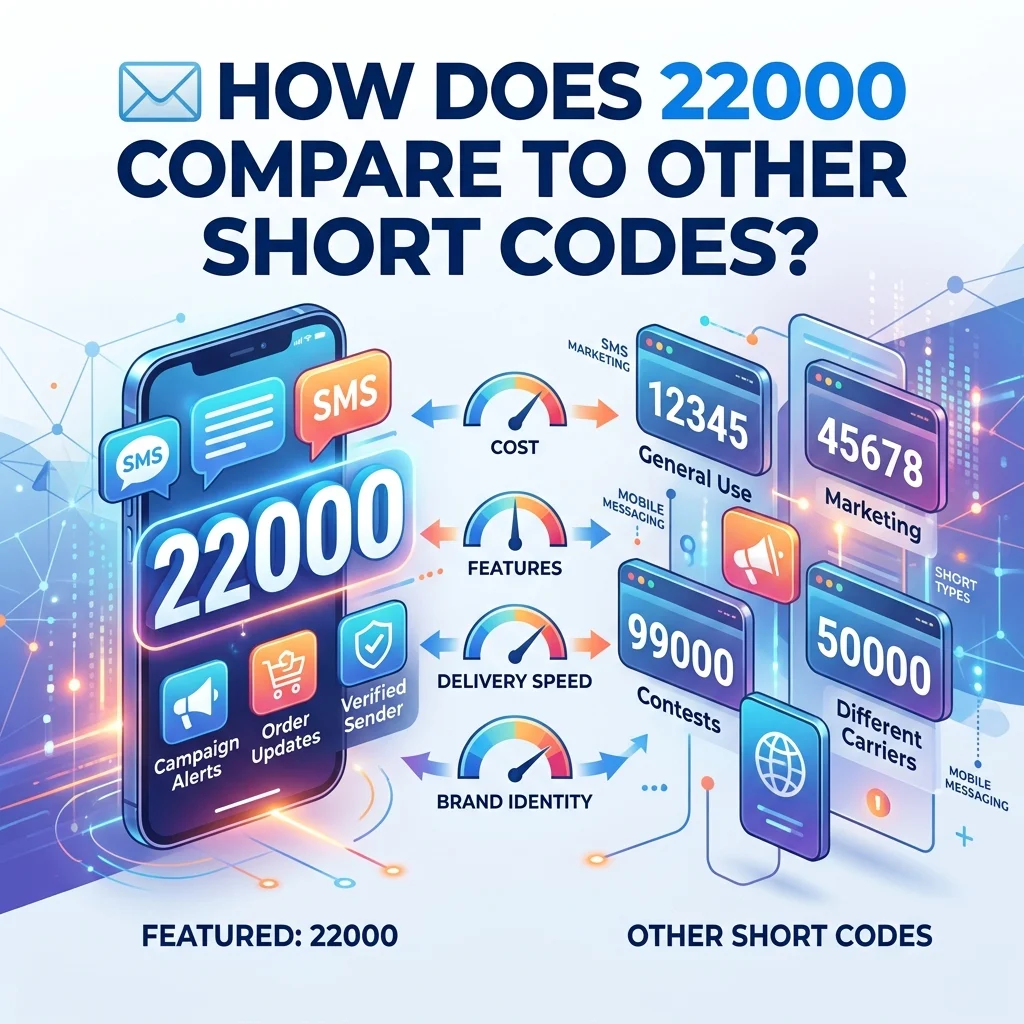
Understanding the difference between 22000 and other codes, especially internal T-Mobile codes, helps you interpret messages correctly. 22000 is an external short code used by Google for consumer communication. This is different from other T-Mobile system codes such as 128 (voicemail notifications), 2300 (MMS routing), or 462 (security alerts). Those are internal system codes that do not send a visible message and appear only on your bill for background processing. In contrast, a 22000 text message will be a visible text you can read and interact with.
Additionally, it’s helpful to distinguish between short codes like 22000 and premium-rate numbers. Short codes are typically used for standard messaging services, while premium-rate numbers often carry additional charges. Google’s 22000 short code is not a premium-rate number, meaning you won’t incur extra fees for receiving messages from it.
🔍 What Services Use the 22000 Short Code?
While Google’s specific use of 22000 isn’t always publicly detailed, the company uses short codes for several common, legitimate functions. It’s reasonable to expect that 22000 is used for similar purposes across various Google services.
Account Verification and Two-Factor Authentication
This is one of the most common uses for short codes. If you are signing up for a new Google service or performing a sensitive action, such as resetting your password, Google will send a verification code to your registered phone number. This two-factor authentication (2FA) code is a crucial security measure designed to protect your account from unauthorized access. When you receive a 22000 text with a 6-digit code, it typically means someone is trying to access or modify your Google account. If you initiated the action, entering the code completes the process. If you didn’t, someone else might be attempting to access your account.
Google Account Security Alerts
Google may also use short codes to send other types of account alerts. These could include:
- Security Alerts: Notifications about a suspicious login attempt from an unrecognized device or location.
- Billing Notifications: Information about your Google One storage subscription, or a payment for Google Workspace.
- Service Updates: Important changes to Google services you use.
Google Pay and Financial Services
For users of Google Pay or other Google financial services, short codes like 22000 might send transaction alerts, payment confirmations, or security notifications related to your financial activity.
🛡️ How to Tell If a 22000 Text Message Is a Scam
Even if a short code is known to be legitimate, scammers can exploit text messaging to trick you. This is why it’s essential to stay vigilant. Here are the signs of a potentially malicious message.
Red Flag 1: Unsolicited Message with a Link
If you receive a 22000 text message that you didn’t request, be especially wary if it asks you to click a link. Scammers often create fake “account alerts” that mimic official communications but contain phishing links. For example, a phishing text might look like “Google Alert: Your account was accessed from a new device. Click here to secure it.” These links often lead to convincing but fraudulent websites designed to steal your login credentials.
Red Flag 2: Request for Personal Information
A legitimate company will never ask you for sensitive personal information like your password, Social Security number, or banking details via text message. This is a key point to remember. If you receive a text asking for this information, it is a scam. Google will never ask for your password via text, and they already have your payment information on file, so they won’t ask for it again.
Red Flag 3: Sense of Urgency
Fraudulent messages often create a false sense of urgency. They may threaten to suspend your account or claim you will be charged if you don’t act immediately. This tactic is designed to make you act without thinking, bypassing your natural caution. Legitimate security alerts will inform you of an issue but won’t demand immediate action through a text message link.
Red Flag 4: Poor Grammar and Spelling
While not always present, many scam messages contain noticeable grammatical errors or awkward phrasing. Official communications from Google are typically well-written and professionally formatted. If the message seems off, trust your instincts.
✅ What to Do If You Receive a 22000 Text Message
If you receive a text from 22000, follow these steps to determine the appropriate action:
- Ask Yourself: Did You Request It? The most important question is whether you initiated an action that would trigger a verification code. Are you in the middle of setting up a new Google service, logging in, or resetting your password? If the answer is yes, entering the code on the Google website is the correct next step.
- Examine the Unexpected: If you did not request a code or notification, use caution. This could mean someone else is trying to access your account. Do not click any links or share any information.
- Check the Content Carefully: Read the message thoroughly. Does it contain a verification code? Does it ask you to take an action, like clicking a link? Is the grammar and spelling correct? A legitimate verification code message typically just contains the code and a brief explanation, without asking for further action.
- Never Share Verification Codes: This is critical. Never share a verification code with anyone, even if they claim to be from Google. Google will never ask you for your verification code via text, phone call, or email. These codes are like temporary passwords and should be treated with the same confidentiality.
- Secure Your Account If Suspicious: If you receive an unexpected verification code, log into your Google account directly by typing google.com into your browser (don’t click any links). Check your account activity and recent logins. If you see anything suspicious, change your password immediately.
- Report a Scam (if applicable): If you suspect you have received a phishing message, you can report it to T-Mobile by forwarding the text message to 7726 (which spells S-P-A-M). This helps T-Mobile identify and block scam campaigns. You can also report phishing to Google directly.
- Block the Number (Last Resort): If you continue to receive unwanted messages from 22000, you can block the short code through your phone’s messaging settings. However, remember that blocking the number means you may not receive legitimate verification codes in the future, which could lock you out of your account.
❌ Common Mistakes About the 22000 Text Message
Many people misunderstand the nature of the 22000 short code, leading to unnecessary concern or confusion.
Mistake 1: Assuming It’s Spam Immediately
While caution is good, not every message from 22000 is spam. If you recently created a new account or tried to log in to a Google service, the message is likely legitimate. Automatically deleting or ignoring all messages from 22000 could cause you to miss important security alerts or verification codes.
Mistake 2: Treating It Like a System Code
Unlike T-Mobile codes like 128 or 2300, 22000 is not a system code. It is a real number that sends visible messages. If you see a message from 22000, it is a communication you should read, not ignore. System codes appear only on your bill, while 22000 messages appear in your inbox.
Mistake 3: Sharing Verification Codes
This is perhaps the most dangerous mistake. Many people accidentally share verification codes with others who claim to be from “support.” Remember, these codes are like temporary passwords. They are for your eyes only, and you should never share them. Legitimate representatives will never ask for them.
Mistake 4: Clicking Links Without Verification
Clicking on links in unexpected text messages is risky, even if the sender appears legitimate. Instead of clicking, always open your browser and type the official website address directly. This ensures you’re visiting the genuine site and not a phishing page.
📋 Expert Tips for Staying Safe

Here are some expert-level tips for handling short code messages safely.
Enable Two-Factor Authentication Properly
Instead of relying solely on SMS verification, consider using authenticator apps like Google Authenticator. These apps generate time-based codes that are more secure than SMS, as they’re not vulnerable to SIM-swapping attacks. Google itself recommends this method for enhanced security.
Check Your Google Account’s Security Settings
Regularly review your Google account’s security settings. Check recent activity, connected devices, and third-party apps. This helps you identify any unauthorized access early. Google provides a comprehensive security checkup tool that guides you through these steps.
Use a Password Manager
Password managers can help you create and store strong, unique passwords for all your accounts. This reduces the risk of password reuse and makes it harder for attackers to access your accounts even if they obtain some of your credentials.
Keep Your Phone Number Updated
Ensure your phone number is current in all your important accounts. This ensures you receive verification codes when you need them and prevents unauthorized users from adding their own numbers.
❓ Frequently Asked Questions
What does 22000 mean on my phone?
When 22000 appears on your phone as a sender, it typically indicates a text message from Google. The purpose depends on the content of the message, but it is often a verification code for two-factor authentication or a security alert about your account.
Is 22000 a legitimate short code?
Yes, 22000 is listed as a legitimate short code used by Google. However, it is still wise to verify the content of any message you receive. Short codes can be spoofed, so always consider the context and content.
Is 22000 a T-Mobile short code?
No, 22000 is not one of T-Mobile’s internal system codes. It is an external short code used by Google. T-Mobile’s internal codes include numbers like 128, 2300, 462, and USSD codes like #MSG#. 22000 is for consumer-facing communications.
What should I do if I get a text from 22000 asking for personal information?
Do not respond. Never share personal or financial information via text message. This is a common phishing tactic. Report the message to T-Mobile by forwarding it to 7726 (SPAM) and delete it. Then, log into your Google account directly to check for any issues.
Is 22000 related to Google Voice?
While Google uses short codes, 22000 hasn’t been exclusively identified as a Google Voice code. However, if you’re signing up for or using Google Voice, you might receive verification texts from Google, potentially via 22000. The same safety rules apply regardless of the specific service.
Can I text STOP to 22000?
If you are receiving promotional messages, you can try replying with “STOP”. However, this may not work for verification codes or critical security alerts. These are transactional messages and are typically exempt from opt-out requests. If you continue receiving unwanted texts, you can block the number on your phone.
How do I stop receiving texts from 22000?
If the messages are promotional, reply with “STOP”. If they are not promotional or the STOP command doesn’t work, you can block the number 22000 in your phone’s settings. Be aware that this will prevent future verification codes from reaching you.
Can scammers spoof the 22000 number?
Yes, scammers can spoof any number, including short codes like 22000. This means even if a message appears to come from 22000, it could be a scam. Always verify the content and never share codes or personal information.
How do I verify if a message from 22000 is genuine?
The safest way to verify is to open your browser and go directly to the Google website. Log into your account and check for notifications there. If there’s a real security issue, you’ll see it in your account dashboard. Don’t use links from the text message.
✅ Conclusion
The 22000 text message is primarily known as a short code used by Google. It serves legitimate purposes like account verification, two-factor authentication, and security alerts. However, it’s also important to recognize that scammers can exploit any communication channel. Always be cautious with unexpected messages, never share verification codes, and avoid clicking on suspicious links. By staying informed and following the safety steps outlined above, you can confidently handle messages from 22000 and keep your Google account secure. Remember, when in doubt, go directly to the official Google website rather than relying on text message links.

Amelia Brooks is a passionate writer specializing in text meanings, slang, and digital communication trends. She simplifies modern messaging to help readers understand every text with ease.