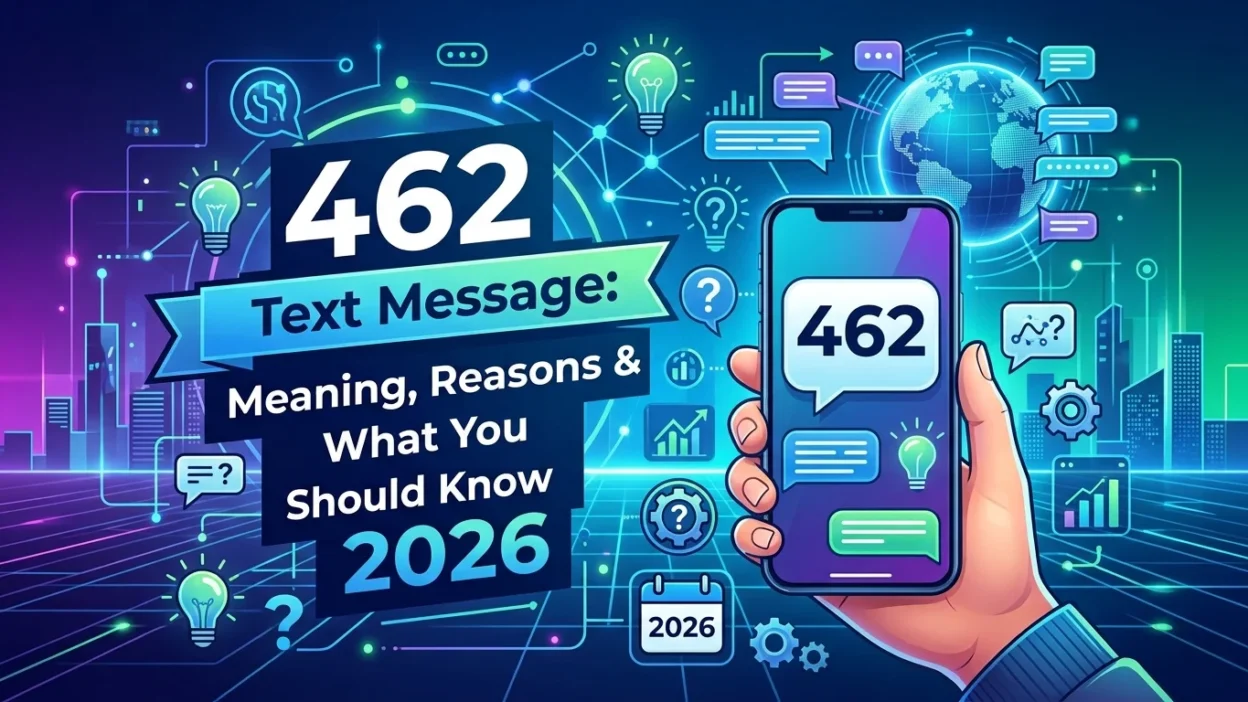
Your phone buzzes with a new message from a short, three-digit number: 462. Your first instinct might be to question its legitimacy. After all, who sends texts from a three-digit code? In this case, your caution is entirely justified.
🔐 A 462 text message presents a unique situation. On one hand, it is a legitimate number that a major mobile carrier uses for official security alerts. On the other hand, it has become a favorite tool for scammers trying to steal your personal information. Consequently, this guide will explain who uses this code, how fraudsters exploit it, and the critical steps you must take to protect your account.
📌 The Official Sender: Who Uses the 462 Short Code?
First, it’s important to understand that the number itself is real. Specifically, in the United States, the 462 short code is an official communication channel for T-Mobile .
T-Mobile’s own support documentation confirms that 462 is one of several designated short codes the company uses to send official alerts to its subscribers . This means when you see a message from 462, it is genuinely coming from T-Mobile’s systems.
🔒 The Purpose: Security and Verification
Unlike promotional texts that offer deals, a 462 text message is almost always a system-generated security alert. Therefore, T-Mobile uses this code to send important, non-marketing information . These messages typically include:
- Two-Factor Authentication (2FA) Codes: When you log into your T-Mobile account online, a code arrives from 462 to verify your identity .
- Password Reset Confirmations: If you or someone else attempts to reset your account password, a confirmation code will come from this number .
- General Security Warnings: The message may include a reminder such as, “For your security never share your verification code. T-Mobile will never contact you to ask for your code” .
Because these are official alerts, many T-Mobile customers recognize the number. Unfortunately, scammers are counting on this recognition to carry out their schemes.
🚨 The Scam: How Fraudsters Exploit the 462 Text Message
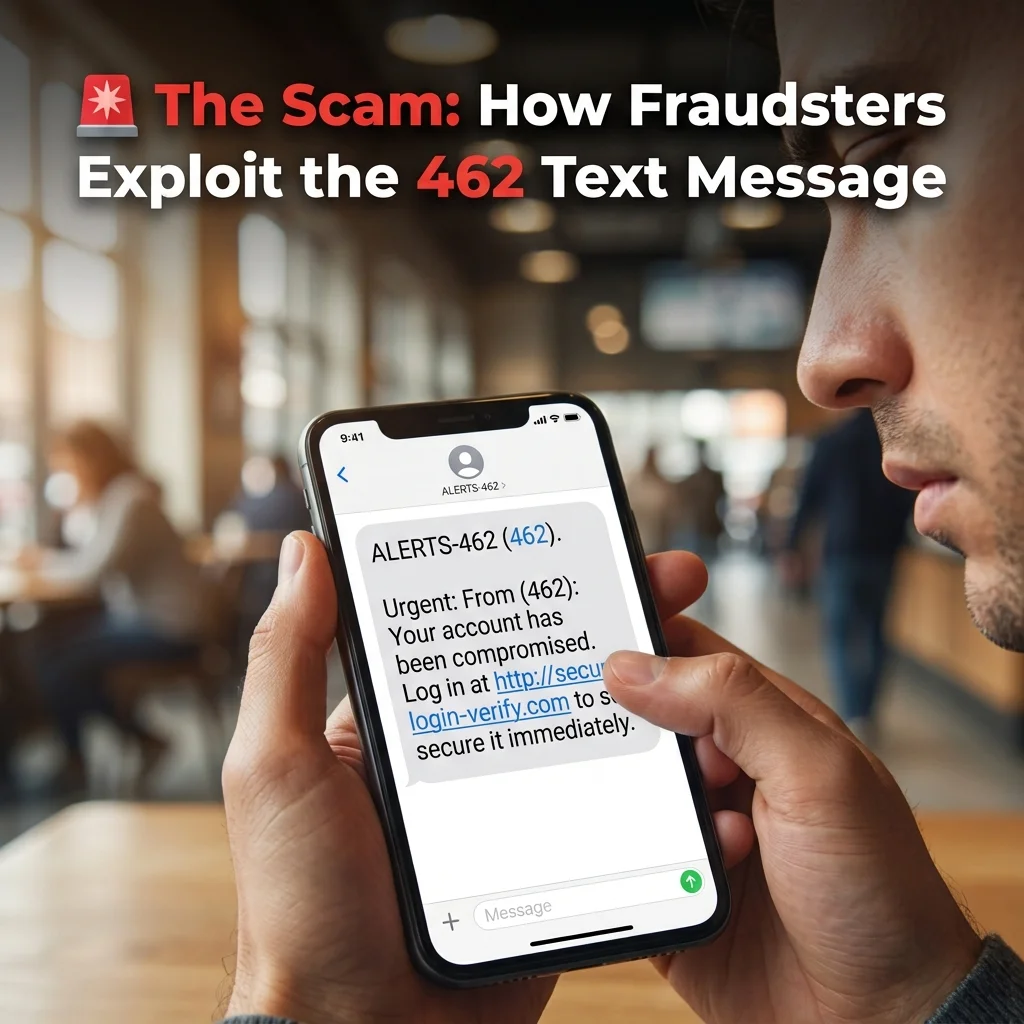
Scammers know that you trust messages from official numbers. As a result, they use this trust to try and trick you. The goal is to get you to give them access to your account . This attack is a very common and effective form of “smishing” (SMS phishing).
🎭 The Impersonation Tactic
The scam almost always begins with an unsolicited phone call. Specifically, the person on the other end pretends to be a T-Mobile support representative. They might claim there has been fraudulent activity on your account. Alternatively, they could say you are eligible for a special promotion. Or they might need to verify your identity for a technical issue .
The scammer will sound professional and convincing. Furthermore, they may even have some of your personal information, which they obtained from previous data breaches. This makes their story seem more believable.
📲 Triggering a Real Alert
While on the phone with you, the scammer goes to the T-Mobile website. Then, they initiate a password reset for your account using your phone number . This action triggers T-Mobile’s legitimate system. Consequently, the system sends a real verification code to your phone. This code comes from the real 462 text message short code.
At this point, you receive a legitimate-looking text from a number you might trust. This is the critical moment in the scam.
🎣 The Trick: Getting the Code
The scammer will then say something like, “To verify your identity, I’ve just sent a code to your phone. Could you please read it back to me?” This is the trap. The code that just arrived is the final key the scammer needs. With this code, they can take over your account. Furthermore, they can change your password. Moreover, they can potentially access your personal and financial information .
✅ How to Know If It’s Safe: The Golden Rule
Distinguishing between a legitimate situation and a scam comes down to one simple question. This single rule can protect you from nearly all 462-related scams.
🤔 Did You Initiate the Action?
This is the only thing that matters . Therefore, always ask yourself this question before acting.
- SAFE: If you are actively trying to log into your T-Mobile account at that very moment, then the 462 text message is for you. Use it to complete your login. Similarly, if you requested a password reset yourself, the code is legitimate.
- DANGEROUS: If the 462 text message arrives unexpectedly, be cautious. This is especially true if an unsolicited phone call accompanies it. If someone asks for the code, that is a major red flag.
Legitimate T-Mobile employees will never call you and ask you to read a security code from your phone. These codes are for your eyes only. Consequently, anyone who asks for it is a scammer . Remember this rule, and you will stay safe.
🛡️ What to Do If You Receive a Suspicious 462 Text Message
If you suspect you are being targeted by this scam, take these immediate steps. Acting quickly can prevent account takeover.
📞 Hang Up the Phone
If you are on a call with someone asking for the code, hang up immediately. Do not engage further. Do not argue or try to confront them. Simply end the call. Your safety and security are more important than being polite.
🚫 Do Not Share the Code
Under no circumstances should you share the code from the 462 text message with anyone. Therefore, treat it like a password. Even if the caller sounds legitimate, do not give it out. T-Mobile will never ask for it.
🔑 Secure Your Account
Go directly to the official T-Mobile website. Alternatively, use the My T-Mobile mobile app. Log in and check for any unauthorized activity. Then, immediately change your password to a new, strong one. Use a combination of letters, numbers, and special characters .
📢 Report the Incident
Contact T-Mobile’s official customer service. Dial 611 from your T-Mobile phone to report the fraud attempt . Subsequently, let them know what happened. They can add extra security measures to your account.
💡 Real-World Example: How This Scam Unfolds
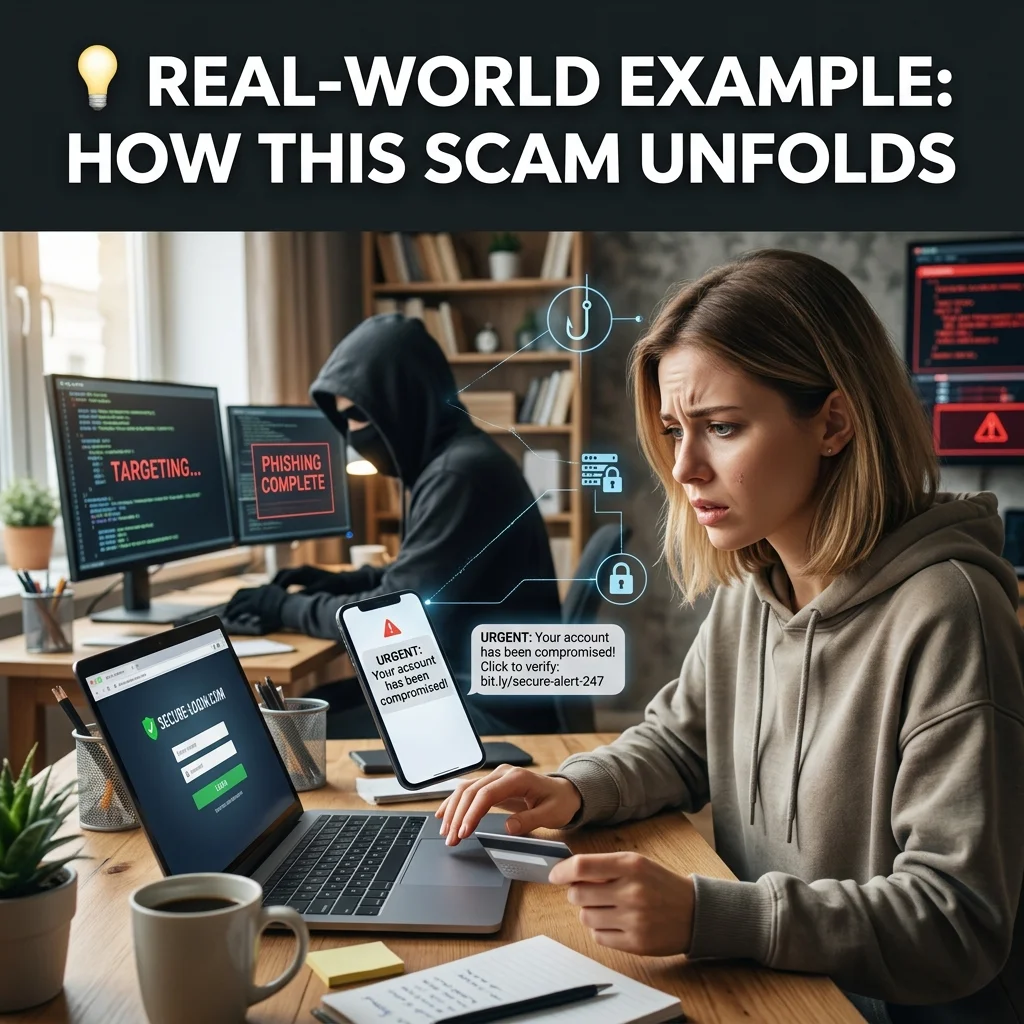
To better understand this scam, consider a real incident shared by a T-Mobile subscriber . The customer received multiple calls from a number that appeared to be from T-Mobile. When they finally answered, the scammer claimed someone had ordered two expensive iPhones on their account. The scammer then said they would send a verification code and asked the customer to read it back. Fortunately, the customer recognized the red flags, hung up, and called 611 directly. They avoided becoming a victim .
This story highlights several key warning signs:
- Unsolicited calls claiming urgent account problems
- Requests for verification codes
- Pressure to act quickly without thinking
🌐 Other Meanings of 462
It’s helpful to know that the number “462” appears in other contexts. These are unrelated to SMS short codes. Consequently, this knowledge can prevent confusion.
🇦🇺 Work and Holiday Visa (Subclass 462)
In Australia, the number 462 is associated with the “Work and Holiday visa (subclass 462).” This visa allows young adults from eligible countries to work and travel in Australia . This is completely unrelated to the text message short code.
📻 Radio Frequencies (GMRS)
The number also relates to the General Mobile Radio Service (GMRS). Specifically, this service uses radio frequencies around 462 MHz for short-distance, two-way communication . This is also unrelated to SMS messages.
🗺️ Area Code 462
Interestingly, area code 462 is currently inactive in North America. If you receive a call from this area code, it is likely a spoofed call that could be malicious or spam . However, T-Mobile does use the prefix 213-462 in Los Angeles, California .
❌ Common Mistakes to Avoid
People often make certain mistakes when they receive a 462 text message. Therefore, avoid these errors to stay safe.
❌ Mistake 1: Assuming the Text Is Fake
Some people see a 462 message and assume it is spam. Subsequently, they delete it without thinking. This can be a problem if you requested a verification code. You might lock yourself out of your account. Always check if you initiated the action before deleting the message.
❌ Mistake 2: Sharing the Code with a “Helper”
Sometimes people share codes with friends or family. They think they are helping. Alternatively, they share with a tech support person who called them. Never share your 462 verification code with anyone. Even if they seem helpful, do not do it.
❌ Mistake 3: Ignoring Unexpected Messages
If you receive an unexpected 462 message, do not ignore it. This could mean someone is trying to access your account. Consequently, log in and change your password immediately. Quick action can prevent fraud.
👑 Etiquette and Best Practices
Following these best practices will keep your account secure. Therefore, make them part of your digital routine.
🔐 Always Verify the Caller
If someone calls you claiming to be from T-Mobile, hang up. Then, call the official T-Mobile number yourself. Dial 611 from your phone. Ask if there is an issue with your account. This verifies the caller’s identity .
📱 Enable Extra Security
Consider adding extra security to your T-Mobile account. Use a strong, unique password. Furthermore, enable biometric authentication if your device supports it. These steps add layers of protection.
📝 Keep Your Information Private
Never give out your verification codes. Additionally, do not share your password. Similarly, do not share your Social Security number over the phone. T-Mobile will not ask for this information unexpectedly.
❓ Frequently Asked Questions
Is 462 a scam text?
Not always. The 462 text message itself comes from a legitimate T-Mobile short code. T-Mobile uses it for security alerts . However, scammers exploit this number. They trick you into sharing verification codes. This allows them to take over your account .
Why did I get a text from 462?
If you receive a text from 462, it is almost certainly a security alert from T-Mobile. This could be a two-factor authentication code. Alternatively, it could be for logging into your account. It could also be a password reset confirmation. Finally, it could be another important account notification .
Can I stop receiving texts from 462?
Since these messages are essential security alerts, you cannot opt out. The “STOP” keyword will not work. T-Mobile must notify you of major account changes. Therefore, you must keep the code active to protect your account .
What should I do if I get a 462 text without requesting one?
If you receive an unexpected 462 text message, do not share the code. Instead, log into your T-Mobile account immediately. Use the official app or website. Then, change your password right away. This may indicate someone has your login credentials .
Is 462 an official T-Mobile number?
Yes, 462 is an official short code for T-Mobile. T-Mobile uses it to send high-priority security alerts. These include account notifications and verification codes. Therefore, the number is legitimate and trustworthy .
What is the difference between a short code and a regular phone number?
Short codes like 462 are specialized 3-6 digit numbers. Organizations use them for high-volume messaging. They serve specific purposes like sending verification codes. In contrast, regular 10-digit phone numbers are for person-to-person communication .
How can I report a scam involving 462?
You can report the scam to T-Mobile directly. Dial 611 from your T-Mobile phone. You can also forward suspicious texts to 7726 (SPAM). This helps T-Mobile track and block scammers.
What happens if I accidentally share my 462 code?
If you accidentally share your code, act quickly. Log into your T-Mobile account immediately. Then, change your password. Contact T-Mobile support at 611. They can lock your account and add extra security measures. Furthermore, monitor your account for suspicious activity.
✅ Conclusion
The 462 text message is a legitimate T-Mobile security tool. T-Mobile primarily uses it for two-factor authentication. While the code itself is reliable, its security purpose makes it a prime target for scams. Therefore, protect your T-Mobile account by refusing to share the 462 code with anyone who calls you. Even if they claim to be T-Mobile support, do not share it. Remember the golden rule: if you didn’t initiate the action, treat the message with suspicion. Secure your account immediately by changing your password. Stay informed, stay secure, and always trust your instincts. When something doesn’t feel right, it probably isn’t.

Amelia Brooks is a passionate writer specializing in text meanings, slang, and digital communication trends. She simplifies modern messaging to help readers understand every text with ease.