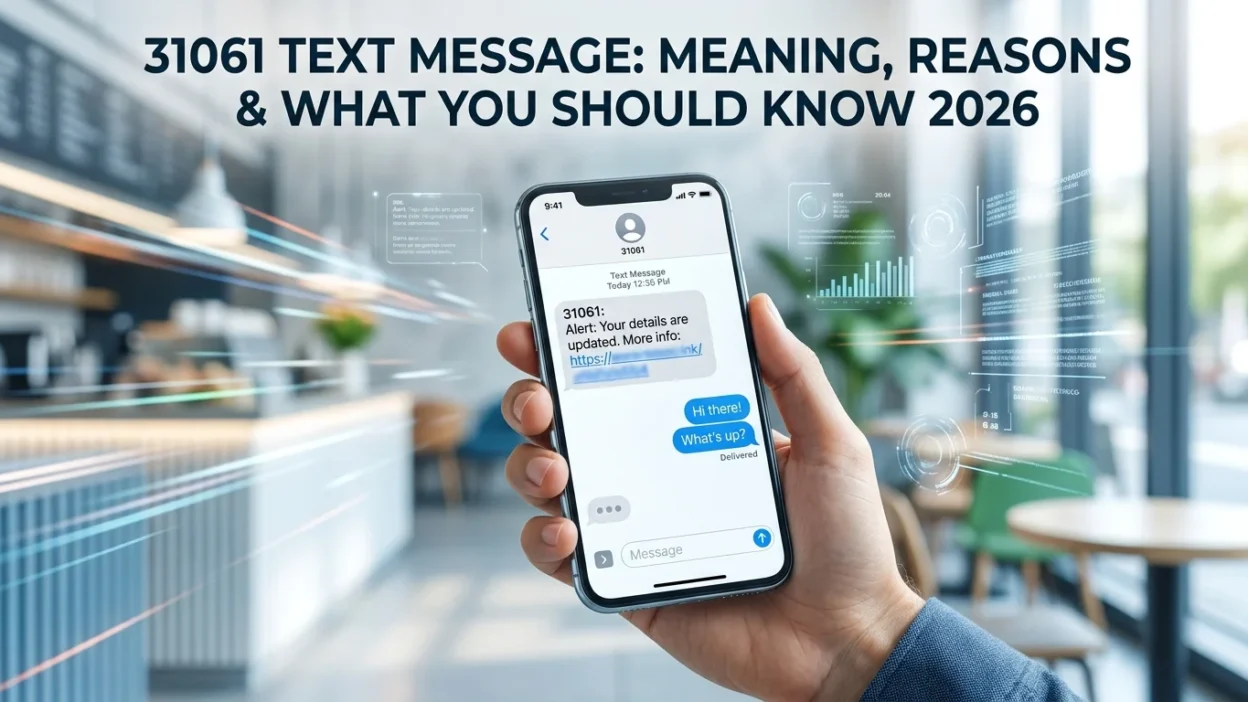
You glance at your phone and see a message from an unfamiliar five-digit number: 31061. Your first instinct might be to wonder who sent it and why. Is this a legitimate verification code, a marketing alert, or something more sinister? Understanding the source and purpose of a 31061 text message is essential for protecting your personal information and digital security.
This comprehensive guide explains everything you need to know about the 31061 short code. We will explore what this number represents, which companies use it, how to identify scams, and the steps you should take if you receive an unexpected message. By the end, you will feel confident in handling any message that arrives from this number.
What Is a 31061 Text Message?
A 31061 text message is an automated communication sent through a shared SMS short code. Short codes are five or six-digit numbers that businesses and organizations use to send high-volume text messages to mobile users. Unlike regular phone numbers, these codes are specifically designed for mass communication and automated services.
The 31061 short code is not owned by any single company. Instead, it functions as a shared or multi-tenant short code. Different businesses lease access to this number through messaging platforms and send texts from the same code. This means that a verification code from one service and a purchase confirmation from another could both arrive from 31061.
Because multiple companies share this code, messages can appear confusing or unexpected. The message content itself provides the best clue about which company actually sent it. Legitimate messages usually mention the specific service or brand by name.
Who Owns the 31061 Short Code?
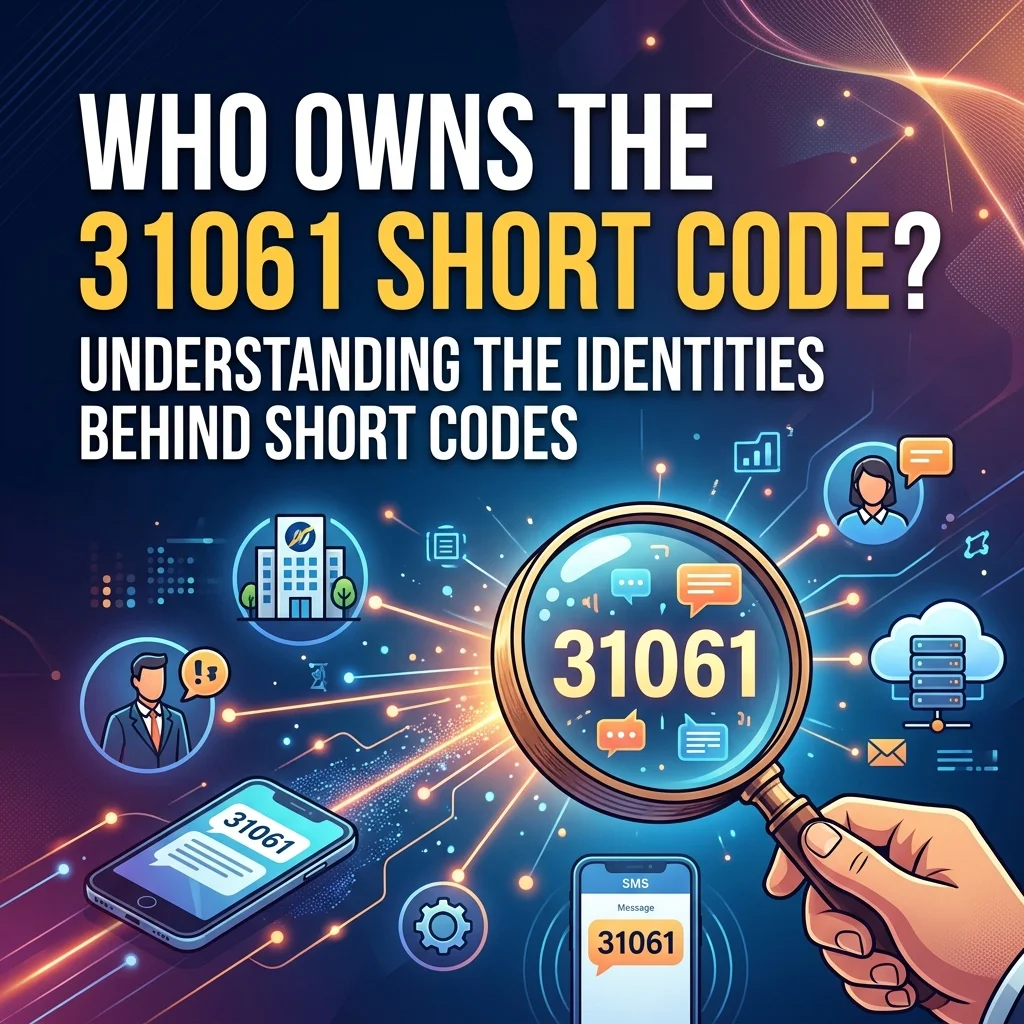
The 31061 short code does not have a single documented owner. Instead, it operates as a shared code primarily associated with Nexmo, a messaging platform owned by Vonage.
Companies that have used the 31061 short code for communications include:
- Garmin Messenger: Users receive verification codes when setting up or accessing their Garmin Messenger account
- Name.com: The domain registration service sends account alerts and verification messages
- Shop Pay: The payment system sends checkout confirmations and purchase verification
- Various automotive dealerships: Some use the code for appointment reminders and test drive confirmations
- Feeld.co: The dating app reportedly sends verification codes through this short code
Because the code is shared, searching for a single owner in the US Short Code Registry will not reveal one specific brand. This ambiguity is precisely why understanding the message content is so important for verifying the sender.
Why Did I Receive a Text from 31061?
There are several common reasons you might receive a 31061 text message. The most frequent scenarios include:
Two-Factor Authentication Codes
Two-factor authentication (2FA) is the most common reason people search for this number. When you log into a service that uses Nexmo’s messaging platform, 31061 sends a one-time password to confirm your identity. This occurs when you access services.
Purchase and Checkout Verification
Shop Pay routes checkout verification through the 31061 short code. If you recently made an online purchase and the seller uses Shopify’s payment system, you might receive a confirmation text from this number.
Account Security Alerts
The code also sends account security notifications. These might include alerts about login attempts, password changes, or suspicious activity on your account. Many services use short codes to keep users informed about critical security events.
Appointment Reminders
Some automotive dealerships use 31061 for appointment confirmations and reminders. If you scheduled a vehicle service or test drive, the dealership might send a confirmation through this number.
Accidental or Mistyped Numbers
Sometimes, someone enters your phone number by mistake when signing up for a service. A single wrong digit is all it takes. In these cases, you receive a code you never requested, and the message will expire on its own.
Is a 31061 Text Message Safe or a Scam?
The short code itself is legitimate. The concern lies in what the message contains and the circumstances under which you receive it. Because 31061 lacks a single documented owner, messages from this code can be harder to verify than codes from dedicated short codes that major banks or tech companies use. Scammers exploit this ambiguity.
When a 31061 Message Is Safe
A 31061 text message is typically safe when you initiated the action that triggered it. For example, if you just logged into your Garmin Messenger account and immediately received a verification code, you can safely use that code. Similarly, if you made a purchase through Shop Pay and receive a confirmation, the message is legitimate.
When a 31061 Message Raises Concerns
You should treat a message from 31061 with suspicion in several situations. If a verification code arrives out of nowhere and you did not request it, this raises concerns. If you do not use any service tied to this code, the message likely resulted from a mistyped number. If the message includes a clickable link or asks for personal information, you should avoid interacting with it.
The Google Voice Scam Connection
Scammers sometimes use shared short codes like 31061 to execute the Google Voice scam. In this scheme, a scammer attempts to register a Google Voice number using your phone number. The registration triggers a verification code sent to your phone. The scammer then contacts you, often pretending to be someone else, and asks you to read back the code. If you provide it, they link your phone number to a Google Voice account they control, potentially using it for fraudulent activities.
How to Spot a 31061 Phishing Scam
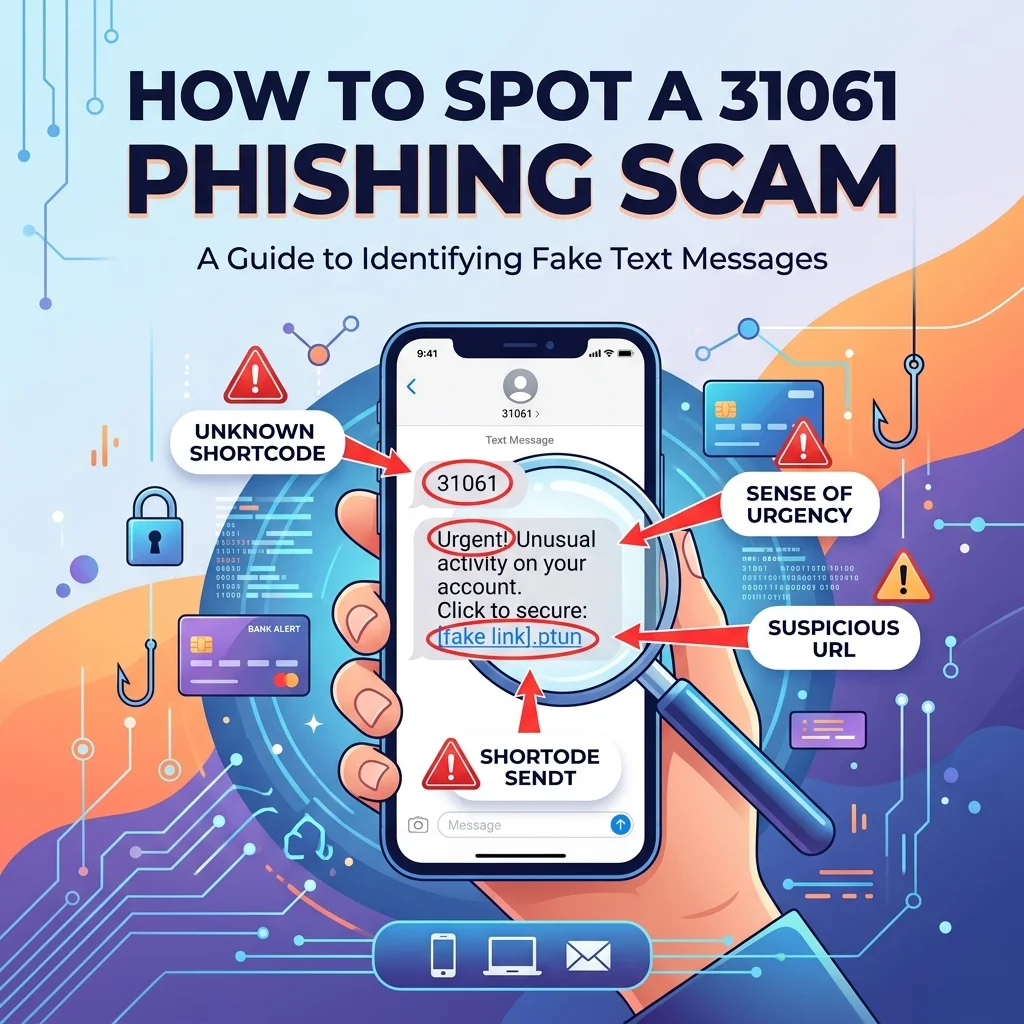
Scammers favor shared short codes because they are harder to trace to a single brand. Recognizing the warning signs helps you differentiate between legitimate messages and phishing attempts.
Signs of a Legitimate Message
A genuine message from 31061 typically arrives after you initiated a login or purchase. It contains only a numeric code without any links. The message mentions a specific brand you actually use. There is no follow-up contact asking for the code.
Signs of a Phishing Attempt
A suspicious message often appears without you taking any action. It includes clickable links that may lead to fraudulent websites. The greeting is generic, like “Dear Customer,” rather than mentioning your name or specific account. Someone contacts you by call, text, or email asking you to read back the verification code you just received.
The Biggest Red Flag
Follow-up contact is the most significant warning sign. If someone calls, texts, or emails you asking to read back a verification code from 31061, that is always a scam. Legitimate companies never ask customers to share verification codes over the phone or through other channels.
How to Respond to a Suspicious 31061 Message
If you receive a 31061 text message that seems suspicious, follow these steps to protect yourself.
Do Not Share the Code
Never share a verification code with anyone, regardless of who they claim to be. These codes function as temporary passwords for your accounts. Sharing them gives someone else access to your accounts.
Avoid Clicking Links
Do not click any links embedded in the message. Links in unsolicited texts often lead to phishing websites designed to steal your personal information. If you need to check the legitimacy of a message, open your browser and type the company’s official website address directly.
Block and Report
You can block the 31061 short code on your phone to prevent future messages. Additionally, report suspicious texts to your mobile carrier. Many carriers have dedicated services for reporting spam messages.
If You Shared the Code
If you shared your verification code with someone, act immediately. Log into the affected account through the official website or app and change your password. Contact the company’s support team to report the incident and request additional security measures. Monitor your account for suspicious activity.
How to Opt Out of 31061 Messages
If you no longer wish to receive messages from 31061, you have several options available.
Reply with STOP
The simplest way to stop messages is to reply with “STOP” to the 31061 short code. In the United States, companies must honor opt-out requests from keywords like “STOP,” “QUIT,” “CANCEL,” “UNSUBSCRIBE,” or “END”. This removes you from the specific campaign sending you messages.
Text HELP for Information
You can also text “HELP” to 31061 for more information about the messages you are receiving. This typically provides details about the company and instructions for managing your subscription.
Block the Number
If the opt-out method does not work, you can block the number on your phone. Both iPhone and Android devices allow you to block specific numbers. This prevents future messages from appearing in your inbox.
Common Mistakes to Avoid
People often make certain mistakes when dealing with messages from unfamiliar short codes. Recognizing these errors helps you stay safe.
Assuming All Messages Are Spam
Some people automatically delete messages from unknown short codes. While caution is wise, this approach can cause problems. If you requested a verification code and delete the message without reading it, you might lock yourself out of your account.
Sharing Codes with Someone Who Asks
Many people share codes when someone asks them to. However, legitimate services never request your verification code. Sharing your code is the most common way accounts get compromised.
Ignoring Unexpected Messages
If you receive an unexpected message from 31061, you should not ignore it entirely. This could indicate that someone has your login credentials and is attempting to access your account. Take the time to secure your accounts.
Best Practices for Digital Security

Following these best practices helps protect your accounts and personal information.
Use Strong, Unique Passwords
Create strong passwords for your online accounts. Use a combination of uppercase and lowercase letters, numbers, and special characters. Avoid reusing passwords across different services.
Enable Two-Factor Authentication
Enable two-factor authentication on all accounts that offer it. This adds an extra layer of security beyond just your password. Even if someone gets your password, they cannot access your account without the verification code.
Monitor Your Accounts
Regularly check your accounts for suspicious activity. Look for unrecognized logins, unauthorized purchases, or changes you did not make. Early detection helps prevent significant damage.
Verify Before Trusting
If someone contacts you claiming to be from a company, verify their identity. Hang up and call the company’s official number yourself. Do not trust the caller ID, as scammers can spoof phone numbers.
Frequently Asked Questions
Is 31061 a legitimate short code?
Yes, 31061 is a legitimate shared short code. However, because multiple businesses share the code, messages can sometimes seem confusing or unexpected.
Why did I receive a verification code from 31061?
You likely received a verification code from 31061 because someone attempted to log into a service that uses this short code. This could be you trying to access your account, or it might be someone else entering your phone number by mistake.
Is 31061 a scam?
The short code itself is not a scam. It is a legitimate communication channel that legitimate companies use. However, scammers can exploit shared short codes for phishing attempts. Always evaluate the message content and context before taking action.
What should I do if I get a 31061 text without requesting one?
If you receive an unexpected message from 31061, do not share the code with anyone. Log into any accounts associated with the sender through the official website and change your password if you are concerned. The code will expire on its own.
How do I stop receiving texts from 31061?
You can reply with “STOP” to the 31061 short code to opt out of messages. If that does not work, you can block the number on your phone. Legitimate senders must honor opt-out requests in the United States.
Can I send a text message to 31061?
Yes, you can send texts to 31061. However, replies typically only work for specific commands like “HELP” or “STOP.” Sending a conversational message will likely not reach a human representative. Some replies may incur standard messaging charges.
What does the “Link verification code” from 31061 mean?
Some users report receiving “Link verification code” messages from 31061. This appears to be a verification code sent by an unspecified service. If you did not request such a code, you should ignore the message and avoid sharing the code with anyone.
Conclusion
The 31061 text message represents a shared SMS short code that legitimate companies use for verification codes, purchase confirmations, and account alerts. While the code itself is legitimate, the messages it carries require careful evaluation. Understanding who uses this code and why you might receive messages from it helps you protect your personal information.
Remember the golden rule: if you did not initiate the action, treat the message with caution. Never share verification codes with anyone, even if they claim to be from a company you trust. Legitimate services will never ask for your code. When in doubt, ignore the message and secure your accounts by changing your passwords. Stay informed, stay cautious, and always trust your instincts. Your digital security depends on it.

Amelia Brooks is a passionate writer specializing in text meanings, slang, and digital communication trends. She simplifies modern messaging to help readers understand every text with ease.