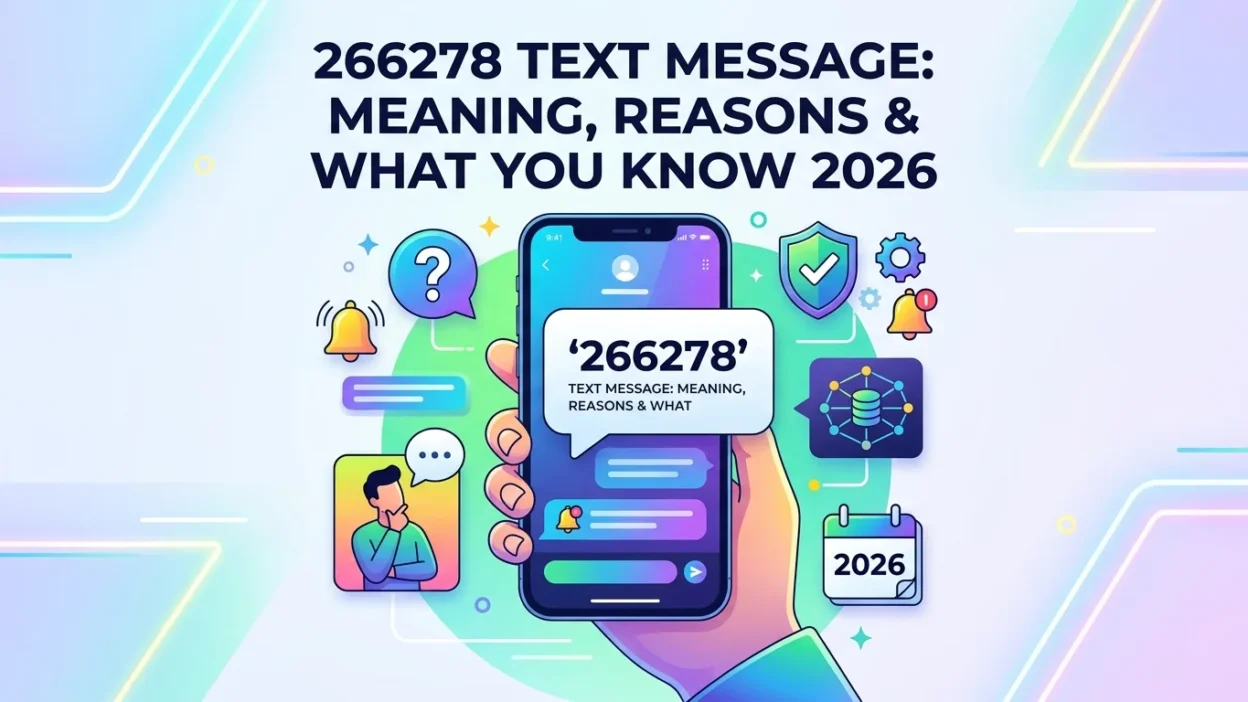
📱 You glance at your phone and see a text from an unfamiliar six-digit number: 266278. It claims to be from Xfinity or Comcast, but you weren’t expecting it. Is it legitimate? Should you respond? Or is this some new type of scam?
The 266278 text message is actually Xfinity and Comcast’s official short code, which spells “COMCAST” on a phone keypad. This guide explains everything you need to know about the 266278 short code, why you’re receiving these messages, and how to handle them safely.
📌 What Is the 266278 Short Code?
The number 266278 is a dedicated short code that Comcast launched in 2010 under the name “COMCAST4U.” On a phone keypad, 266278 spells out “COMCAST,” making it easy to remember and recognize. Short codes are 5-6 digit numbers that organizations use for high-volume, automated messaging.
Comcast created this service as an industry-first innovation, allowing customers to manage their accounts via text message. When you receive a 266278 text message, it is almost certainly related to your Xfinity or Comcast account activity.
📱 How Comcast Uses the 266278 Short Code
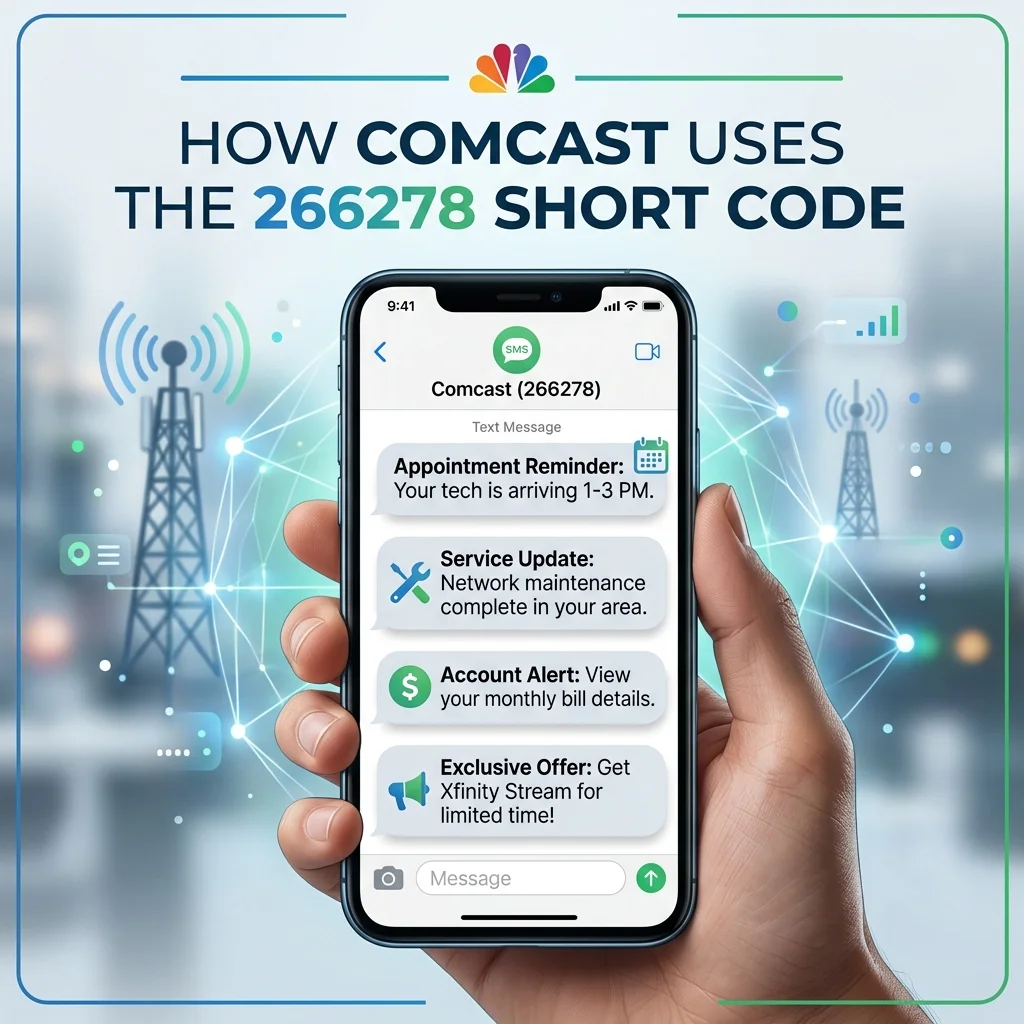
Comcast uses the 266278 text message for several important purposes. Understanding these helps you recognize when a message is genuine.
Account Alerts and Notifications
Xfinity sends proactive SMS text messages from 266278 to keep customers informed about their accounts. These notifications include:
- Bill generation alerts: When a new bill is ready
- Past due balance notifications: Reminders if your account is overdue
- Payment confirmations: When a payment has been received and posted
- Service disruption alerts: Information about outages in your area
- Appointment reminders: Details about scheduled service calls
These messages are informational and help you stay on top of your account without needing to log in.
Two-Factor Authentication (2FA) and Security Codes
Xfinity also uses 266278 to send verification codes for account security. When you log in, reset your password, or perform sensitive account actions, you may receive a message like: “Your Xfinity code is 797380. It will expire in 15 mins. We will never request this code.”
These security codes are critical for protecting your account from unauthorized access. You should never share these codes with anyone.
🔍 How to Use the 266278 Short Code
Beyond receiving notifications, you can also send commands to 266278 to manage your Xfinity account via text. The service is free to Comcast customers, though standard messaging rates may apply from your carrier.
Available Text Commands
Here are the most common commands you can text to 266278:
- BAL: Provides your current account balance
- OUT: Checks for service interruptions in your area
- NOW: Lists what’s on TV at that moment
- PRIMETIME: Shows that night’s primetime TV lineup
- VOD: Highlights On Demand content
- SPORTS: Delivers sports schedules and scores
- CALLME: Places you in queue for a callback from Comcast
- HIT: Sends a reset signal to your equipment
- NOAPPT: Cancels scheduled service calls
- LOC: Provides the address of the nearest payment center
- START: Resubscribes to Xfinity service text alerts
How to Opt In
To start receiving alerts from 266278, you typically need to register your mobile phone number through the Comcast portal and provide your account number. Once registered, you can manage your preferences and choose which notifications you receive.
🔒 Is the 266278 Text Message a Scam?
The 266278 text message is legitimate when it comes from Xfinity or Comcast. However, you should always exercise caution with any unsolicited text message.
How to Identify Legitimate Messages
- You recognize the sender: The message is clearly identified as coming from Xfinity or Comcast
- It provides useful information: Bill alerts, appointment reminders, or service updates about your account
- It contains a verification code: Security codes sent when you attempt to log in or make account changes
When to Be Suspicious
- Unsolicited verification codes: If you receive a code without requesting one, someone might be trying to access your account
- Requests for personal information: Xfinity will never ask for your password or Social Security number via text
- Suspicious links: Legitimate messages from 266278 typically do not ask you to click links to verify information
🛑 How to Stop Receiving 266278 Messages
If you no longer wish to receive messages from 266278, you can easily opt out.
Method 1: Text “STOP” to 266278
The easiest way to stop receiving messages is to reply “STOP” to 266278. This will unsubscribe you from all alerts from this short code.
Method 2: Text “START” to Resubscribe
If you change your mind later, you can text “START” to 266278 to resubscribe to notifications.
Method 3: Adjust Preferences Through Your Account
You can also manage your notification preferences through your Xfinity account settings online.
Important Note
You cannot opt out of essential security notifications like verification codes. These are critical for account protection.
❌ Common Mistakes About 266278 Messages
Many people misunderstand the nature of the 266278 short code, leading to unnecessary concern.
Mistake 1: Assuming All Messages Are Scams
Not every message from 266278 is spam. Legitimate Xfinity communications use this short code for valid purposes.
Mistake 2: Trying to Reply for Customer Support
While you can use commands like BAL and OUT, 266278 is not a customer support channel. For complex issues, contact Xfinity through official channels.
Mistake 3: Sharing Verification Codes
Never share verification codes sent from 266278 with anyone. Xfinity will never ask for these codes outside their official platforms.
Mistake 4: Blocking the Number Without Trying STOP First
Blocking 266278 prevents all messages, including important security codes. Text “STOP” first if you only want to unsubscribe from alerts.
💡 Expert Tips for Managing 266278 Messages

Save the Number
Consider saving 266278 as “Xfinity Alerts” in your contacts. This helps you quickly recognize legitimate messages.
Use Commands for Quick Account Management
Take advantage of text commands like BAL and OUT for quick account checks without logging in.
Keep Security Codes Confidential
Never share verification codes from 266278 with anyone. These codes are for your eyes only.
Report Suspicious Messages
If you receive a suspicious message claiming to be from 266278, report it to Xfinity customer service.
❓ Frequently Asked Questions
What is 266278?
266278 is a short code that spells “COMCAST” on a phone keypad. Xfinity and Comcast use it to send text message notifications to customers.
Why did I get a text from 266278?
You received a text from 266278 because Xfinity sent you a notification about your account. This could be a bill alert, service update, or verification code.
Is 266278 a scam text?
Not necessarily. The number 266278 is Xfinity’s official short code. However, scammers can spoof numbers, so always verify the content of the message before taking action.
How do I stop receiving texts from 266278?
You can text “STOP” to 266278 to unsubscribe from alerts. You can also manage your preferences through your Xfinity account settings.
What commands can I text to 266278?
You can text commands like BAL (check balance), OUT (check service interruptions), CALLME (request a callback), and more.
What if I get an unexpected verification code from 266278?
If you receive an unexpected code, do not share it with anyone. Someone may be trying to access your account. Log into your Xfinity account and change your password.
Does Comcast charge for texts to 266278?
Comcast does not charge for using this service or for receiving alerts. However, standard text messaging rates from your carrier may apply.
Can I block the 266278 short code?
You can block the number, but this is not recommended if you want to receive important account notifications and security codes. Instead, text “STOP” to unsubscribe from non-essential alerts.
How do I opt in to receive 266278 messages?
Register your mobile phone number through the Comcast portal and provide your account number. Then you can manage your notification preferences.
What if I receive a text from 266278 but don’t have Xfinity?
If you don’t have Xfinity service, someone may have entered your phone number by mistake. You can simply ignore the message or text “STOP” to unsubscribe.
✅ Conclusion
The 266278 text message is Comcast and Xfinity’s official short code for customer communications. Whether you receive bill alerts, service updates, or verification codes, understanding the purpose of this short code helps you respond appropriately.
If you receive an unexpected verification code, treat it with caution and secure your account. If you want to stop receiving promotional messages, text “STOP” to 266278. However, you should keep security notifications enabled to protect your account. With this knowledge, you can confidently handle any 266278 text message you receive.

Amelia Brooks is a passionate writer specializing in text meanings, slang, and digital communication trends. She simplifies modern messaging to help readers understand every text with ease.