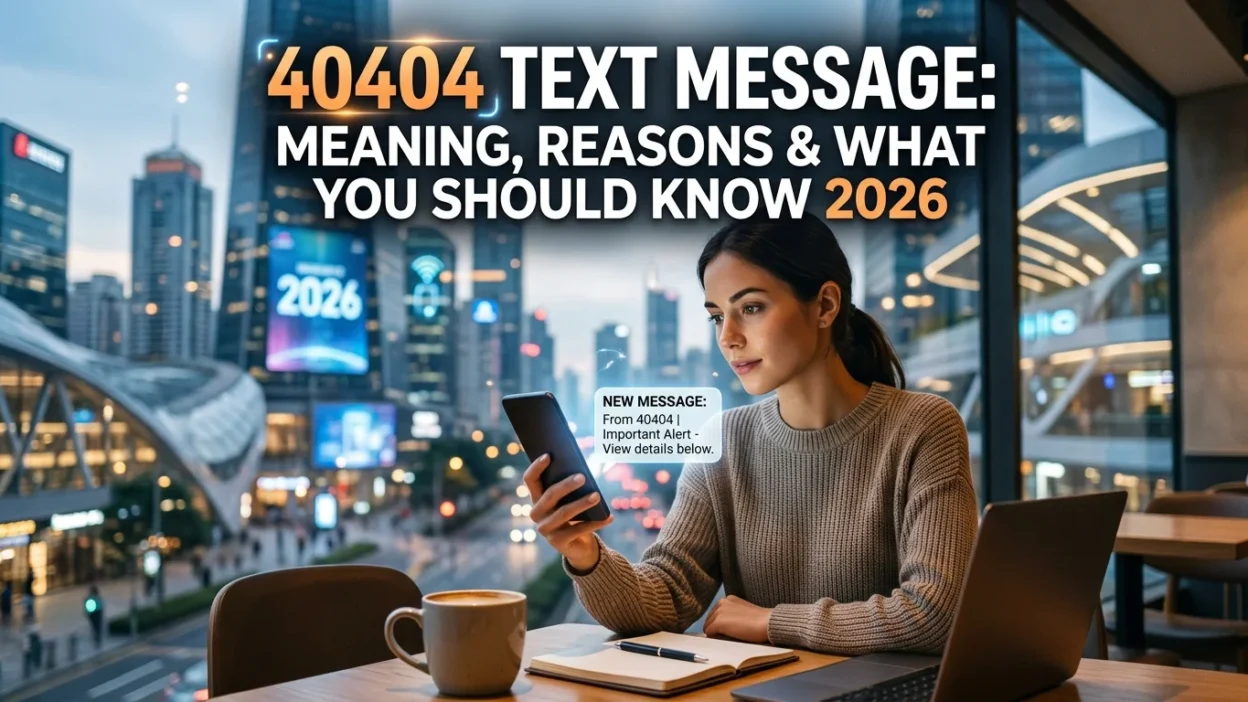
You glance at your phone and see a text from an unfamiliar number: 40404. The message might say “Welcome to Twitter!” or contain a verification code. Perhaps you’ve noticed charges on your bill from this number. Whatever the case, you’re probably wondering what this mysterious 40404 text message is and why you’re receiving it.
The number 40404 is Twitter’s official SMS short code, primarily used in the United States and several other countries . This guide explains everything you need to know about the 40404 text message service, why you might receive messages from this number, and how to manage or stop them.
📌 What Is the 40404 Short Code?
40404 is a dedicated short code that Twitter uses to send and receive text messages. A short code is a special five- or six-digit number that companies use for high-volume messaging services. Twitter chose 40404 because it’s easy to remember and works across all major U.S. carriers .
This short code serves as the bridge between Twitter and your phone’s SMS system. It allows users to interact with Twitter without needing a smartphone or internet connection. You can send tweets, follow accounts, and receive updates all through standard text messages.
📱 What Can You Do with the 40404 Text Message Service?
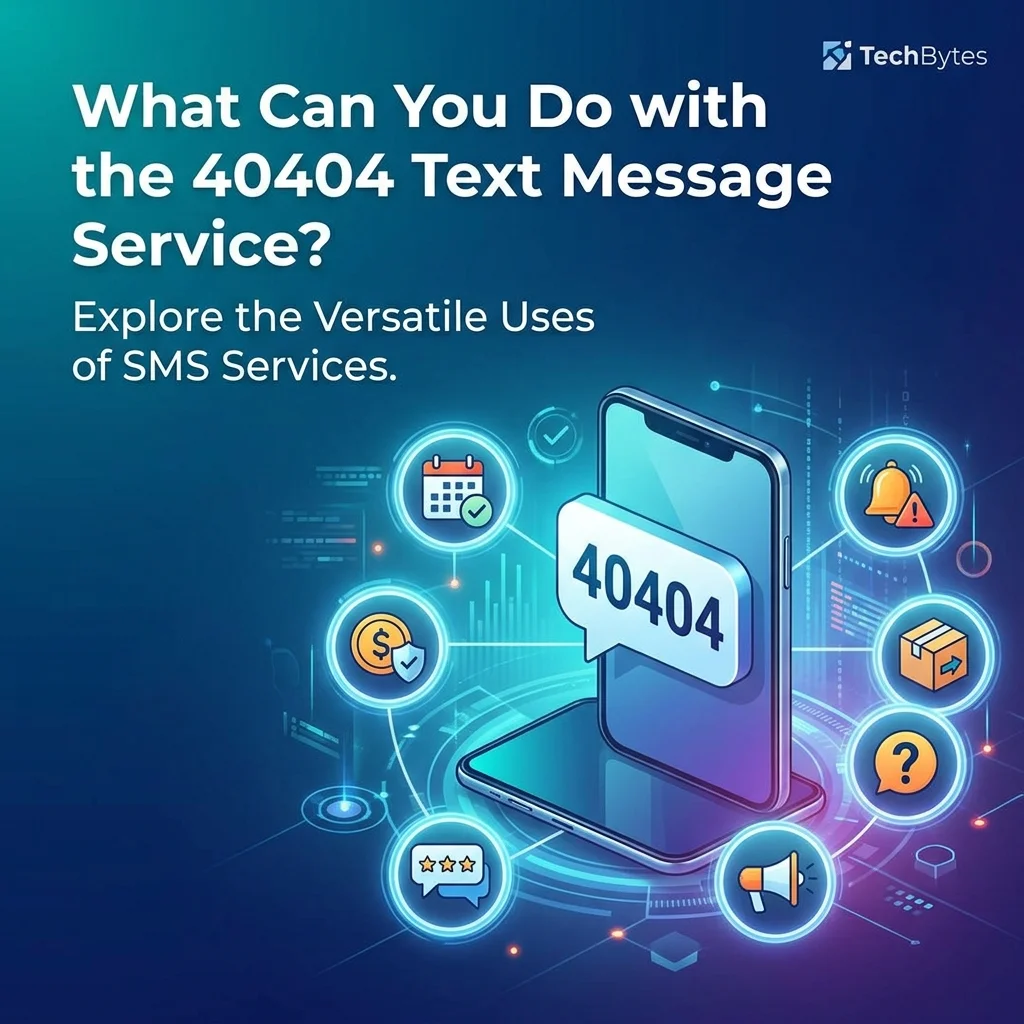
The 40404 text message service offers several useful features, whether you’re an active Twitter user or someone who just wants to receive updates from specific accounts.
Follow Accounts Without a Twitter Account
One of the most useful features is called “Fast Follow.” You don’t need a Twitter account to receive updates from Twitter users. Simply text “follow [username]” to 40404, and you’ll start receiving that person’s tweets as text messages . This is particularly useful for:
- Emergency alerts: Following official accounts like FEMA, the National Hurricane Center, or local authorities during natural disasters .
- News updates: Getting breaking news directly from trusted sources.
- Brand promotions: Following brands whose updates you find valuable.
Connect Your Existing Twitter Account
If you already have a Twitter account, you can link it to your phone number. Text “START” to 40404, and Twitter will guide you through the process. You’ll need to confirm your username and password . Once connected, you can:
- Send tweets via SMS: Simply text your message to 40404, and it will post as a tweet .
- Retweet via SMS: Send “RT [username]” to 40404 to retweet that person’s last tweet .
- Manage notifications: Turn notifications on or off for specific users using commands like “ON [username]” or “OFF [username]” .
Commands You Can Use
The 40404 service supports various text commands. Here are some of the most common ones:
- FOLLOW [username] or F [username]: Start following a user and receive their updates via SMS .
- UNFOLLOW [username]: Stop following a user .
- ON: Turn all Twitter SMS notifications on .
- OFF: Turn all Twitter SMS notifications off .
- ON [username]: Receive SMS notifications from a specific user .
- OFF [username]: Stop SMS notifications from a specific user .
- STOP, QUIT, END, or UNSUBSCRIBE: Stop all Twitter SMS services. If you’re an SMS-only user, this will deactivate your account. If you’re a regular Twitter user, it will remove your phone number from your account .
🔍 Why Are You Receiving 40404 Text Messages?
There are several reasons you might receive a 40404 text message, even if you don’t use Twitter.
Someone Entered Your Number by Mistake
This is surprisingly common. When someone signs up for Twitter and enters a phone number, they might accidentally type your number instead of their own . Twitter then sends a welcome message to your phone. If this happens, you can simply delete the message and ignore it.
You’re Following Someone via Fast Follow
Perhaps you or someone else texted “follow [username]” to 40404 using your phone. You might receive updates from that account as a result.
Twitter’s SMS Service Is Active on Your Account
If you have a Twitter account and linked your phone number, 40404 messages are part of that service. You might receive verification codes, notifications, or promotional messages .
Your Phone Number Was Recycled
Sometimes, phone numbers are recycled. If someone previously had your number and used it for Twitter, you might still receive messages from 40404 .
💰 Does 40404 Text Messages Cost Money?
This is an important question. Here’s what you need to know:
- Twitter’s service is free: Twitter does not charge for sending or receiving messages through 40404 .
- Standard messaging rates apply: Your mobile carrier will charge you for each text message sent or received, just like any other text. If you don’t have an unlimited texting plan, these messages will count toward your monthly limit .
- International charges may apply: If you’re traveling abroad, standard international SMS rates will apply.
Some carriers in other countries may have specific pricing. For example, Warid in Pakistan charged Re.1+tax per SMS sent to 40404 . Always check with your carrier if you’re unsure about charges.
🛑 How to Stop 40404 Text Messages
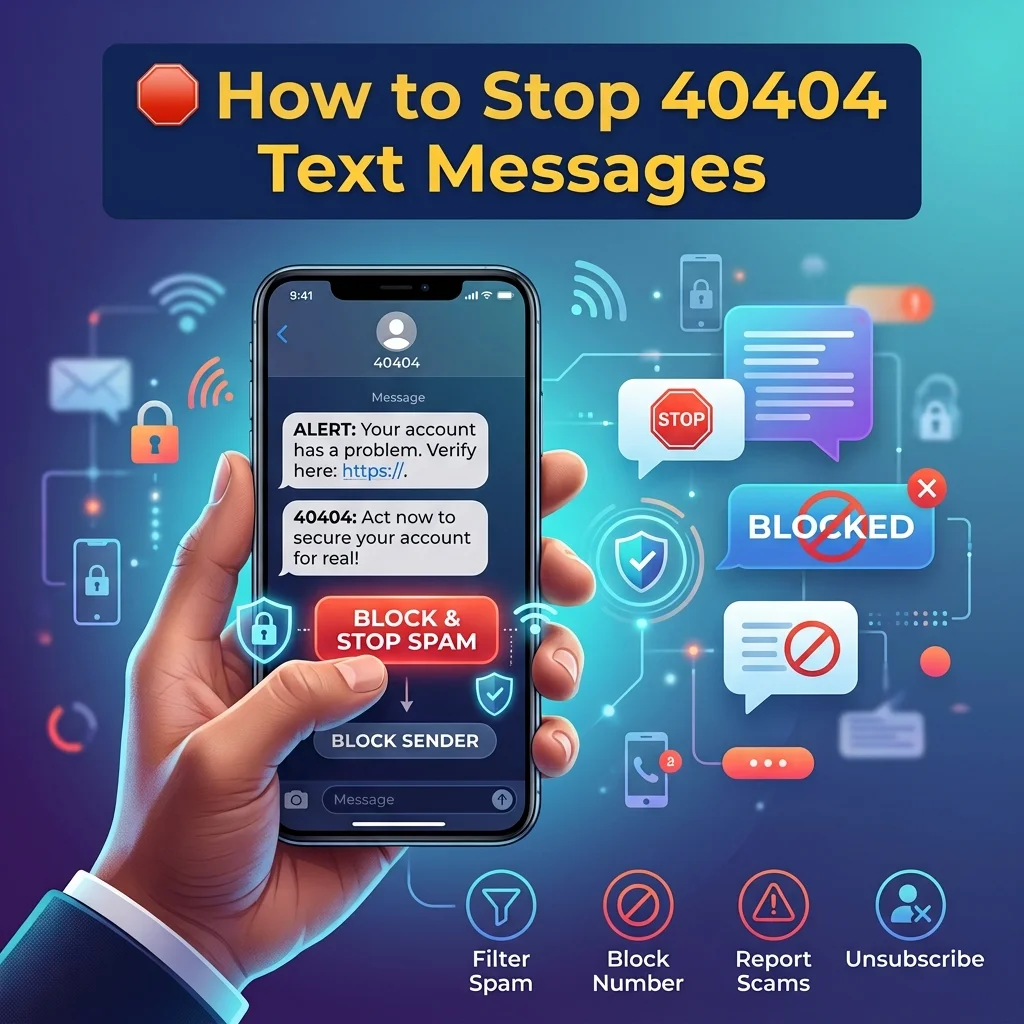
If you’re receiving unwanted messages from 40404, you have several options. Choose the one that best fits your situation.
Option 1: Text “STOP” to 40404
The quickest way to stop all messages is to text “STOP,” “QUIT,” “END,” “CANCEL,” or “UNSUBSCRIBE” to 40404 . This will remove your phone number from Twitter’s SMS system. If you have a Twitter account, it will stop SMS notifications but won’t delete your account.
Option 2: Text “OFF” to 40404
If you want to temporarily stop messages without unsubscribing completely, text “OFF” to 40404 . You can turn them back on later by texting “ON.”
Option 3: Block the Number
You can also block 40404 on your phone like any other number. However, this may prevent you from receiving important verification codes if you later want to use Twitter services.
Option 4: Contact Your Carrier
If messages persist despite trying the above methods, contact your mobile carrier. They can help identify the source of the messages and block them at the network level if necessary.
❌ Common Mistakes About 40404 Text Messages
Many people misunderstand the 40404 short code. Here are some common mistakes to avoid.
Mistake 1: Assuming It’s a Scam
While you should always be cautious, 40404 is a legitimate Twitter short code . However, scammers can spoof numbers, so always verify the content of the message before responding.
Mistake 2: Ignoring Unexpected Messages
If you receive a message from 40404 that you didn’t expect, don’t ignore it. It could mean someone is trying to use your number. Check your Twitter account settings if you have one.
Mistake 3: Not Understanding the Difference Between Twitter and Your Carrier
Some users mistakenly think 40404 is a carrier short code. It’s actually Twitter’s code that works across all carriers .
⚠️ Safety Considerations
When dealing with 40404 text messages, keep these safety tips in mind:
- Don’t share your password via SMS unless you initiated the process: Twitter will ask for your password when setting up SMS, but only after you text “START” . Never respond to unsolicited requests for passwords.
- Be cautious of links: 40404 itself sends text messages, not links. If you receive a message with a link from someone claiming to be Twitter, it could be a phishing attempt.
- Report suspicious activity: If you receive strange messages that don’t match Twitter’s usual format, report them to Twitter support.
❓ Frequently Asked Questions
What is 40404?
40404 is Twitter’s official SMS short code in the United States. You can use it to send tweets, follow accounts, and receive notifications via text message .
Why am I getting texts from 40404?
You might be receiving messages because someone entered your number by mistake, you followed an account via Fast Follow, or you have a Twitter account linked to your phone .
Is 40404 a scam?
No, 40404 is a legitimate Twitter short code . However, scammers can spoof any number, so always verify messages before responding.
How do I stop 40404 text messages?
Text “STOP,” “QUIT,” “END,” “CANCEL,” or “UNSUBSCRIBE” to 40404 to stop all messages .
Does 40404 cost money?
Twitter’s service is free, but standard messaging rates from your carrier apply . In some countries, carriers may charge for sending messages to 40404 .
Can I use 40404 outside the United States?
Yes, 40404 works in several countries, including Brazil, Haiti, and Pakistan . However, features and availability may vary by region and carrier.
What happens if I text “STOP” to 40404?
Texting “STOP” removes your phone number from Twitter’s SMS system. If you have a Twitter account, you’ll stop receiving SMS notifications but won’t lose your account .
Can I follow someone on Twitter without an account?
Yes, you can use Fast Follow. Text “follow [username]” to 40404, and you’ll receive that user’s tweets via SMS without needing a Twitter account .
✅ Conclusion
The 40404 text message is Twitter’s official SMS short code, a legitimate service that allows users to interact with Twitter via text message. Whether you’re following accounts without a Twitter account, sending tweets from a basic phone, or just receiving emergency alerts, 40404 serves as an important bridge between Twitter and the SMS network.
However, receiving unexpected messages from 40404 can be confusing or concerning. Understanding why you’re getting these messages and knowing how to stop them gives you control over your phone and your privacy. If you’re receiving unwanted messages, simply text “STOP” to 40404 or use the other methods outlined in this guide.
Remember, legitimate messages from 40404 don’t contain links or ask for personal information beyond what’s needed for setup. Stay safe, stay informed, and enjoy the convenience that Twitter’s SMS service can provide when used intentionally.

Amelia Brooks is a passionate writer specializing in text meanings, slang, and digital communication trends. She simplifies modern messaging to help readers understand every text with ease.