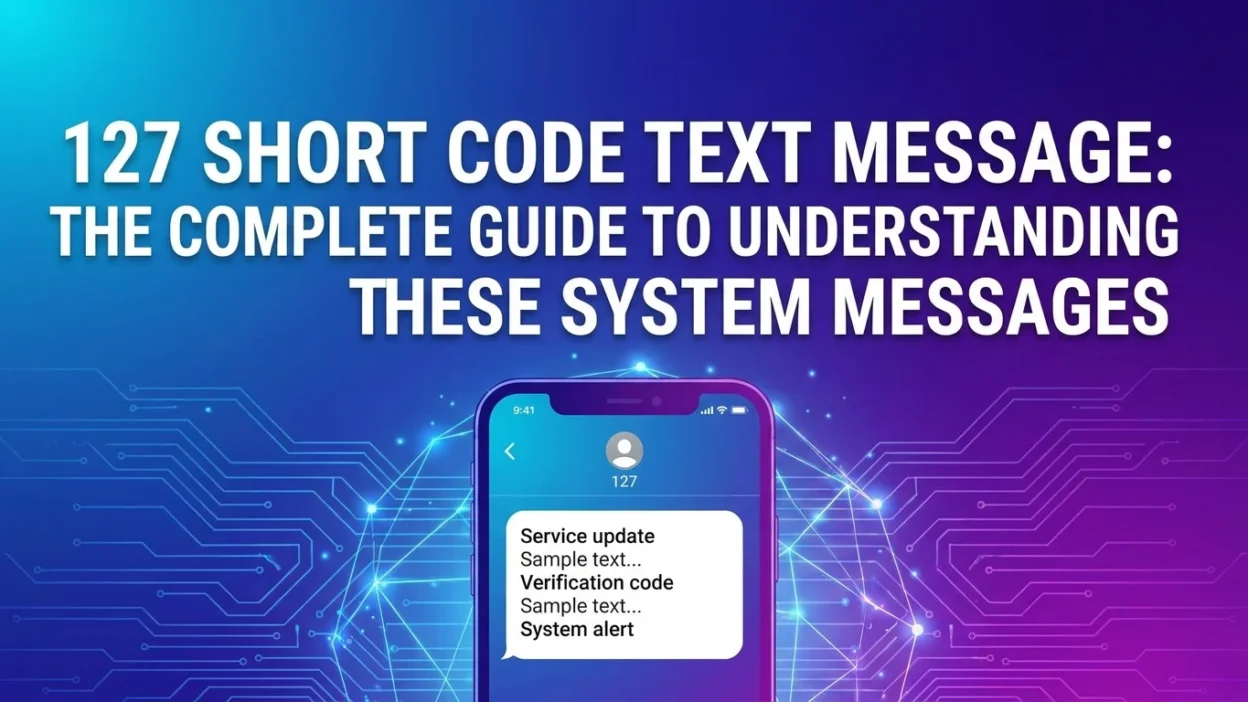
You’re checking your phone bill and notice something strange: an entry from “127” in your text message log. Or perhaps you just received an SMS from “127000” and aren’t sure if it’s legitimate. These numbers can be confusing, but they serve important purposes. This comprehensive guide explains everything you need to know about the 127 short code text message and its variations.
Understanding Short Codes: What They Are and How They Work
Before diving into the specifics of 127 and 127000, it helps to understand what short codes actually are. A short code is a five- or six-digit number that businesses and organizations use to send SMS and MMS messages to mobile phones. Unlike regular phone numbers, short codes are designed specifically for high-volume business messaging and are regulated by mobile carriers.
These numbers make it easier for companies to send appointment reminders, two-factor authentication codes, promotional offers, and alert notifications. Because short codes are registered and monitored, they provide a layer of accountability that helps prevent spam and fraud. However, scammers can still find ways to exploit them through spoofing and phishing attempts.
Understanding the 127 Short Code: A T-Mobile System Marker
If you’re a T-Mobile customer in the United States and you’ve spotted “127” in your detailed phone usage logs, you’re not alone. Many customers notice this mysterious three-digit number appearing repeatedly, sometimes dozens of times in a single billing cycle.
What Is the 127 Short Code on T-Mobile?
The 127 short code is a legitimate, non-commercial system code used internally by the T-Mobile network. It is not a traditional text message and is not associated with any commercial company or scam. Think of it as background noise — the network communicating with your phone’s software without you ever seeing a message appear in your texting app.
Key facts about the 127 short code:
- It is not a scam — scammers cannot use internal carrier codes like this to send phishing texts
- It is not chargeable — incoming system messages are free on all T-Mobile unlimited plans
- It never appears in your Messages app — the entry only shows in your detailed phone usage logs
Why the 127 Code Appears on Your Phone
The primary reason T-Mobile customers see “127” relates to Visual Voicemail (VVM) provisioning. The code is part of the system that activates and synchronizes VVM services on your phone. When the network needs to set up or update VVM, it sends a command that gets logged as an incoming message from 127.
Another important factor: the carrier’s logging system must account for every form of traffic on your line, whether it’s a call, an SMS, or a system-level data signal. Since the entry is system-generated, it never shows up in your actual Messages app — it only appears in the detailed logs on your bill.
127 vs. 128: What’s the Difference?
Both 127 and 128 are internal T-Mobile codes often seen in logs, but they serve slightly different purposes:
CodePrimary Function127Strongly linked to Visual Voicemail provisioning and status128Strongly linked to general voicemail notifications and Apple device syncing (Apple Watch/iPad)
What to Do If You See 127 on Your Bill
If you notice frequent entries from 127, it often indicates a minor communication error between your phone’s VVM software and T-Mobile’s network.
Do Not Reply or Call:
- The 127 code is not monitored — replying will likely result in an error message
- 127 is not a valid phone number; you cannot call it for customer support
Attempt a Reset:
- Restart your phone to force it to re-register with the network
- If the issue persists, you can perform a Network Settings Reset (note: this erases saved Wi-Fi and Bluetooth connections)
- Contact T-Mobile Customer Care at 611 and ask a representative to disable or reset the Visual Voicemail feature on your line
Why T-Mobile Customers Often Notice 127 on Their Bills
Many T-Mobile customers report seeing 127 on their bills and wondering what it means. The entry appears because the carrier’s logging system accounts for all traffic on your line, including system-level signals from Visual Voicemail provisioning. It never appears in your Messages app — only on your detailed bill. This is a normal part of how T-Mobile’s network operates.
Understanding the 127000 Short Code: A Government Initiative in India
While 127 is a T-Mobile system code, 127000 is something completely different. It’s an official short code used in India for the Digital Consent Acquisition (DCA) pilot — a joint initiative between the Telecom Regulatory Authority of India (TRAI) and the Reserve Bank of India (RBI).
What Is the TRAI-RBI Digital Consent Acquisition Pilot?
The pilot aims to give mobile users control over promotional messages they’ve previously agreed to receive from banks and businesses. Many older consents were taken through paper forms at bank branches and were never properly recorded in a digital system, making it difficult for users to stop unwanted messages.
The initiative addresses a significant problem: millions of Indians receive promotional messages from banks and financial institutions that they may no longer wish to receive. Because many consents were recorded on paper, there was no easy way for users to revoke them. The DCA pilot solves this by digitizing consent records.
How the 127000 SMS Process Works
Here’s what happens when you’re part of the pilot:
- Banks upload old customer consents to a shared digital platform
- If your consent has been uploaded, you receive an SMS from the short code 127000 sent by your telecom operator
- The message includes a standard advisory and a secure link to the operator’s consent management page
- On that page, you can view all consents recorded by participating banks against your mobile number
- You can then choose to continue, modify, or revoke any of these consents
Important Safety Information
TRAI has emphasized that no personal or financial information will be sought at any stage. You should only act on messages received from the 127000 short code. Acting on the SMS is entirely optional — if you do nothing, nothing changes.
Participating Banks in the Pilot
The pilot includes 11 major banks :
Bank NameTypeState Bank of India (SBI)Public SectorPunjab National Bank (PNB)Public SectorAxis BankPrivate SectorBank of MaharashtraPublic SectorCanara BankPublic SectorKotak Mahindra BankPrivate SectorIndusInd BankPrivate SectorICICI BankPrivate SectorHDFC BankPrivate SectorIndian Overseas BankPublic SectorPunjab & Sind BankPublic Sector
Participating Telecom Providers
Nine telecom service providers are also participating in the pilot. The project is expected to be completed by February 2026.
Benefits of the Digital Consent Acquisition Pilot
The DCA pilot offers several important benefits:
- Transparency: Users can see exactly which banks have their consent
- Control: Users can revoke consent for any bank
- Convenience: Everything can be managed through a simple SMS process
- Reduced Spam: Users receive fewer unwanted promotional messages
- Digital Record: All consents are now properly recorded in a digital system
Quick Comparison: 127 vs. 127000
Feature127 (T-Mobile)127000 (TRAI/RBI India)What It IsInternal system codeOfficial regulatory short codePurposeVisual Voicemail provisioningManaging promotional consentRegionT-Mobile (USA)IndiaAction RequiredNoneOptional consent managementWho Sends ItT-Mobile networkTelecom operator (on TRAI request)Scam RiskNoneNone (but verify source)Appears in MessagesNoYes
How to Protect Yourself From Text Message Scams

Scammers often use vague, unsolicited texts — including messages that appear to come from legitimate short codes — to bait you into responding. Once you reply, they confirm your number is active, which can lead to more spam or direct scam attempts.
Quick Safety Rules
- Do not respond to texts from unknown numbers
- Do not click links in unsolicited messages
- Block and report suspicious senders via your carrier or messaging app
- Never share personal info — legitimate companies will never ask for passwords or financial details via SMS
- Verify the sender — if a message claims to be from a company you know, contact them directly through their official website
What to Do If You’ve Already Responded
If you’ve replied to a suspicious message or clicked a link:
- Don’t panic, but act quickly
- Change passwords for any accounts that might be affected
- Contact your bank if you shared financial information
- Monitor your accounts for suspicious activity
- Report the incident to your mobile carrier
Frequently Asked Questions About 127 and 127000
Is 127 a scam number?
No, 127 is not a scam. It is an internal T-Mobile system code for Visual Voicemail provisioning. Since it’s an internal carrier function, scammers cannot use it to send phishing texts.
Is 127000 a scam?
No, 127000 is the official short code used by TRAI and RBI for the Digital Consent Acquisition pilot in India. Messages from this number are legitimate. However, always verify the message content and never share personal or financial information.
Why do I keep seeing 127 on my T-Mobile bill?
The entry appears because the carrier’s logging system accounts for all traffic on your line, including system-level signals from Visual Voicemail provisioning. It never appears in your Messages app — only on your detailed bill.
What should I do if I receive a message from 127000?
If you receive a message from 127000, read the advisory and use the secure link if you wish to review, modify, or revoke promotional consents. No action is required if you don’t want to change anything.
Can I block 127 messages?
You cannot block the 127 code, and T-Mobile representatives may not be able to stop it from appearing on your bill either. However, restarting your phone may reduce the frequency of entries.
Are incoming messages from 127 chargeable?
No. Incoming text messages—even system ones—are free on all T-Mobile unlimited plans.
What is the difference between 127 and 128?
Both are T-Mobile internal codes. 127 is strongly linked to Visual Voicemail provisioning/status, while 128 is linked to general voicemail notifications and Apple device syncing.
How can I check my T-Mobile voicemail?
You can access your T-Mobile voicemail by pressing and holding the ‘1’ key on your phone’s dialer, or by dialing 1-805-637-7243.
How do I stop messages from 127000?
You can manage your consents through the secure link provided in the SMS from 127000. If you wish to revoke all consents, you can do so through the consent management page.
What if I receive a message from 127 and I’m not a T-Mobile customer?
If you’re not a T-Mobile customer and you receive a message from 127, it could be a spoofed number or a scam. Do not reply, click links, or share personal information.
Conclusion
The “127 short code text message” can mean two very different things depending on your context. If you’re a T-Mobile customer seeing “127” in your phone logs, it’s simply a background system signal related to Visual Voicemail provisioning — nothing to worry about, nothing to pay for, and nothing that ever appears in your Messages app.
If you’re in India and receive a message from “127000,” it’s part of an official TRAI-RBI initiative to give you control over promotional consents you’ve previously granted to banks. This pilot is a legitimate, secure system designed to increase transparency and reduce unwanted promotional messages.
In both cases, understanding what these codes represent helps you respond appropriately — or, more often, to simply ignore them with confidence.

Amelia Brooks is a passionate writer specializing in text meanings, slang, and digital communication trends. She simplifies modern messaging to help readers understand every text with ease.