If you’re a Verizon customer who used the company’s Message+ app, you’ve likely noticed a significant change: the app no longer works. Verizon officially shut down the service on December 9, 2024, and you can no longer send or receive texts through it . Here’s everything you need to know about what happened and what you need to do now.
What Was Verizon Message+?
Verizon Messages, also known as Message+, was the carrier’s proprietary text-messaging app that came preloaded as the default on Android phones sold by Verizon until 2022 . The app functioned as a combination SMS app and chat app, allowing users to send and receive standard SMS and MMS messages as well as enhanced features when texting other Message+ users .
Key Features of Message+
The app offered several features that made it popular among its dedicated user base:
- Cross-device syncing: Users could send and receive texts from smartphones, tablets, and computers
- Message scheduling: Schedule texts to be sent at a future date and time
- Group chats: Support for group conversations with up to 250 people
- Customization: Extensive options for chat backgrounds, bubble colors, and themes
- Location sharing: Share your location directly through texts
- eGift cards: Send gift cards right through text messages
- Email aliases: Users received an email address ending with
Notably, Verizon Message+ wasn’t limited to Verizon customers—anyone with a U.S. mobile number and a compatible smartphone could use the app . The app accumulated over 100 million downloads on the Google Play Store .
Why Did Verizon Shut Down Message+?
The decision to discontinue Message+ stems from the mobile industry’s broader transition toward Rich Communication Services (RCS) . RCS is a modern messaging standard that offers a more interactive and feature-rich experience than traditional SMS and MMS protocols.
What Makes RCS Better?
RCS provides several advantages over older messaging standards:
- High-resolution media sharing: Share photos and videos without compression
- Read receipts: See when someone has read your message
- Typing indicators: Know when the other person is typing a reply
- Improved group chat: Better management of group conversations
- End-to-end encryption: Google Messages offers encryption for Android-to-Android conversations
Industry-Wide Adoption
The move toward RCS isn’t unique to Verizon. Google has been a major advocate for RCS, building it into Google Messages and making it the default messaging experience on Android devices. Apple also announced support for RCS in iOS 18, making cross-platform texting between iPhone and Android users more seamless .
Verizon officially stated: “The message space is rapidly changing and we want you to have the best messaging experience” . By discontinuing Message+ and encouraging users to switch to Google Messages, Verizon aims to provide a more consistent, modern, and secure messaging experience.
Shutdown Timeline
The shutdown occurred in stages to give customers time to prepare:
DateEventJune 2024Verizon announced the planned shutdown October 2, 2024Shutdown process began November 7, 2024Original planned shutdown date December 9, 2024Final shutdown date—app became fully non-functional
The app was extended by about a month due to user complaints and feedback . After December 9, the app was also removed from the Apple App Store and Google Play Store .
What Happened to Your Messages?
This is a critical concern for many users. The good news is that your messages are not permanently lost. Your SMS and MMS messages remain stored on your device’s local storage .
However, the shutdown created a jarring experience for some users. When you open the Message+ app now, you’ll see a full-screen pop-up informing you that the app was shut down on December 9, 2024 . This screen prevents access to your messages until you switch to a new app.
Some users have reported that messages didn’t transfer immediately after switching to Google Messages. It usually takes a day or two for all messages to transfer over . The message history likely won’t transfer if users haven’t set Google Messages as the default SMS app .
How to Switch to Google Messages
Verizon recommends switching to Google Messages for Android users . Here’s a step-by-step guide:
Step-by-Step Instructions
- Open or download Google Messages from the Google Play Store
- Open the app. The first time you open it, you’ll see a prompt: “To use Messages, make it your default SMS app”
- Tap the “Set default SMS app” button
- Select Google Messages (the white icon with the blue conversation bubble)
- Tap “Set as default”
- Move Google Messages to your home screen dock for easier access
Alternative Method
You can also switch by:
- Opening Settings on your phone
- Tapping “Default apps”
- Tapping “Default SMS app”
- Selecting your preferred service
Note for iPhone users: The Message+ shutdown does not affect you. iPhones have always used Apple’s Messages (iMessage) app and were never dependent on Verizon’s proprietary messaging solution .
What About Other Messaging Apps?
While Verizon recommends Google Messages, you’re not required to use it. You can choose any SMS app from the Google Play Store . However, Google Messages is the only app providing full RCS support and end-to-end encryption for Android-to-Android messaging .
Other popular alternatives include:
- Textra SMS – Highly customizable with many themes and styles
- Pulse SMS – Cross-platform support with web client
- Chomp SMS – Built-in emoji support and scheduled messages
The FBI and the U.S. Cybersecurity and Infrastructure Security Agency also recommend using encrypted chat apps like WhatsApp or Signal for additional security, as cross-platform encryption isn’t yet available within the RCS standard .
Comparing Google Messages to Message+
While Google Messages offers many features, some longtime Message+ users are frustrated about losing certain capabilities .
FeatureVerizon Message+Google MessagesRCS SupportNoYesEnd-to-End EncryptionNoYes (Android-to-Android)Message SchedulingYesYes (long press send button) CustomizationExtensive (bubbles, backgrounds)Limited but available Auto-Save PhotosYesNo (must be saved manually) Cross-Device SyncingYesYes (Messages for Web)Forwarding MessagesYesYes (long press message) Pin ConversationsYesYes Dark ModeYesYes
User Complaints About Google Messages
Many users have expressed frustration about the transition :
- “Google Messages lacks any kind of customizability that Message Plus has. While Google Messages is fine as a messaging app, it’s incredibly basic in its UI.” — mwarner811, Reddit user
- “You obviously have not used Verizon Messages+. It had many features that Google Messages does not have. You can copy, paste and forward messages, which is an amazing feature and amazing search features and customizability.” — Big-Hall7643, Reddit user
- “Worst decision Verizon has ever made, Verizon Message+ is the BEST app ever made, Google Messenger is years behind Message+.” — TU_Buckeye29
- “Messenger+ offered a quality service that I’ve not found in no other app. It allows me to schedule messages up to and often 30 days plus.” — Angiam007
Addressing Common Misconceptions About Google Messages
Google has addressed several misconceptions about its Messages app :
MisconceptionFact“Messages only works with Wi-Fi”False—Google Messages uses RCS, which works over both Wi-Fi and mobile data “No favorites”You can pin conversations to keep them at the top “Can’t forward messages”Long-press any message and select “Forward” “Can’t schedule messages”Long-press the send button to schedule delivery time “Photos don’t save”Photos aren’t auto-saved, but you can manually save by long-pressing and selecting download
How to Customize Google Messages
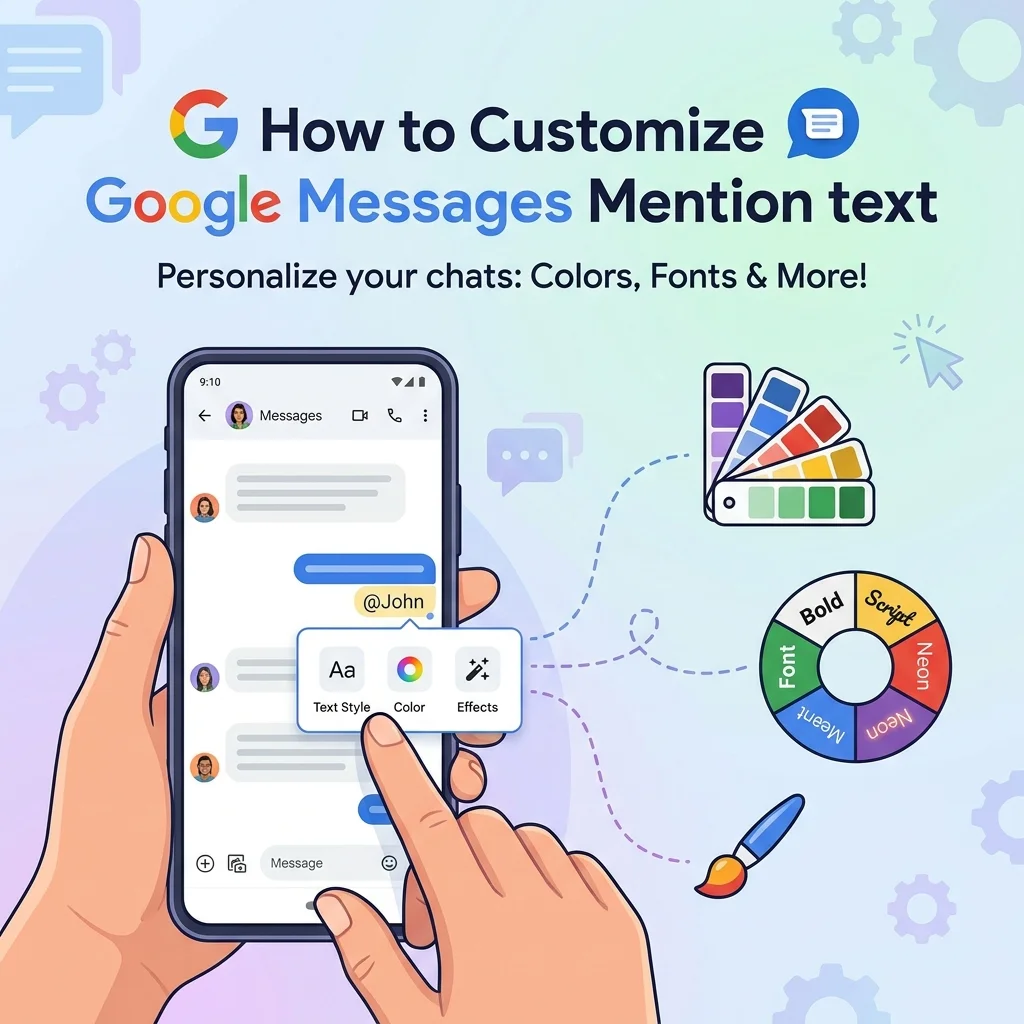
Google has provided guidance for Message+ users to replicate some of their favorite features :
Change background and bubble colors:
- Open Google Messages
- Select a conversation and tap the contact’s name and picture
- Tap “Change colors”
- Select background and bubble colors of your choice
Set a different notification sound:
- Open a conversation
- Tap the contact’s name and picture
- Tap “Notifications”
- Select “Sound”
Mute busy conversations:
- Open a conversation
- Tap the contact’s name and picture
- Tap “Notifications”
- Select “Silent”
Turn Dark Mode on/off:
- Tap your profile picture in the upper right
- Tap “Message settings”
- Tap “Choose theme” and select Light, Dark, or System default
Frequently Asked Questions
What happened to the Verizon Message+ app?
Verizon officially shut down the Message+ app on December 9, 2024. You can no longer send or receive text messages using it . The app displays a full-screen pop-up about the shutdown and prompts you to switch to a new messaging app .
Why is Verizon discontinuing Message+?
Verizon is shifting to Google Messages to align with the modern Rich Communication Services (RCS) standard, which offers a more interactive, feature-rich, and secure messaging experience .
What happens to my old messages?
Your SMS and MMS messages are stored locally on your phone and remain accessible after you switch to a new default messaging app, like Google Messages . However, you won’t be able to access them through Message+ anymore .
What app should I switch to for Android?
Verizon recommends switching to Google Messages, which is now preloaded on all Verizon Android devices . It offers RCS features, end-to-end encryption, and regular updates.
How do I switch to Google Messages?
- Download or open Google Messages
- When prompted, tap “Set default SMS app”
- Select Google Messages
- Tap “Set as default”
Do I have to use Google Messages?
No. While Verizon recommends it, you can use any SMS app from the Google Play Store . However, Google Messages is the only app providing full RCS support and end-to-end encryption for Android-to-Android messaging .
What if I’m an iPhone user?
The Message+ shutdown does not affect iPhone users. iPhones have always used Apple’s Messages (iMessage) app .
Will my scheduled messages be sent?
No. Any scheduled messages set to be sent on or after December 9, 2024, were not sent .
What happened to my @vmtext.com email alias?
The email alias functionality stopped working when Message+ was discontinued .
Can I get my messages back if I didn’t switch before the deadline?
Yes, the messages remain on your device. Simply download and set up Google Messages as your default SMS app to access them .
Why can’t I see my messages after switching?
It may take a day or two for all messages to transfer. Also, ensure you’ve set Google Messages as the default SMS app, as some users have reported issues when this step is missed .
What features did I lose with Message+?
Some features users report missing include auto-saving photos, extensive customization options, and certain message management features like selecting multiple messages to delete . However, Google Messages offers other advantages like end-to-end encryption and regular updates.
Conclusion
The Verizon Message+ shutdown marks the end of an era for the carrier’s proprietary messaging service. While the transition may be challenging for some, it represents the industry’s move toward a more modern, secure, and universal communication standard through RCS.
Key Takeaways
- The app is gone: Verizon Message+ is officially shut down as of December 9, 2024
- Your messages are safe: Your message history is stored locally on your device
- Switch to Google Messages: Verizon recommends this as the replacement
- Consider alternatives: You can use other SMS apps from the Google Play Store
- The future is RCS: The industry is moving toward this modern messaging standard
Final Advice
Take a few minutes to download Google Messages (if you don’t already have it) and set it as your default app . Your messages will be accessible, and you’ll be ready to enjoy the modern features that RCS offers. If you encounter any issues, Verizon customer support can assist with the transition.
The most important thing to remember is that this change was made to improve your messaging experience. With RCS support, Google Messages offers a more consistent, secure, and feature-rich way to stay connected . Embrace the change, and you’ll find that texting on your Android device is better than ever.

Amelia Brooks is a passionate writer specializing in text meanings, slang, and digital communication trends. She simplifies modern messaging to help readers understand every text with ease.