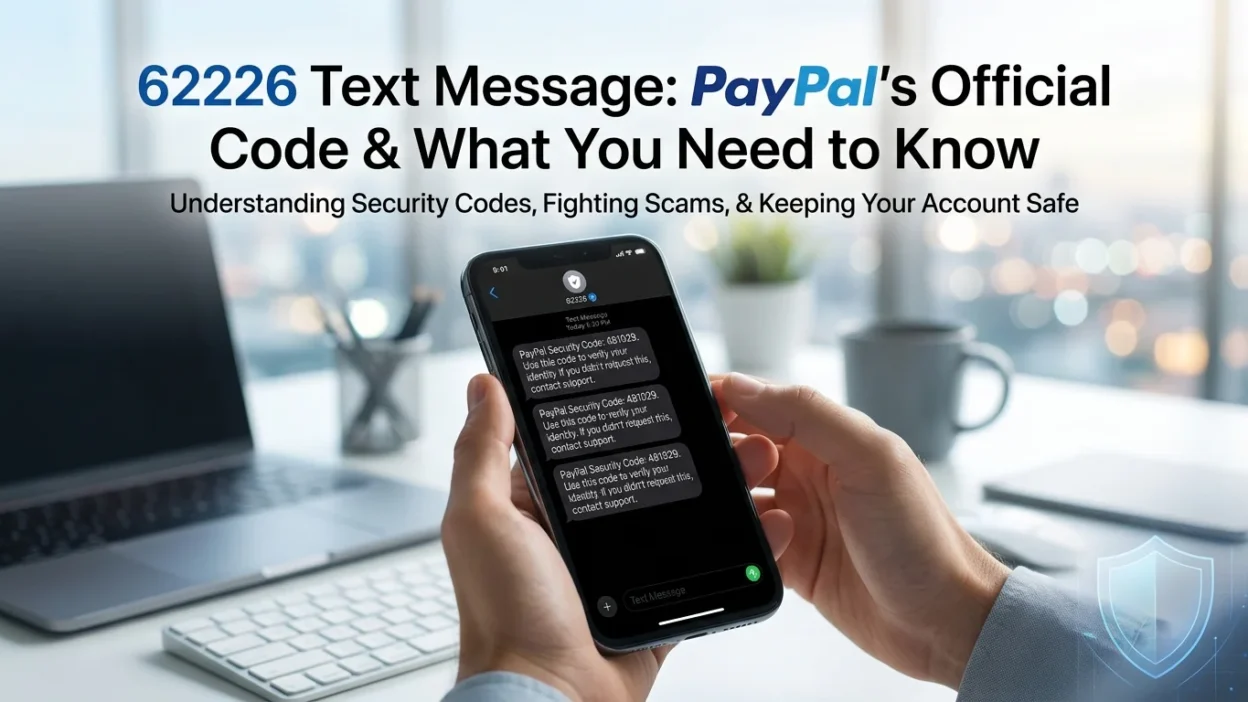
📱 You glance at your phone and see a text from an unfamiliar five-digit number: 62226. It claims to be from PayPal, asking you to authorize a recent transaction. You weren’t expecting it, and you’re not sure whether to respond. Is it legitimate? Will you be charged for replying? Or is this some new type of scam?
The 62226 text message is PayPal’s official short code used for transaction verification and security alerts . However, the situation is more complex than a simple yes or no answer. This guide explains everything you need to know about the 62226 short code, why PayPal sends these messages, what charges you might face, and how to stay safe.
📌 What Is the 62226 Short Code?
The number 62226 is a dedicated short code that PayPal uses for SMS communications with customers . Short codes are 5-6 digit numbers that organizations use for high-volume, automated messaging. These codes are designed to be easier to remember than standard 10-digit phone numbers and are specifically built for automated services.
When you receive a 62226 text message, it is typically a legitimate communication from PayPal related to your account activity . These messages are supposed to be sent after you have opted in to receive SMS notifications from PayPal, which usually happens when you link your mobile number to your account .
🔐 Why Does PayPal Send Messages from 62226?
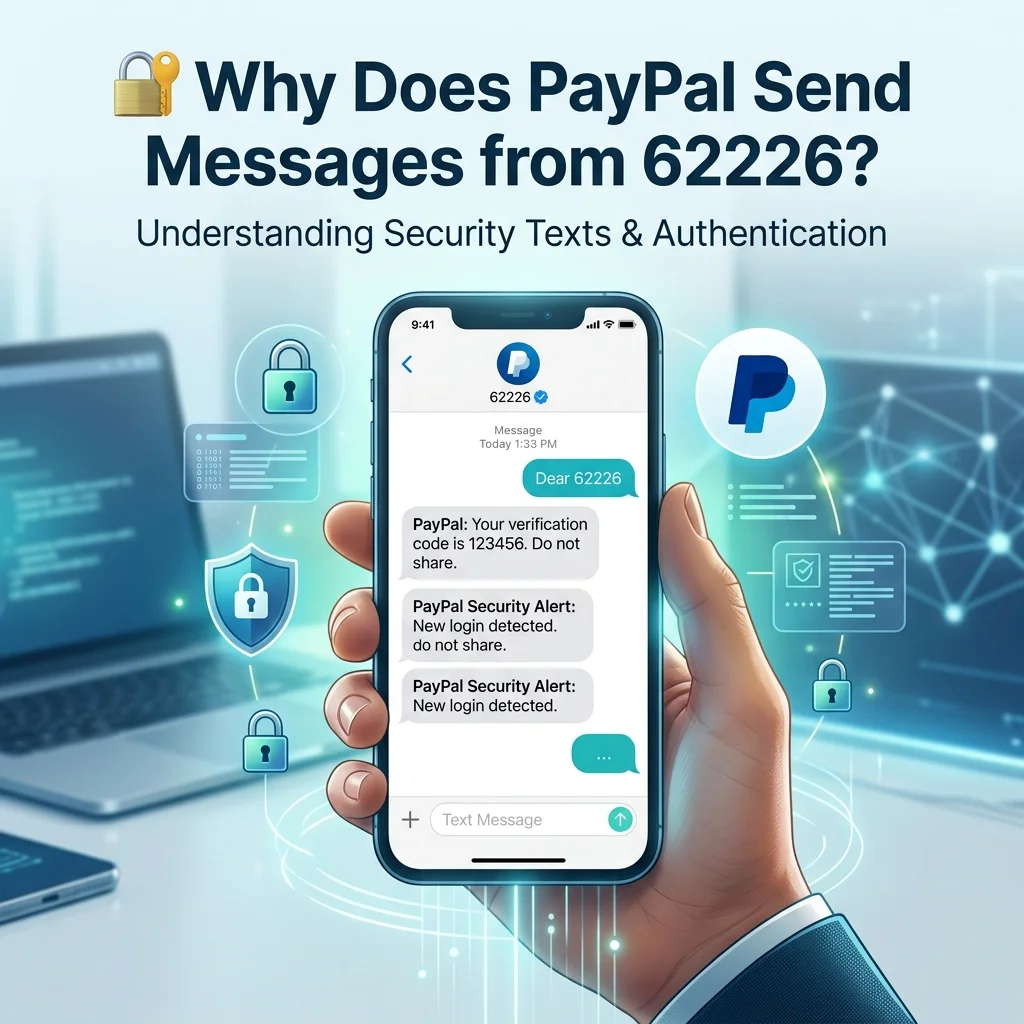
PayPal uses the 62226 short code primarily for security purposes. The most common reason for receiving a 62226 text message is transaction verification.
Suspicious Transaction Alerts
PayPal’s security system monitors transactions for unusual activity . When the system flags a payment as potentially suspicious, it sends an SMS from 62226 asking you to verify the transaction . These alerts are typically triggered by:
- Unusually large payments: Transactions significantly higher than your normal spending pattern
- New or changed shipping addresses: When you ship to an address you haven’t used before
- Purchases from unfamiliar merchants: Transactions with sellers you haven’t used previously
How the Verification Process Works
The typical message you receive from 62226 reads something like this: “[PayPal] A £743.33 GBP transaction from [seller] on [date] was marked suspicious. Please reply 1 if authorised or 2 if not.”
If you reply “1,” PayPal approves the transaction. The payment then proceeds as normal. If you reply “2,” PayPal flags the transaction as unauthorized and takes appropriate action.
Account Verification and Security Codes
In some cases, PayPal uses 62226 to send verification codes for two-factor authentication or account setup. The short code also helps verify that the phone number linked to your account is valid and active .
💰 The Hidden Cost: Charges for Replying
One of the most surprising aspects of the 62226 text message is that replying to it often incurs a charge . Many users discover this only after they have already responded.
Why Are There Charges?
Texts sent to short codes like 62226 are typically charged at a premium rate . According to PayPal’s terms of service, when you link your mobile number to your account, you agree that exchanges with PayPal over SMS are charged at the standard rate .
These charges are imposed by your mobile carrier, not by PayPal directly. The carrier treats replies to short codes as premium-rate messages, similar to voting texts or charity donations.
How Much Does It Cost?
The exact cost varies depending on your mobile carrier and plan. In the UK, users have reported charges of around 30p per reply . However, rates can be higher depending on your provider and tariff.
Can You Avoid the Charge?
Yes, there are several ways to avoid charges:
- Check your plan: Some mobile plans include texts to short codes in your allowance
- Use the PayPal app: You can authorize transactions through the PayPal app or website without sending an SMS
- Call PayPal support: You can contact PayPal directly to authorize transactions over the phone
- Change your settings: Some phones allow you to block premium-rate messages entirely
One user noted: “It’ll be in the T’s and C’s that text messages to that number are charged at the standard rate etc etc as with any other company that uses a similar service.”
⚠️ Is the 62226 Text Message a Scam?
The 62226 text message itself is legitimate when it comes from PayPal. However, the situation is complicated by scammers who exploit this number.
How Scammers Exploit 62226
Scammers use several tactics to trick users:
- Spoofing the number: Scammers can fake the sender ID to appear as 62226
- Following up with phishing attempts: After a legitimate PayPal message, scammers may send additional texts asking for more information
- Premium rate scams: Some reports suggest scammers use premium-rate numbers to charge users for replies
How to Tell If a Message Is Legitimate
- You recognize the transaction: The message should reference a transaction you actually made
- The amount matches: The transaction amount should be accurate
- You initiated the purchase: The message should come after you made a payment
When to Be Suspicious
- Unsolicited messages: You receive a text without having made a transaction
- Additional requests: The message asks for more than a simple yes/no reply
- Links to external sites: Legitimate messages from 62226 typically don’t contain links
One user warned: “It’s very worrying… if it’s fraudsters, they know the amount each time and the sellers name. what the hell.” This highlights the sophistication of some scams.
What PayPal Says
PayPal has confirmed that 62226 is their official short code. In some cases, the company has even tweeted the number from their verified account . However, PayPal also recommends that users verify any suspicious messages directly through their official website or app.
🔧 What to Do If You Receive a 62226 Message
If you receive a 62226 text message, follow these steps:
Verify the Transaction
Check your PayPal account through the official app or website. See if the transaction referenced in the text actually appears in your account history.
Use Official Channels for Verification
Instead of replying to the SMS, log into your PayPal account directly. Authorize the transaction through the app or website. This avoids any potential charges and ensures you’re using a secure channel .
Check Your Account Settings
Review your PayPal notification settings. You can choose to receive security alerts via email rather than SMS to avoid charges.
Report Suspicious Messages
If you receive a message that seems suspicious, contact PayPal directly through their official support channels. Do not use any contact information provided in the suspicious message.
🛑 How to Stop Receiving 62226 Messages
If you want to stop receiving messages from 62226, you have several options:
Text “STOP” to 62226
You can reply “STOP” to 62226 to unsubscribe from PayPal’s SMS notifications . However, note that this may also unsubscribe you from important security alerts.
Adjust PayPal Settings
Log into your PayPal account and adjust your notification preferences. You can choose to receive notifications via email instead of SMS.
Contact Your Mobile Carrier
Your carrier can block premium-rate messages or texts from specific short codes. This prevents any charges from replying to 62226.
❓ Frequently Asked Questions
What is 62226?
62226 is PayPal’s official short code used for sending transaction verification messages and security alerts to customers .
Why did I get a text from 62226?
You received a text from 62226 because PayPal’s security system flagged a recent transaction as potentially suspicious and is asking you to verify it .
Is 62226 a scam?
No, 62226 is PayPal’s official short code. However, scammers can spoof this number to send fraudulent messages . Always verify the content before taking action.
Will I be charged for replying to 62226?
Yes, replying to 62226 typically incurs a charge from your mobile carrier . The exact cost depends on your plan and provider.
How much does it cost to reply to 62226?
The cost varies but users have reported charges of around 30p per reply in the UK . Check with your carrier for exact rates.
How do I stop receiving texts from 62226?
Text “STOP” to 62226 to unsubscribe . Alternatively, adjust your notification preferences in your PayPal account settings.
What if I get a suspicious message from 62226?
If you receive a suspicious message, do not click any links or share personal information. Log into your PayPal account directly through the official app or website to verify your account status .
Can I authorize a PayPal transaction without replying to the SMS?
Yes, you can authorize transactions through the PayPal app or website, or by calling PayPal customer support .
How can I tell if a 62226 message is legitimate?
A legitimate message will reference a transaction you actually made with the correct amount. It will also come from the official 62226 short code rather than a random phone number .
✅ Conclusion
The 62226 text message is PayPal’s official short code used for transaction verification and security alerts. When you receive a message from this number, it is typically PayPal asking you to confirm that you authorized a recent transaction . While the messages themselves are legitimate, replying to them usually incurs a charge from your mobile carrier .
To avoid charges, authorize transactions through the PayPal app or website instead of replying to the SMS . If you’re uncertain about a message’s legitimacy, log into your PayPal account directly to verify your account status. While scammers can spoof the 62226 number , a message that references an actual transaction you made with the correct amount is likely legitimate. With this knowledge, you can confidently handle any 62226 text message you receive.

Amelia Brooks is a passionate writer specializing in text meanings, slang, and digital communication trends. She simplifies modern messaging to help readers understand every text with ease.