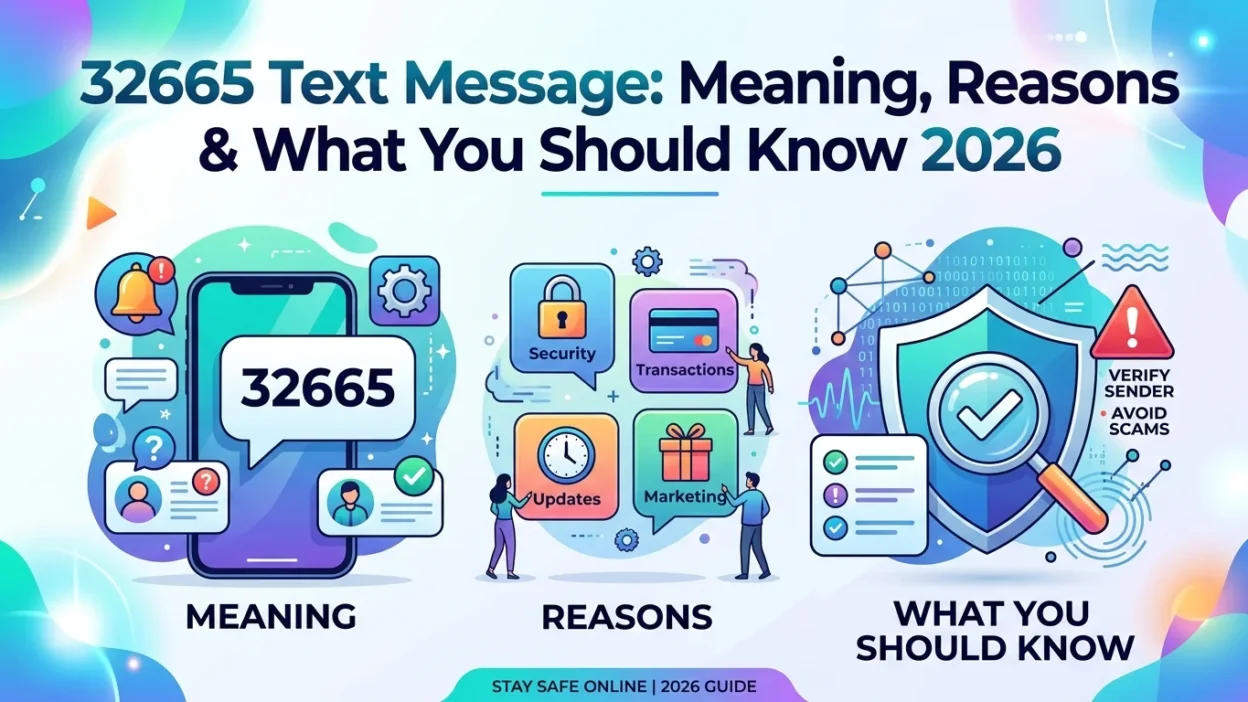
You glance at your phone and see a message from 32665. Perhaps it contains a verification code, or maybe it’s a notification you didn’t expect. Unlike random spam numbers, 32665 serves a specific purpose—it is Facebook’s official short code, also known as FBOOK on a phone keypad. This guide explains everything you need to know about the 32665 text message, why you receive it, and how to handle it safely.
📌 What Is the 32665 Short Code?
The number 32665 is a dedicated short code that Facebook uses for text messaging services. On a phone keypad, 32665 spells out “FBOOK,” which is a deliberate choice that makes the number easy to remember. Facebook has used this short code for years to provide various SMS-based services to its users around the world.
This short code functions across multiple carriers and countries. Facebook’s official help center lists 32665 as the primary number for SMS services in many regions. However, depending on your location and mobile carrier, you might need to use a different code.
🔐 One-Time Passwords: The Primary Function
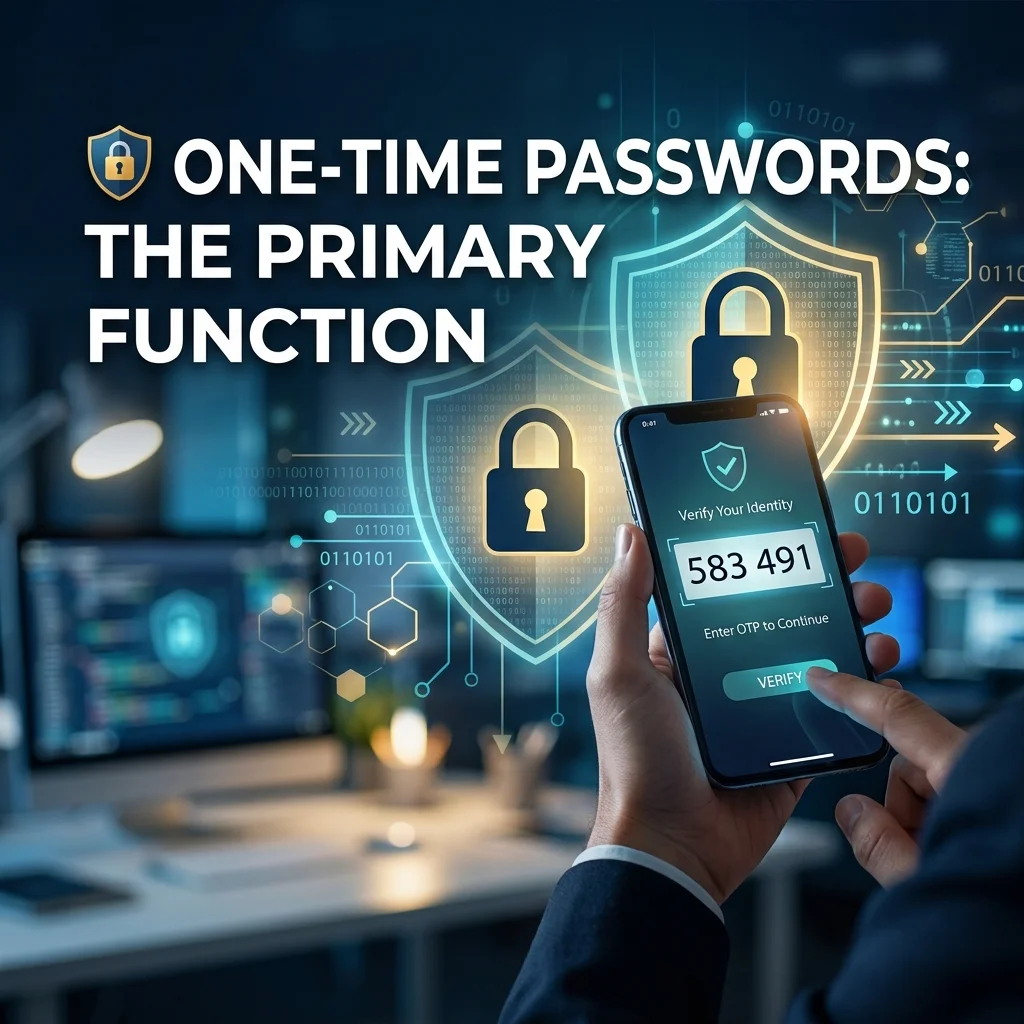
The most common reason for receiving a 32665 text message is to obtain a one-time password for Facebook. When you text “OTP” to 32665, Facebook sends you a temporary password that you can use to log into your account.
How One-Time Passwords Work
One-time passwords are designed for situations where you cannot enter your real Facebook password securely. This feature was launched back in 2010 to help users log in from public computers, libraries, or other shared devices where typing your actual password might be risky.
When you text “OTP” to 32665, Facebook immediately sends back a unique six-character temporary password. This password works for exactly one login attempt and expires after 20 minutes. This means even if someone else sees the code, they cannot use it to access your account later.
When to Use a One-Time Password
You might want to use a one-time password in several situations:
- Public computers: When logging in from a library, hotel lobby, or internet cafe
- Shared devices: When using a friend’s phone or computer
- Temporary access: When you need to check something quickly but don’t want to save your password
One-time passwords offer significant convenience. However, they are not available if you have enabled two-factor authentication on your account. In that case, you will need to use your regular password along with a verification code.
📱 Facebook Texts and SMS Commands
Beyond one-time passwords, 32665 provides several other SMS-based services. These features allow you to interact with Facebook without needing a data connection.
Setting Up Facebook Texts
To start using Facebook Texts, you first need to confirm your phone number through Facebook’s settings on your computer. After that, you can text various commands to 32665. To begin receiving notifications, text “START” to 32665. To stop, text “STOP.” For help, text “HELP.”
Updating Your Status via SMS
One useful feature of Facebook Texts is the ability to update your status via SMS. If you cannot access the internet but want to share something, simply type your status update in a text message and send it to 32665. Your post will appear on your Timeline and in your friends’ News Feeds.
Stopping and Restarting Notifications
If you receive too many texts from 32665, you can stop them by texting “STOP” to the short code. To restart notifications, text “START.” This gives you control over how Facebook communicates with you via SMS.
Sending Friends Requests and More
Facebook’s SMS system also allows you to send friend requests and invitations through text. Some users report receiving messages asking them to invite others to their Facebook page. These are often legitimate SMS notifications, though they can become annoying if you receive too many.
⚠️ Why Am I Receiving Unexpected 32665 Texts?
Many users worry when they receive unexpected messages from 32665. In most cases, there is a simple explanation.
Someone Is Trying to Access Your Account
If you receive an unexpected password reset code or verification code from 32665, it likely means someone is trying to access your Facebook account. They might have entered your phone number on the password reset page. This could be an honest mistake—someone typed the wrong number. However, it could also be a deliberate attempt to gain unauthorized access.
The important thing to remember is that they cannot reset your password without the code that was sent to your phone. As long as you do not share this code, your account remains secure.
Accidental Setup by Someone Else
Another possibility is that someone else inadvertently linked your phone number to their Facebook account. This can happen if they typed the wrong number during setup. Since a phone number can only be linked to one Facebook account, this causes confusion.
Legitimate Notifications from Facebook
Sometimes, the messages are simply notifications you signed up for. For example, you might receive alerts about friend requests, messages, or other activity. These are legitimate communications from Facebook.
🚨 Is 32665 a Scam Number?
The short code 32665 itself is legitimate and owned by Facebook. However, scammers sometimes attempt to exploit this number’s reputation.
How Scammers Use 32665
Scammers may send messages that appear to come from 32665, asking you to click a link or provide personal information. These are phishing attempts designed to steal your credentials. Some users report receiving suspicious messages with strange codes or links from 32665. Others receive messages claiming they need to confirm their account or face suspension.
Signs of a Scam Text from 32665
Here are red flags to watch for:
- Suspicious links: The message asks you to click a link that looks strange or doesn’t match Facebook’s official URLs
- Requests for personal information: The message asks for your password, Social Security number, or other sensitive data
- Urgent language: The message creates a false sense of urgency, claiming your account will be disabled
- Unexpected messages: You receive a code or notification without having requested it
How to Protect Yourself
If you receive a suspicious message from 32665, do not click any links or reply with personal information. Instead, open a web browser and go directly to Facebook’s official website. Check your account activity in the security settings. If you see any unauthorized login attempts, change your password immediately.
🔧 How to Stop Unwanted Texts from 32665
If you want to stop receiving messages from 32665, you have several options.
Text “STOP” to 32665
The simplest solution is to text “STOP” to 32665. This will unsubscribe you from all Facebook SMS notifications. You can restart them later by texting “START.”
Block the Number on Your Phone
You can also block 32665 using your phone’s built-in blocking feature. This prevents any future messages from reaching you. However, this also means you will not receive legitimate one-time passwords if you need them.
Adjust Your Facebook Settings
For more control, you can adjust your notification settings within Facebook. Go to Settings > Notifications and review which notifications you receive via SMS. Turn off any notifications you do not want.
🌍 Does 32665 Work in All Countries?

Facebook uses 32665 in many countries, but the exact number can vary. Depending on your location and mobile carrier, you might need to use a different short code. Facebook’s help center provides a list of supported carriers and numbers for various regions.
Standard SMS charges typically apply when you text 32665. However, some carriers do not charge for messages sent to this short code. If you are concerned about costs, check with your mobile provider.
❓ Frequently Asked Questions
What is 32665?
32665 is Facebook’s official short code for SMS services. On a phone keypad, this number spells “FBOOK.” Facebook uses it to send one-time passwords, notifications, and other text-based services.
What does “OTP” mean when texting 32665?
OTP stands for “one-time password.” When you text “OTP” to 32665, Facebook sends you a temporary password you can use to log in to your account. This password expires after 20 minutes and can only be used once.
Why am I getting verification codes from 32665?
If you receive unexpected verification codes from 32665, someone might be trying to access your Facebook account using your phone number. Do not share the code with anyone. Check your account activity and change your password if needed.
Is 32665 a scam number?
32665 is a legitimate short code owned by Facebook. However, scammers can send messages that appear to come from this number. Always be cautious of links and requests for personal information.
How do I stop receiving texts from 32665?
Text “STOP” to 32665 to unsubscribe from Facebook SMS notifications. You can restart them later by texting “START.” You can also block the number on your phone.
Am I charged for texting 32665?
Standard SMS rates typically apply when you send messages to 32665. Some carriers may not charge for messages to this short code. Check with your mobile provider for specifics.
Can I update my Facebook status via SMS?
Yes, you can update your Facebook status by texting your message to 32665. Your status will appear on your Timeline and in your friends’ News Feeds.
What should I do if I receive suspicious messages from 32665?
Do not click any links or reply with personal information. Go directly to Facebook’s official website and check your account security settings. Report any suspicious activity to Facebook.
Does 32665 work outside the United States?
Facebook uses 32665 in many countries, but the exact number can vary depending on your location and carrier. Check Facebook’s help center for a list of supported numbers in your country.
Can I receive Facebook notifications via text from 32665?
Yes, you can receive notifications about friend requests, messages, and other activity via SMS from 32665. To enable this, follow the setup instructions in Facebook’s settings.
✅ Conclusion
The 32665 text message is a legitimate communication channel that Facebook uses for SMS services. It serves several important functions, including providing one-time passwords for secure logins from public computers, allowing status updates without internet access, and delivering notification messages.
While the 32665 short code itself is safe and owned by Facebook, scammers can sometimes exploit its reputation. Therefore, exercise caution with any suspicious messages. Never click on unknown links or share personal information in response to unsolicited texts. If you receive an unexpected verification code, it likely means someone is trying to access your account. Your best defense is to ignore the code and check your account security.
For those who find the messages annoying, you can simply text “STOP” to 32665. This will unsubscribe you from all notifications. However, remember that this also disables one-time password services, which may be inconvenient if you ever need them. Understanding what 32665 represents helps you handle its messages confidently and stay secure.

Amelia Brooks is a passionate writer specializing in text meanings, slang, and digital communication trends. She simplifies modern messaging to help readers understand every text with ease.