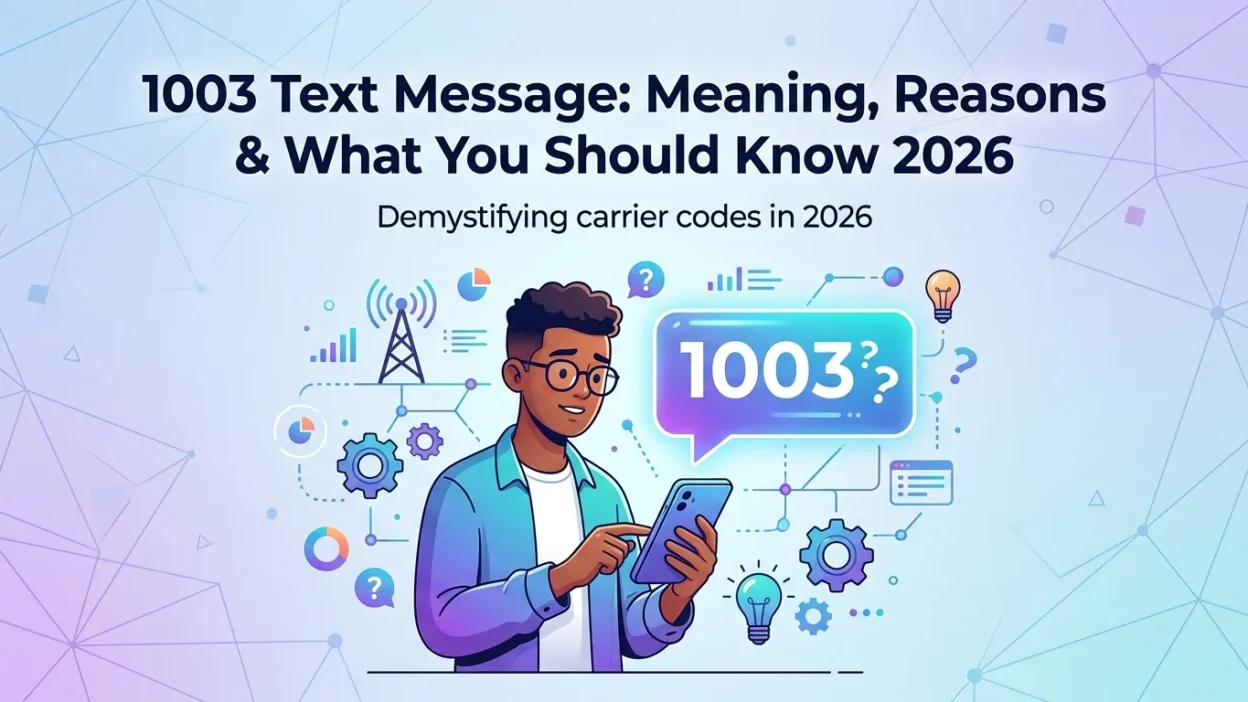
Receiving a text from an unfamiliar short code like 1003 can be confusing. Your first question is likely, “Is this legitimate, or is it a scam?” The answer depends on the context. Notably, the number 1003 serves several distinct purposes in the digital world. Understanding these different meanings will help you respond appropriately. This comprehensive guide explores the most common reasons you might encounter a 1003 text message and what each scenario means for you.
🔍 Specifically, we will cover its use as an official T-Mobile customer satisfaction survey, its appearance as an error code in various technical systems, and other potential meanings. By the end of this article, you will know exactly how to handle any 1003 text message you receive.
📌 1003 as an Official T-Mobile Short Code
In the United States, one of the primary uses of the short code 1003 is by the telecommunications company T-Mobile. Consequently, if you recently interacted with T-Mobile customer support, you are highly likely to receive a 1003 text message from this number.
📋 T-Mobile Customer Satisfaction Surveys
T-Mobile uses the 1003 short code to send post-call customer satisfaction surveys. After you contact T-Mobile support, you might receive a 1003 text message like this:
T‑Mobile: Thanks for calling us on Oct 23. Please tell us about your experience. To opt out, reply STOP. Survey info will be stored. How satisfied are you with the assistance you received from our team member(s)? Please reply on a 0-10 scale where 0 = Not at all satisfied 10 = Extremely satisfied
These surveys are a common practice in the telecom industry. Therefore, they are a legitimate form of communication. The survey aims to measure your satisfaction with the support you received. Typically, it uses a Net Promoter Score (NPS) model, asking you to rate your experience on a scale from 0 to 10.
🔒 Privacy and Opt-Out Information
Legitimate 1003 text message communications from T-Mobile will include certain key elements. For instance, the example message above includes a privacy policy link. This link explains how T-Mobile collects, stores, and uses your feedback data.
These messages also include standard opt-out instructions. Specifically, you can reply with “STOP” to unsubscribe from these survey messages. This compliance with U.S. texting regulations helps ensure you have control over the communications you receive.
✅ How to Know If a 1003 Survey Is Legitimate
Determining if a 1003 text message from 1003 is legitimate is straightforward. Usually, the message will explicitly mention T-Mobile and refer to a recent support interaction. If you called T-Mobile support recently and the timing matches, the message is almost certainly legitimate. However, if you did not contact T-Mobile, the message might indicate an account mix-up or a wrong number issue. In that case, you can safely ignore the 1003 text message or reply “STOP” to opt out.
⚙️ 1003 as a Technical Error Code
In other contexts, 1003 appears as an error code in various technical systems. Therefore, if you encounter this number outside of a text message, it might indicate a different type of issue. Understanding these technical meanings can help you troubleshoot problems effectively.
💻 WebSocket and API Errors
In the world of web development, 1003 is a WebSocket close code. Specifically, it indicates that an endpoint is terminating the connection because it received a type of data it cannot accept. For example, a server that only understands text data might send this error if it receives a binary message. Similarly, in some API contexts, like with Tencent Cloud, error code 1003 might indicate a missing or empty sig field in a request.
📱 SMS Delivery Errors from Carriers
Depending on your mobile carrier, 1003 can also be an SMS delivery error. For instance, in the Philippines, Smart Communications uses error code 1003 to indicate that a transaction for a load package was declined. The notification states: VD#1003 Transaction Declined. Customer Number is not allowed to avail this load package.
Furthermore, SMS gateways might use 1003 to signal that a message was blocked by the carrier. This blocking can occur if the message hits a keyword filter or violates carrier policies. However, it is important to note that error codes are not universal and depend on the specific system or carrier.
🌐 Other Meanings and Uses of 1003
Beyond T-Mobile surveys and error codes, the number 1003 appears in other contexts. Consequently, you might encounter it in various situations. Understanding these alternative meanings can prevent confusion.
📞 USSD Service Codes
In some countries, carriers use 1003 as a USSD service code. For instance, dtac in Thailand uses *1003 for various services, including calls to an automated system (IVR) and checking favorite numbers.
⚠️ Smart Communications Void Code
As mentioned earlier, Smart Communications in the Philippines uses 1003 as a void code. This code notifies a retailer that a customer is not allowed to avail of a specific load package.
🔢 Other Potential Meanings
While less common, “1003” also appears as a LeetCode problem number (a coding challenge about the string “abc”) and in spiritual contexts as an “angel number.” The angel number 1003 is often interpreted as a message about divine guidance and self-leadership. However, these are not related to text messaging and should not be confused with the short code.
💡 What to Do When You Receive a 1003 Text
If you receive a 1003 text message, follow these steps to determine its legitimacy and respond safely. These guidelines will help you protect your personal information.
📖 Read the Message Carefully
First, read the full content of the message. Does it mention T-Mobile? Does it refer to a recent call you made? If it’s a survey, the 1003 text message will be clear about its purpose.
⏰ Check the Timing
Consider whether you have recently contacted T-Mobile support. If the timing of the 1003 text message matches your interaction, it is likely a legitimate survey. If you haven’t contacted them, be more cautious.
🔗 Don’t Click Suspicious Links
Even though legitimate messages from T-Mobile contain privacy policy links, be wary of any links in unsolicited messages. If you are unsure about a 1003 text message, do not click the link. Instead, navigate to T-Mobile’s official website directly to review their privacy policy.
🛑 Opt Out If Unwanted
If you no longer wish to receive these survey texts, reply with “STOP.” This will opt you out of that specific SMS program and prevent future 1003 text message surveys.
📢 Report Suspicious Messages
If you suspect a 1003 text message is a scam or phishing attempt, report it to your mobile carrier. You can forward suspicious texts to 7726 (SPAM) in the United States. This helps carriers identify and block scam campaigns.
🔍 Common Misunderstandings About 1003 Text Messages
Many people confuse the different meanings of 1003. Consequently, they may react incorrectly when they receive a 1003 text message. Here are some common misunderstandings.
❌ Myth: All 1003 Texts Are Scams
Not true. T-Mobile uses the 1003 short code for legitimate customer satisfaction surveys. However, scammers can spoof numbers, so always verify the content.
❌ Myth: 1003 Only Means One Thing
In reality, 1003 has multiple meanings. It can be a T-Mobile survey, a WebSocket error code, or a carrier-specific delivery error. Therefore, always consider the context when you encounter a 1003 text message.
❌ Myth: You Can’t Opt Out of 1003 Messages
You can opt out of T-Mobile survey messages by replying “STOP.” This is a standard feature of legitimate SMS marketing programs.
🛡️ Protecting Yourself from 1003 Scams
While 1003 is a legitimate number, scammers can spoof it. Therefore, you should always follow these safety guidelines when you receive a 1003 text message.
🔐 Verify the Sender
If a 1003 text message claims to be from T-Mobile, check if you recently contacted them. If you didn’t, treat the message with suspicion.
📱 Use Official Channels
If you need to contact T-Mobile, use their official website or app. Do not use contact information provided in a suspicious 1003 text message.
📝 Never Share Personal Information
Legitimate surveys from T-Mobile will not ask for your password, Social Security number, or payment information. If a 1003 text message asks for this, it is a scam.
👑 Best Practices for Handling Short Code Messages

Following these best practices will keep you safe when receiving messages from short codes like 1003.
📖 Read Everything
Always read the full message before taking any action. This helps you understand the purpose of the 1003 text message.
⏳ Don’t Rush
Scammers often create a sense of urgency. If a 1003 text message pressures you to act quickly, it is likely a scam.
🔗 Verify Links
If a message contains a link, hover over it (on desktop) or examine it carefully on mobile. If it looks suspicious, do not click it.
📢 Report Scams
If you receive a fraudulent 1003 text message, report it. This helps protect other consumers.
❓ Frequently Asked Questions
Is 1003 a legitimate number?
Yes, 1003 is a legitimate short code used by T-Mobile for customer satisfaction surveys. However, as with any short code, you should always verify the content of the 1003 text message to ensure it is not a scam.
Why did I get a text from 1003?
You likely received a 1003 text message because you recently contacted T-Mobile customer support. The message is a follow-up survey asking about your experience with the support team.
What does error 1003 mean in SMS?
The meaning of error 1003 depends on your carrier and context. For example, Smart Communications in the Philippines uses it for declined load transactions. In other SMS systems, it might indicate a blocked message or other delivery issue.
Can I opt out of texts from 1003?
Yes, you can opt out of the T-Mobile survey texts from 1003 by replying “STOP.” This will prevent you from receiving future 1003 text message surveys.
Is 1003 a scam text?
Not always. T-Mobile uses 1003 for legitimate surveys. However, scammers can spoof any number. Always evaluate the content of the 1003 text message and consider if you recently contacted T-Mobile. If you are unsure, do not click on links and report the message.
What is the difference between a short code and an error code?
A short code like 1003 is a 5-6 digit number used for high-volume messaging. An error code is a technical identifier that indicates a problem has occurred. 1003 can serve as both: a short code for T-Mobile and an error code in other systems.
How do T-Mobile surveys work?
After you call T-Mobile support, you might receive a 1003 text message. The message asks you to rate your satisfaction on a scale of 0 to 10. Your feedback helps T-Mobile assess agent performance and improve its services.
What should I do if I get a 1003 text but didn’t call T-Mobile?
If you receive a 1003 text message but haven’t contacted T-Mobile, it could be a wrong number or a scam. Do not click on links. You can reply “STOP” to opt out or ignore the message. If you are concerned, contact T-Mobile directly via official channels.
✅ Conclusion
The 1003 text message is a multifaceted number that serves different purposes depending on the context. In the United States, it most commonly functions as an official T-Mobile short code for customer satisfaction surveys. These messages are legitimate and typically follow a support interaction. However, in technical contexts, 1003 can appear as an error code, such as a WebSocket close code or a carrier-specific SMS delivery error. Therefore, understanding the context is essential for interpreting the 1003 text message correctly.
If you receive a text from 1003, first check if you recently contacted T-Mobile. If the timing matches and the message looks legitimate, feel free to provide your feedback. Conversely, if the 1003 text message seems unsolicited or suspicious, follow safety protocols: do not click links, and consider replying “STOP” to opt out. By staying informed and vigilant, you can safely navigate these digital communications.

Amelia Brooks is a passionate writer specializing in text meanings, slang, and digital communication trends. She simplifies modern messaging to help readers understand every text with ease.