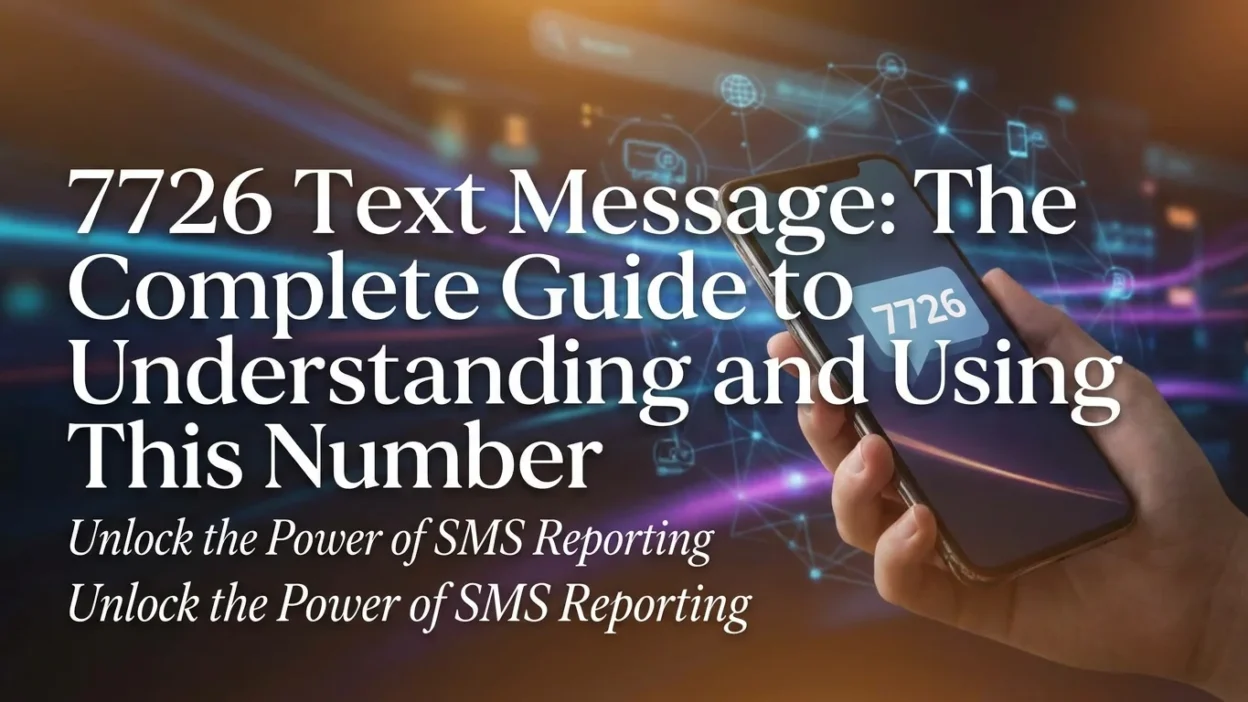
Have you received a suspicious text message and been told to forward it to 7726? Or maybe you’ve seen this number mentioned in articles about spam protection and wondered what it actually does. The number 7726 serves a very important purpose in the fight against spam and scam messages. This comprehensive guide explains everything you need to know about the 7726 number, how to use it, and why it matters.
What Is the 7726 Number?
The number 7726 is an official shortcode used globally to report spam and fraudulent text messages to your mobile carrier. It’s a free service that helps mobile networks identify and block scammers, protecting both you and other users from malicious messages. The number 7726 is also known as the “SPAM reporting number” because it spells “SPAM” on your phone’s keypad.
Why Is It Called 7726?
The number 7726 was specifically chosen because it is easy to remember. On a phone keypad, the numbers 7726 spell out the word “SPAM” . This makes it simple for anyone to remember and use when they receive a suspicious message. The number 7 corresponds to “S” and “P,” while 2 corresponds to “A,” and 6 corresponds to “M.” Together, they spell “SPAM.”
Why Should You Report Spam to 7726?
Reporting spam to 7726 serves several important purposes. It helps protect yourself, protect others, and assists carriers in identifying and blocking scammers.
How Reporting Helps You
When you report a suspicious message to 7726, your mobile carrier can investigate the origin of the text. If they find the message is malicious, they can work to block the sender and prevent further messages from reaching you. This reduces the amount of spam you receive over time.
How Reporting Helps Others
When you report spam to 7726, you are also helping protect other mobile users. Your carrier can use the information you provide to identify and block spam sources, preventing scammers from reaching other people. This coordinated effort has led to tens of thousands of malicious websites being taken down.
How It Helps Carriers
Mobile carriers use reports to 7726 to identify spam patterns and improve their spam detection systems. The more reports they receive, the better they can protect their customers from spam and scams.
How Does Reporting to 7726 Work?
The process of reporting spam to 7726 is simple and straightforward. Here’s a step-by-step guide on how it works.
Step-by-Step Process
1. Receive a suspicious message You get a text message that seems suspicious. It may ask for personal information, contain a link, or offer something that seems too good to be true.
2. Don’t click or reply Do not click any links in the message or reply to the sender. This confirms your number is active and can lead to more spam or malicious sites.
3. Forward the message to 7726 Forward the full suspicious text message to the number 7726. You don’t need to add anything to the message.
4. Follow carrier instructions After you forward the spam, your mobile carrier may send you an automated reply. This message will often ask you to reply with the phone number that sent the original spam text. This extra step helps them track the exact source.
5. Your carrier investigates Once you provide the sender’s number, your carrier investigates the spam message and takes appropriate action.
What If You Get a Spam Call?
7726 isn’t just for text messages. Many carriers also allow you to report suspicious phone calls. You can do this by sending a new text to 7726 with the word “Call” followed by the suspicious phone number. For example, you’d text: Call 01234567890.
How to Forward a Spam Text to 7726
The process for forwarding a spam text to 7726 differs slightly depending on whether you use an iPhone (iOS) or Android device.
For iPhone Users
- Press and hold the spam message bubble
- Tap More from the menu that appears
- Select the message(s) you want to forward
- Tap the Forward arrow at the bottom right
- Enter 7726 in the “To” field
- Tap Send
For Android Users
- Press and hold the spam message
- Tap Forward from the menu that appears
- Enter 7726 in the recipient field
- Tap Send
Important Tips for Forwarding
- Forward the full message, not just part of it
- Don’t add any comments or extra text to the forwarded message
- If your carrier asks for the sender’s number, reply with the complete number
- The service is free and messages sent to 7726 typically don’t count against your text messaging plan
What Happens After You Report Spam to 7726?
Once you report a spam message to 7726, several things happen behind the scenes.
Carrier Investigation
Your mobile carrier receives your report and investigates the message. They can see where the message originated and determine if it is part of a larger spam campaign.
Sender Blocking
If your carrier determines the message is spam, they can work to block the sender from reaching you and other customers.
Source Tracking
The information you provide helps carriers track spam sources. This coordinated effort has led to tens of thousands of malicious websites being taken down.
System Improvement
Your report helps improve spam detection systems. The more reports carriers receive, the better they can identify and block spam messages in the future.
Frequently Asked Questions About 7726
Is 7726 free to use?
Yes, sending messages to 7726 is completely free. It typically doesn’t count against your text messaging plan.
Can I report a call to 7726?
Yes. You can report suspicious calls by sending a new text to 7726 with the word “Call” followed by the suspicious phone number.
What if I already replied to a spam message?
If you accidentally replied to a spam message, don’t panic. Just stop engaging with the sender, block the number, and report it to 7726. If you provided personal information, monitor your accounts for suspicious activity.
Does reporting to 7726 really work?
Yes. Reporting spam to 7726 has led to tens of thousands of malicious websites being taken down. It’s a coordinated effort that helps protect both you and other users.
Will 7726 send me spam messages?
No, 7726 is only used for reporting spam. Your carrier will only send you automated replies related to your reports.
Can I use 7726 to stop all spam messages?
While 7726 helps reduce spam, it cannot stop all spam messages. It’s one tool in a larger effort to fight spam and scams.
What happens if I forward a non-spam message to 7726?
You should only forward messages you believe are spam or scams. Forwarding legitimate messages wastes carrier resources.
Is 7726 available in all countries?
7726 is used in many countries around the world, but not all. Check with your mobile carrier to see if they support 7726 reporting.
How does my carrier know which messages are spam?
Carriers use automated systems and human review to investigate messages you report to 7726. They look for patterns and signs of malicious activity.
Will the spammer know I reported them?
No, reporting spam to 7726 is anonymous. The spammer will not know you reported them.
Quick Safety Tips
Never share personal info by phone or text. Real companies won’t ask for passwords or Social Security numbers this way.
Don’t click links in texts you didn’t ask for. They could lead to fake websites or install harmful software.
Report suspicious messages to 7726 to help protect yourself and others.
Block and report suspicious numbers. This helps carriers stop spam.
Be skeptical of urgent messages. Scammers use pressure to make you act without thinking.
Keep your phone updated with the latest security patches.
Conclusion
The 7726 number is your first line of defense against spam and scam text messages. By forwarding suspicious texts to 7726, you can help protect yourself, help protect others, and help carriers identify and block scammers.
The service is simple, free, and effective. Next time you receive a suspicious text message, remember the number 7726. It spells “SPAM” on your phone’s keypad for a reason.

Amelia Brooks is a passionate writer specializing in text meanings, slang, and digital communication trends. She simplifies modern messaging to help readers understand every text with ease.