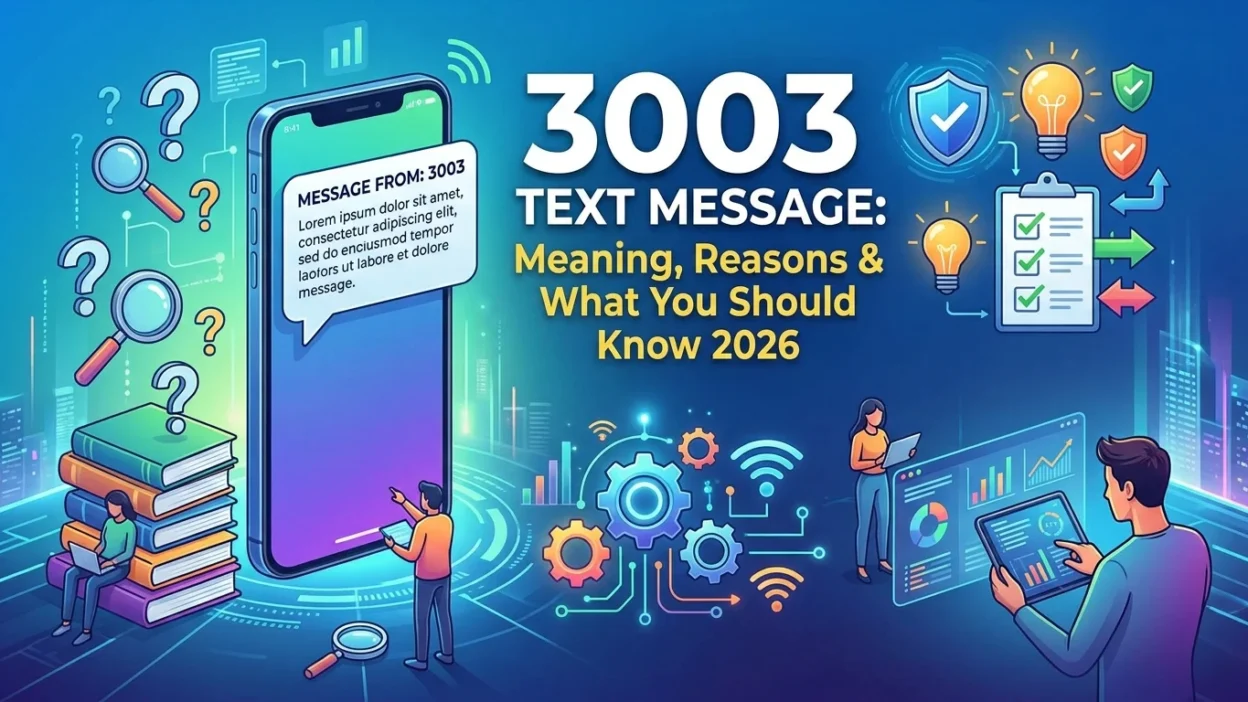
Receiving a message or notification involving the number 3003 can leave you scratching your head. Is it an error? Is it a scam? Or is it something you should pay attention to? The confusion is understandable because 3003 serves completely different purposes in the world of digital communication. You might see it as an error code when a text fails to send, or you might receive a message directly from the short code “3003” itself. Furthermore, online communities like Reddit have reported receiving verification codes from “3003” for platforms like WePlay, adding another layer of complexity.
This comprehensive guide will break down every possible meaning of 3003 in text messaging and digital communication. We’ll explore the technical delivery failures, the legitimate service numbers, and the best practices for handling messages involving this number. By the end, you’ll know exactly how to interpret a 3003 message and what steps to take in each scenario.
What Is a 3003 Error in Text Messaging?
In the technical realm of SMS delivery, 3003 is a specific error code that indicates your message could not be delivered to the recipient’s device. To be precise, this is an error that the recipient’s mobile carrier typically returns. The code signifies that the destination handset is unreachable on the carrier network at the time of the delivery attempt.
This is fundamentally a network-level communication issue. It is not a problem with your phone, your messaging app, or your carrier. Think of it as a delivery status update from the recipient’s phone company saying, “We tried to deliver your message, but we couldn’t because we can’t find the device right now.” It resembles a postal service saying they couldn’t deliver a package because the recipient wasn’t home and the building was locked.
The Technical Meaning of Error Code 3003
When an SMS gateway or carrier attempts to deliver a message, it communicates with the Home Location Register (HLR) of the recipient’s network. The HLR is a central database that contains details about each subscriber, including their current location and device status. The 3003 error (often displayed as 30003 in various systems) is a standard response code that networks use to communicate a specific delivery failure reason.
The key aspect of this error is that it is almost always temporary. The network is not permanently rejecting the message or indicating that the number is invalid. Instead, it reports a momentary inability to connect with the device. This distinction is important because it means the issue is often resolvable simply by waiting and trying again.
The Difference Between 3003 and 30003 Error Codes
In most technical contexts, the codes 3003 and 30003 are essentially interchangeable. The extra digit is often just a formatting difference in how different SMS gateways, carrier systems, or reporting software display the same underlying error. Some systems might report it as a 4-digit code, while others use a 5-digit variant. The root cause and the solution remain identical. If you see either code, you are dealing with the same problem: the recipient’s device is unreachable.
Common Causes of the 3003 Error
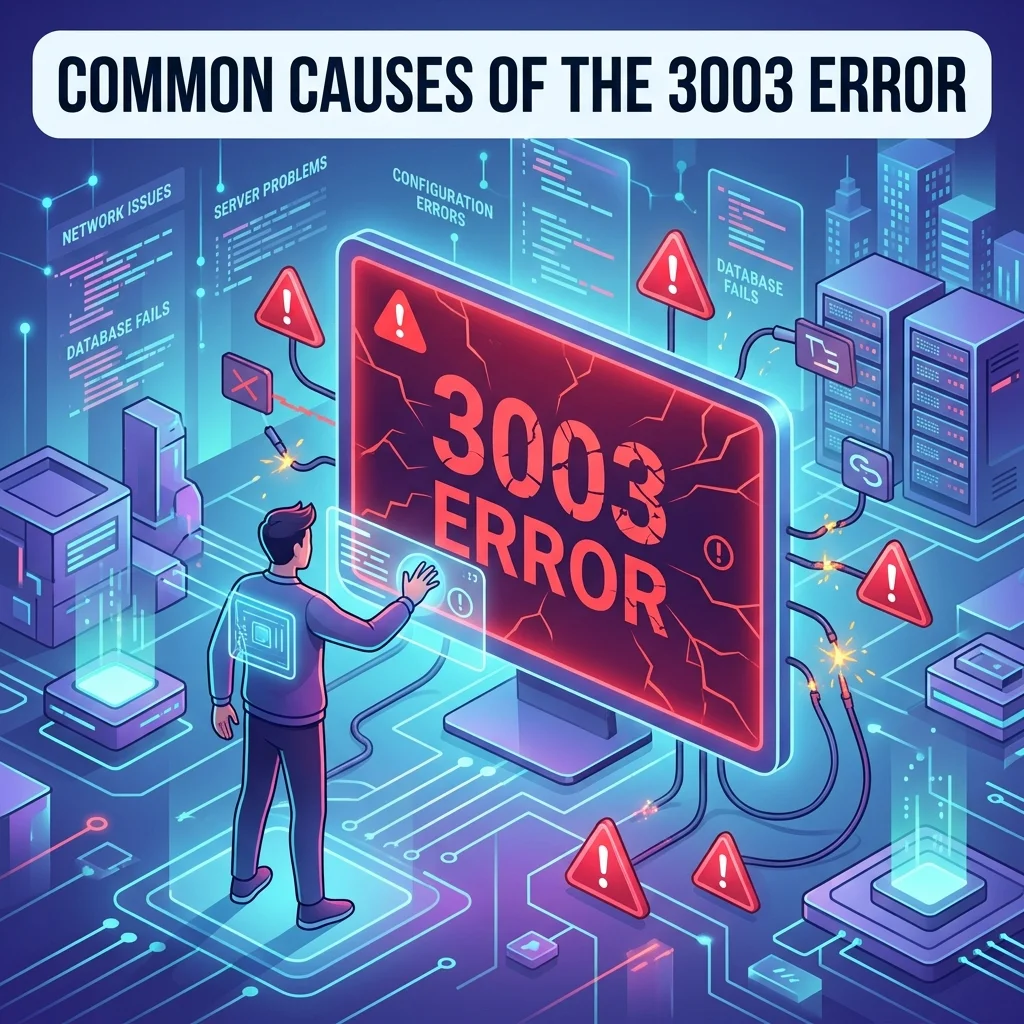
Several common scenarios can trigger a 3003 error code. Understanding these can help you diagnose the issue quickly and decide on the best course of action.
The Recipient’s Phone Is Powered Off
This is arguably the most frequent cause of a 3003 error. When a mobile device is switched off, it cannot communicate with the cellular network. The carrier’s system attempts to locate the device to deliver your message, but because it’s powered down, the network cannot establish a connection. The carrier typically queues the message on its server for a certain period, often up to 48 hours. If the phone remains off during that window, the message will eventually expire. However, if the phone turns back on within that timeframe, the carrier will automatically attempt to deliver the message again.
The Recipient Has No Cellular Service
If the person you are trying to reach is in an area with poor or no signal, such as a remote location, a basement, a tunnel, or inside a building with thick walls, their device might be temporarily out of range of the cellular network. In this state, the network cannot locate the phone to deliver the message, resulting in a 3003 error. The carrier will typically retry the message periodically. Once the recipient moves back into an area with coverage, the message should deliver automatically.
The Recipient’s Phone Is in Airplane Mode
When a smartphone is placed in “Airplane Mode,” all wireless communications become disabled. This includes the cellular radio, Wi-Fi, and Bluetooth. From the carrier’s perspective, the phone appears to be off or unreachable. Any messages sent to a phone in Airplane Mode will fail and generate a 3003 error. Once Airplane Mode turns off, the device reconnects to the network, and queued messages will deliver.
The Destination Number Does Not Support SMS
Not every phone number can receive text messages. For instance, if you attempt to send an SMS to a traditional landline number, a business line that doesn’t support text messaging, or a VoIP number that hasn’t been enabled for SMS, the carrier will be unable to deliver the message. In these cases, the network might return a 3003 error because the destination device simply isn’t equipped to handle SMS traffic. The same can happen if you send a text to a number that has been disconnected or is no longer in service.
Carrier Network Issues or Outages
Sometimes, the problem isn’t with the recipient’s device at all but with the carrier’s network infrastructure. There have been documented incidents of widespread 3003 errors due to upstream carrier problems. For example, some users have reported issues sending messages to T-Mobile subscribers when T-Mobile experienced network disruptions. During such outages, the carrier’s systems might be unable to process delivery requests, generating errors for messages that would otherwise go through. These issues are almost always resolved by the carrier, and messages are eventually delivered once the network is restored.
Carrier-Specific Filtering or Blocking
In some instances, a 3003 error might indicate that the recipient’s carrier has blocked or filtered your message. This can happen for several reasons. The carrier might have flagged your message as spam, especially if it contains suspicious links, certain keywords, or if you are sending a high volume of messages. Some carriers also implement content filtering for security reasons, blocking messages that contain certain types of content. If you are a business sending bulk SMS, compliance with carrier policies is essential to avoid these blockages. A 3003 error in this context might not mean the phone is unreachable, but that the carrier has actively decided not to deliver the message.
Issues with Sender ID or Number Reputation
For businesses using SMS marketing or application-to-person (A2P) messaging, the sender ID or the phone number used to send messages can impact deliverability. If your number has a poor reputation, carriers might block your messages, sometimes returning a 3003 error. This reputation can be damaged by high complaint rates, sending messages to numbers that haven’t opted in, or using unverified sender IDs. Maintaining a good sender reputation is crucial for ensuring your messages reach their intended recipients.
Real-World Examples of a 3003 Error
To understand the 3003 error practically, consider these common scenarios:
Scenario A: Trying to Reach a Friend
You send a text to your friend, Sarah, to confirm weekend plans. A few minutes later, you receive a notification that the message failed, with an error code 3003. Instead of panicking, you know that Sarah might have her phone off or be in an area with poor reception. You decide to call her a bit later. When she answers, she mentions she was in a meeting with her phone on silent and in her bag, essentially unreachable for a short period.
Scenario B: Business Communication
You run a small business and use an SMS service to send appointment reminders to your clients. One client’s reminder fails with a 3003 error. You check the client’s phone number and confirm it’s correct. You then contact the client via email to let them know about their appointment and ask if their phone number is still active. They reply that they switched carriers and now have a new number. You update your records and resend the reminder.
Scenario C: Verification Code Failure
You’re trying to log into your banking app, and it sends a verification code to your phone. You don’t receive the code. Your bank might show a 3003 error on their end, indicating that the network couldn’t deliver the message. You check your phone and find you have no signal. You move to a different location where you have better reception and request a new code, which arrives successfully.
How to Fix a 3003 Text Message Error
If you’ve received a 3003 error when trying to send a text, there are several practical steps you can take. The main goal is to address the underlying cause, which is almost always related to the recipient’s device or network status.
Check With the Recipient
The simplest and most effective step is to contact the person you are trying to reach through an alternative method. This could be a phone call, another messaging app like WhatsApp or Signal, or even email. Ask them:
- If their phone is currently powered on
- If they have a stable cellular signal
- If they are in an area with known coverage issues
- If their phone plan is active and supports SMS
- If they have recently switched carriers or changed their number
Often, a brief conversation will quickly reveal the root cause. For instance, they might tell you they were in a tunnel, their phone died, or they accidentally left it on Airplane Mode.
Retry Sending the Message
Sometimes, the issue is a temporary network glitch. The carrier might have had a brief hiccup, or the recipient’s phone might have just been in a momentary dead zone. Try sending the message again after waiting 15 to 30 minutes. If the original issue was transient, the second attempt will often succeed because the recipient’s phone has reconnected to the network.
Verify the Destination Number
It might seem obvious, but double-check that you have entered the correct phone number. A simple typo, an incorrect area code, or a missing digit could mean you’re trying to send a message to a non-existent or unsupported number. If the number is incorrect, correct it and try sending again. If it’s correct and you still get an error, the number might have been disconnected or changed.
Restart Your Own Phone
While less common, the issue might be on your end. Restarting your phone can refresh its connection to your carrier’s network. This can resolve temporary glitches that might be interfering with message delivery. It’s a quick and easy troubleshooting step that costs you nothing.
Review Your Sender Type and Content
For businesses or developers sending messages in bulk, a 3003 error can sometimes indicate carrier-side filtering or blocking. This can happen if the recipient’s carrier flags your message as spam. In this case, you should review your sending practices. Ensure you have explicit consent from recipients, that your opt-out mechanisms are working, and that your content complies with carrier guidelines. You might also consider using a verified sender ID or registering your brand with carriers to improve deliverability.
Contact Your SMS Provider or Carrier
If you are a business using an SMS gateway and continue to see 3003 errors despite troubleshooting, contact your SMS provider. They have direct relationships with carriers and can investigate the issue on their end. They can confirm whether the error is a temporary network problem, a carrier block, or an issue with the recipient’s number. If you are an individual user and the issue persists, contacting your own carrier might provide additional insights or reveal a service outage.
When 3003 Is a Short Code, Not an Error
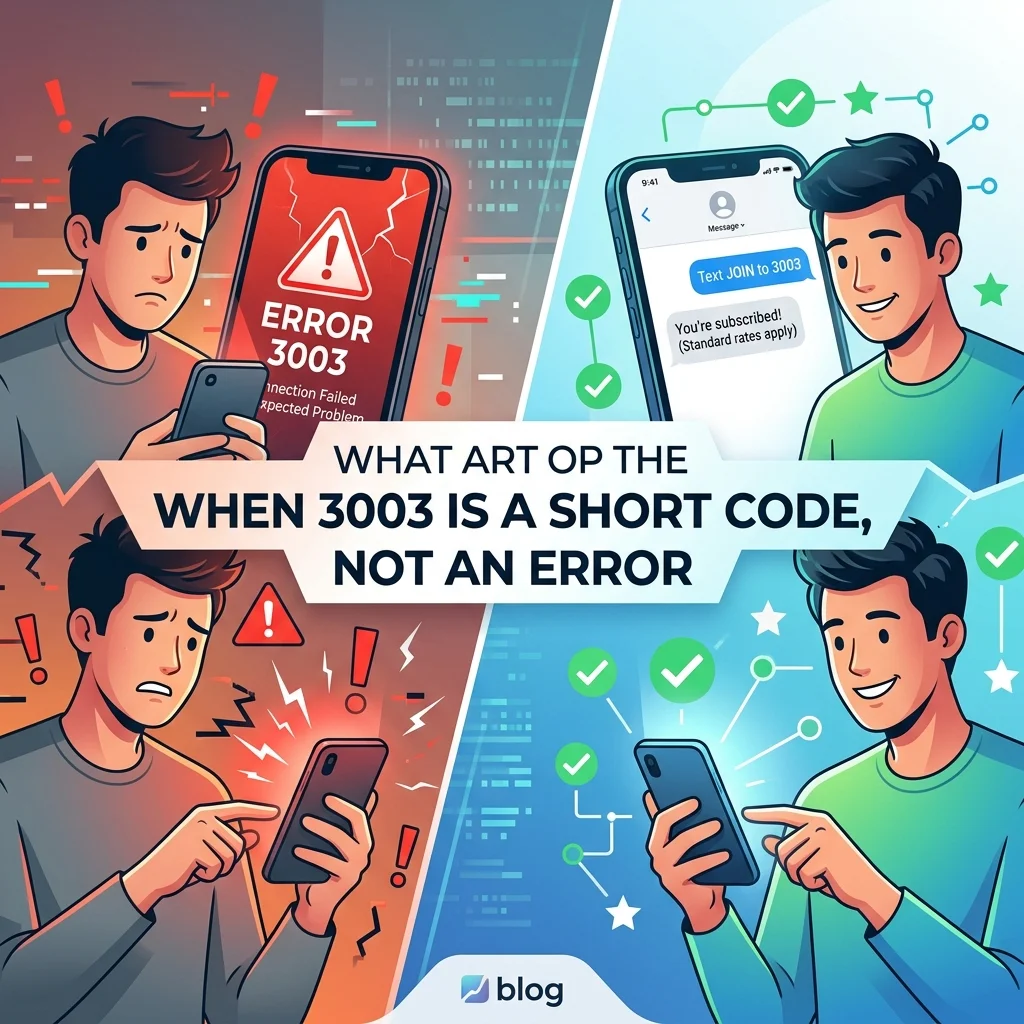
In a completely different use case, 3003 is not an error at all, but rather a short code that organizations use to provide a service. A short code is a specialized 5-6 digit phone number that companies use for high-volume, automated messaging. When you receive a message from the short code 3003, it means an organization is trying to communicate with you.
Recognizing a Legitimate Service from 3003
One notable example of a legitimate use of the 3003 short code is in Morocco. The National Authority for Integrity, Prevention and Fight against Bribery (INPPLC) launched the short number “3003” as a central call center for reporting corruption. This initiative was designed to make reporting easier and more accessible for citizens. The service has been promoted as a confidential and professional channel for whistleblowers to report corrupt practices. In this context, a text from 3003 is an official communication from a government entity, not an error or a scam.
Furthermore, online users have reported receiving verification codes from 3003 for platforms like WePlay, an online gaming and social platform. In this case, 3003 functions as a standard short code for sending One-Time Passwords (OTPs) used for two-factor authentication or account verification. When you try to log in or create an account on such a platform, it sends a verification code via text from a short code like 3003. This is a legitimate security practice that thousands of apps and services use worldwide.
Common Uses of Short Codes
Short codes like 3003 serve various purposes in digital communication:
- Two-Factor Authentication (2FA): Sending OTPs for secure logins
- Marketing and Promotions: Sending offers, discounts, and updates to customers who have opted in
- Appointment Reminders: Healthcare providers and service businesses use short codes to remind customers of upcoming appointments
- Delivery Notifications: E-commerce platforms send order updates and tracking information
- Alerts and Notifications: Banks, schools, and utilities send critical alerts
- Official Government Communication: As seen in Morocco, governments use short codes for public information campaigns and reporting services
How to Handle Unsolicited Messages from 3003
If you receive a message from the short code 3003 and you didn’t sign up for any service and don’t recognize the sender, treat the message with caution. Here are the steps to take.
Read the Message Content
Carefully read the text to identify the sender and the purpose. Is it a verification code? A promotional offer? A notification about a service you use? The content will usually clarify the intent. A legitimate message will typically identify the sender or the company. For example, a message might say, “Your WePlay verification code is XXXX” or “From the Moroccan Anti-Corruption Authority.” If the message is vague, contains suspicious links, or asks for personal information, it’s a red flag.
Avoid Clicking Suspicious Links
Avoid interacting with any links embedded in the message, especially if you weren’t expecting it. Scammers often use short codes to send phishing messages that lead to fraudulent websites designed to steal your information. If you need to check the legitimacy of a message, open your browser and type the company’s official website address directly rather than clicking the link provided.
Never Share Verification Codes
If the message contains a verification code, never share it with anyone else. Legitimate services will never ask you for your verification code outside of their official apps or websites. Sharing it could compromise your account security. Remember, a verification code is like a temporary password, and you should treat it with the same level of confidentiality.
Look for Opt-Out Instructions
Many marketing and promotional messages include instructions on how to unsubscribe. Often, you can reply with “STOP” or “UNSUBSCRIBE” to opt out of future communications. If the message provides such instructions and you no longer want to receive texts, follow them. This is the quickest way to stop unwanted messages from legitimate services.
Block the Number
If you continue to receive unwanted messages from 3003 and the opt-out method doesn’t work, you can block the short code on your phone. Both iPhone and Android devices allow you to block specific numbers, which will prevent future messages from coming through. This is an effective last resort for persistent unwanted communications.
Report Suspicious Messages
If you believe the message is a scam or phishing attempt, report it to your mobile carrier. Many carriers have dedicated services for reporting spam. In the United States, you can forward spam texts to 7726 (SPAM) for investigation. Reporting helps carriers identify and block scam campaigns, protecting other users from similar threats.
Expert Tips for Preventing 3003 Errors
If you are a business or developer sending bulk SMS, preventing 3003 errors is crucial for maintaining high deliverability rates and a good sender reputation. Here are some expert tips.
Maintain a Clean Subscriber List
One of the leading causes of delivery errors is sending messages to invalid, disconnected, or inactive numbers. Regularly clean your subscriber list to remove numbers that are no longer valid. You can do this by monitoring bounce rates and delivery reports. Using a service that validates phone numbers in real-time as users enter them into your system can also help prevent errors.
Follow Carrier Guidelines
Different carriers have different policies regarding SMS content and sending practices. Familiarize yourself with the guidelines of major carriers in your target regions. Avoid using spammy keywords, excessive capitalization, or too many emojis. Ensure your messages include a clear way for recipients to opt out, typically by replying “STOP.”
Implement a Retry Logic
Since 3003 errors are often temporary, implementing a retry logic is an effective strategy. When you receive a 3003 error, automatically retry sending the message after a delay. A common approach is to retry after 15 minutes, 30 minutes, and 1 hour. If the error persists after multiple attempts, you can flag the number for manual review.
Use a Reliable SMS Provider
A reputable SMS provider can make a significant difference in deliverability. They have direct relationships with carriers, offer advanced features like automatic retries and number validation, and can provide valuable insights into why messages are failing. When choosing a provider, look for one with a strong track record of high deliverability rates and responsive customer support.
Monitor Delivery Reports
Delivery reports provide valuable data about the status of your messages. By analyzing these reports, you can identify patterns. For instance, if you notice that a certain carrier consistently returns 3003 errors for a particular segment of your list, it might indicate a problem that needs to be addressed. Monitoring allows you to proactively identify and resolve issues before they affect your campaigns.
Register Your Sender ID
In an effort to combat spam, many carriers now require businesses to register their sender IDs. This process, often known as A2P 10DLC registration in the United States, verifies your identity and the purpose of your messages. Registered sender IDs are trusted more by carriers, which can lead to higher deliverability and fewer filtering-related errors.
Frequently Asked Questions
Is 3003 a scam text?
It can be. Scammers can spoof short codes to appear legitimate. However, 3003 is also a number that official organizations and legitimate services use. Always evaluate the content of the message. A legitimate message will clearly identify the sender, while a scam message often creates a sense of urgency, contains grammatical errors, or asks for personal information.
What does error 3003 mean on my phone?
It means your message couldn’t deliver to the recipient’s phone. The problem lies with the recipient’s carrier network, not your phone. The device might be off, have no signal, the number might be incorrect, or it might not support SMS.
How do I fix error 3003 when sending a text?
Check with the recipient to ensure their phone is on and has service. If that doesn’t work, try sending the message again later. Verify the destination number is correct. If it’s a business, review your sending practices for compliance with carrier guidelines.
Why would a company send me a text from 3003?
It could be a verification code from a service you’re using, such as WePlay. It could also be an official communication from an organization, like the Moroccan government’s anti-corruption hotline. If you recently signed up for a service or requested a code, this is likely legitimate.
Can a 3003 error mean I’m blocked?
Not usually. A 3003 error is a network-level issue, not a personal block. It indicates the network can’t find the recipient’s device. If you are blocked by the recipient, you would typically receive a different, more specific error message, or the message would just show as “Sent” without ever delivering.
What is the difference between 3003 and 30003 error codes?
In most technical contexts, they refer to the same problem: an unreachable destination handset. The extra digit is often just a formatting difference in how different systems report the error. The meaning and the steps to resolve it are identical.
Is 3003 a verified short code?
It can be. Short codes like 3003 are often registered and verified for specific uses, such as for WePlay or government services. However, the same number can be used by different entities in different regions. The verification status depends on the context and the specific service.
What should I do if I keep getting verification codes from 3003?
If you repeatedly receive verification codes from 3003 without requesting them, it could indicate someone is trying to access your accounts. Do not enter the codes anywhere. Log into the associated account through the official app or website and change your password immediately. Enable additional security measures and monitor your account for suspicious activity.
Conclusion
The meaning of 3003 in the context of text messages and digital communication is not singular. It is a number with a dual identity that you need to understand to handle it correctly.
On one hand, it is a common SMS delivery error code (often seen as 30003) that indicates the network could not reach the recipient’s device. This can happen for numerous reasons, including the recipient’s phone being off, being out of service, the number not supporting SMS, or carrier-level network issues. The solution in these cases is to check with the recipient, verify the number, and retry sending the message. For businesses, maintaining a clean list and following carrier guidelines is essential to prevent these errors.

Amelia Brooks is a passionate writer specializing in text meanings, slang, and digital communication trends. She simplifies modern messaging to help readers understand every text with ease.