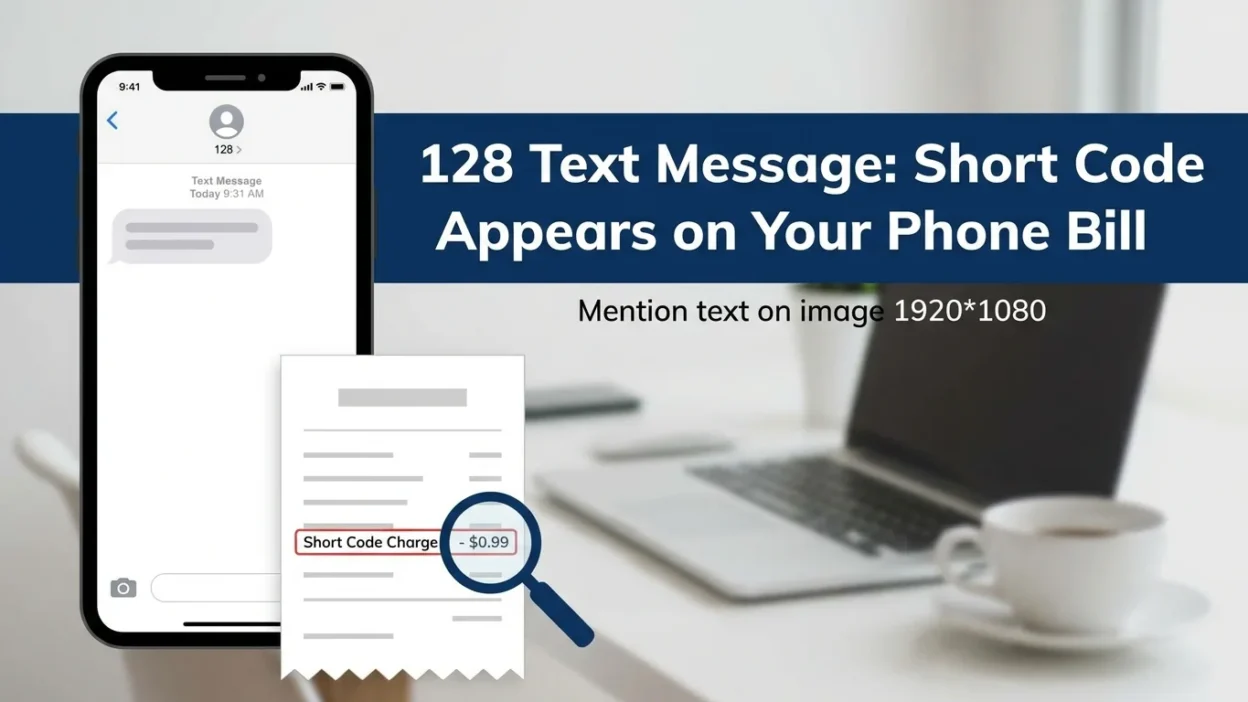
You’re reviewing your monthly phone bill, and suddenly you spot something puzzling: an entry for an incoming text message from the number 128. You check your messaging app, but there’s no message from this number. There’s no notification, no text, nothing. So what exactly is this mysterious 128 text message, and why does it appear on your bill if you never received it?
If you’re a T-Mobile customer, this scenario is remarkably common. The number 128 isn’t a person texting you. It’s also not a traditional business short code you can interact with. Instead, it’s an internal system code that T-Mobile’s network uses to log specific behind-the-scenes activities on your account. Think of it as a digital receipt or timestamp that the network records to track certain events, particularly those related to messaging services and device features.
This guide explains everything you need to know about the 128 text message. You’ll learn what it really means, why it appears on your bill, whether you should be concerned, and what to do if you see it.
What Is a Short Code? A Quick Primer
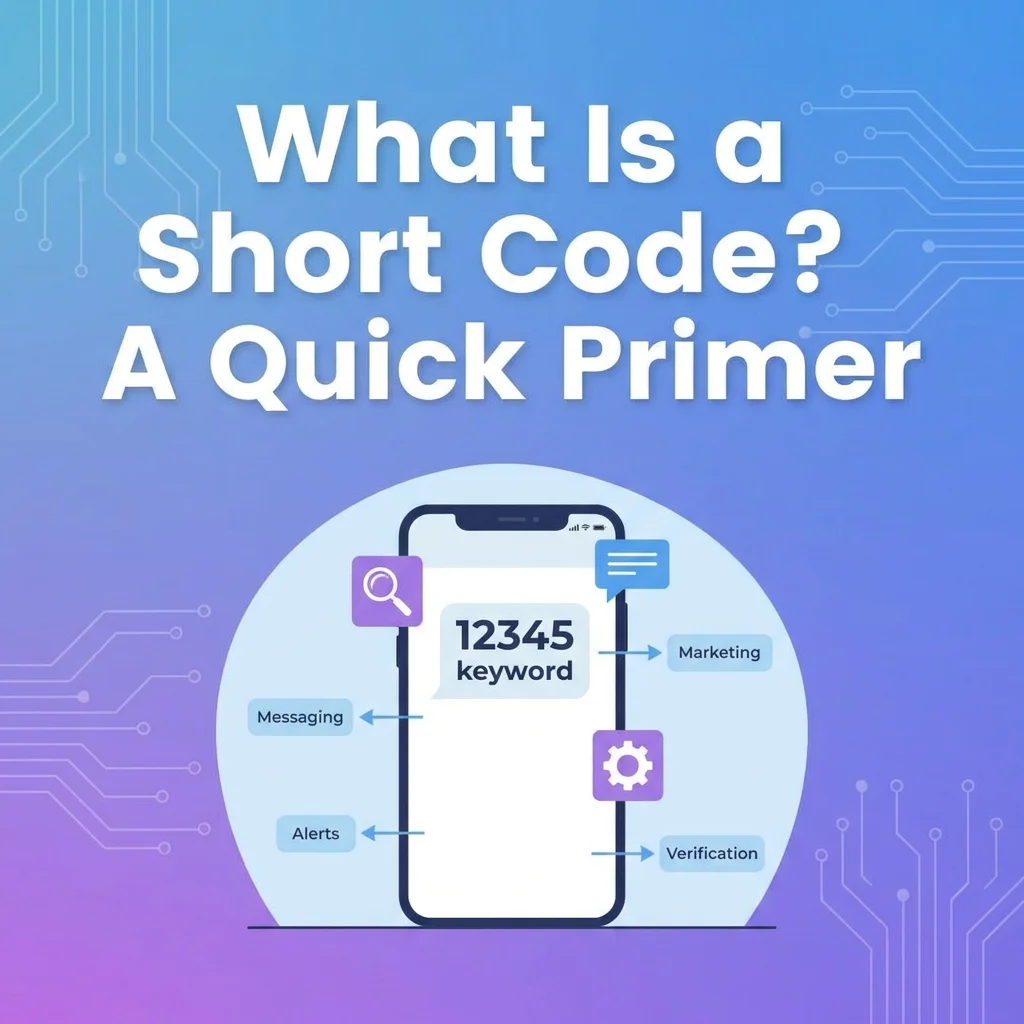
Before diving into the specifics of 128, it helps to understand what short codes are in the first place. Generally, when people talk about short codes, they mean the 5- or 6-digit numbers that businesses use for high-volume text messaging. You’ve probably encountered them in various situations:
- Voting for a contestant on a TV show
- Receiving a two-factor authentication (2FA) code from your bank
- Getting promotional offers from a retail store
These codes are designed for public interaction. You can reply to them, opt in or out of messages, and they typically appear as actual texts in your messaging app. The short code 128, however, operates very differently. It’s a three-digit code that behaves more like an internal administrative tool than a communication channel you can use.
The Real Identity of the 128 Short Code
The number 128 is not a number you can text back. It’s also not another person trying to contact you. Instead, it’s an internal system code that the T-Mobile network uses primarily to log specific account activities. In almost all documented cases, the 128 text message entry in your usage logs is a harmless, legitimate entry. It reflects the normal background operations of your phone service.
Unlike most other short codes (which are for alerts, polls, or two-factor authentication), you cannot send a message to 128. You also cannot reply “STOP” to it. If you try, you’ll likely receive an error message because it’s a one-way system signal rather than a monitored communication channel.
Why Does the 128 Text Message Appear on Your Bill?
The appearance of this code in your logs is not random. Specific, everyday functions of your phone service trigger it. The most common triggers fall into a few distinct categories.
Voicemail System Notifications
This is the most frequent reason for a 128 entry in your usage logs. When someone leaves you a voicemail, the T-Mobile network needs to send a notification to your device to let you know. The system logs this action as an “incoming message” from short code 128.
It’s not a text message in the traditional sense. You won’t see it in your messaging app. Rather, it’s the network’s internal record that a voicemail notification was successfully delivered to your phone. Some users also report seeing the code appear when they call to check their voicemail.
This is particularly common with Visual Voicemail (VVM). Whenever your voicemail inbox updates, your carrier needs a way to tell your phone to download the audio file. They do this by sending a silent, hidden 128 SMS. The 128 text message is essentially the trigger that says, “Hey phone, you have a new voicemail, download the data.”
Device Synchronization
A secondary reason you might see short code 128 relates to device syncing. In our connected world, your phone often communicates with other devices like an Apple Watch, a tablet, or a computer. When one of these connected devices receives data that syncs with your phone, the network can sometimes register this as a received item from the placeholder code 128.
This is especially common for users with multiple devices associated with their account. For instance, messages sent from an Apple Watch may be logged using the 128 code. If you have a cellular-enabled Apple Watch, iPad, or another tablet linked to your primary phone number, the incoming traffic or background synchronization required to keep those devices updated can be logged as an incoming text from 128.
For data-only or tablet lines, the code may act as a placeholder for non-cell-phone messaging, such as iMessages sent from an iPad or MacBook. This network bridging can easily generate a 128 log entry.
MMS Content Delivery
In some older or merged network contexts (like the post-Sprint merger environment), the 128 short code has been known to deliver the underlying data for certain multimedia messages (MMS, or picture/video messages). When you receive a picture message, video, or group text, especially from someone on a different carrier, the 128 code might be involved in the background delivery process. This is a normal function and is not a cause for concern.
Binge On Service Commands
A well-documented, user-initiated function for the 128 code involves managing T-Mobile’s “Binge On” data-saving feature. Customers have reported successfully texting commands like BON (Binge On) or BOF (Binge Off) to the number 128 to control this service setting. When a user sends one of these commands, the T-Mobile system processes the request and enables or disables the feature accordingly. This is a direct interaction that’s fundamentally different from the passive voicemail notification log.
Blocked Number Notifications
Another user-sourced explanation points to a connection between the 128 code and blocked numbers. Multiple users have conducted tests and found a direct correlation. When a phone number that has been placed on their blocklist attempts to send them a text, the message doesn’t deliver. However, an entry from 127 or 128 appears in their T-Mobile usage log at that exact time. In this scenario, the code serves as a silent system log indicating that a blocked communication attempt occurred.
Third-Party Premium Content Charges
This is the reason most people search for the 128 code. For years, users could subscribe to “premium SMS” services for things like daily horoscopes, sports scores, contest entries, or mobile games. The charges for these services were billed directly to your phone bill. The 128 text code often appears on the bill as the source of these third-party charges.
If you see a charge associated with “incoming text 128,” it almost always means you were billed for a premium service you subscribed to, sometimes unknowingly. You may have been subscribed accidentally by entering your phone number on a misleading website or by clicking a deceptive ad. The third-party company is the source of the unwanted charge. The 128 code is just how it shows up on your T-Mobile bill.
128 Text Message: By Platform and Context
Platform/ContextWhat 128 Usually MeansCan You Interact?T-Mobile Phone BillVoicemail notification, device sync, or premium charge recordNo – it’s a system logPhone Messaging AppNothing – you won’t see a message hereN/ACellular Bill (Premium Charges)Third-party premium SMS subscription chargeContact T-Mobile to blockT-Mobile Self-ServiceBinge On commands (BON/BOF to 128)Yes – text commands workPhone Bill (Blocked Number)Indicates a blocked number attempted to text youNo – it’s a background logApple EcosystemHandshake/sync between iPhone and iPad/Apple WatchNo – system placeholder
Is the 128 Text Message a Scam?
This is the most important question for anyone seeing an unfamiliar number on their bill. The answer is reassuring. In almost all documented cases, short code 128 is not a scam. It’s a legitimate, albeit confusing, entry that reflects the normal background operations of your phone service, particularly on the T-Mobile network.
However, the answer becomes more nuanced when you consider how the 128 code is sometimes used. The code 128 itself is not a scam. It’s a legitimate T-Mobile system number. However, it can be the vehicle for delivering charges from scammy or unwanted third-party services.
Additionally, while the short code 128 itself is safe, you should always remain cautious of other unexpected messages. If you receive a text from a different number (especially a longer one) that asks for personal information, contains suspicious links, or promises an unbelievable prize, treat it as a potential scam.
Can You Block the 128 Short Code?
No, you cannot and generally shouldn’t block the 128 short code. Since it’s an integral part of how T-Mobile delivers voicemail and device synchronization information, blocking it would likely interfere with core functionalities on your phone and any connected wearables.
Since the 128 short code is an internal network logging function and not a subscription service or a monitored communication channel, replying “STOP,” “END,” or any other command will not work. To stop incoming messages from 128, you would need to disable the related features (like Visual Voicemail notifications). This may affect essential service functions.
What to Do If You See Unwanted Charges from the 128 Code
If you’re seeing unwanted charges from the 128 text code, you need to block the third-party service. Here are the steps to take:
- Review Your T-Mobile Bill: Look at the detailed version of your T-Mobile phone bill. The charge associated with the 128 text should list the name of the third-party company that’s billing you.
- Contact T-Mobile Support: The most effective step is to call T-Mobile customer service by dialing 611 from your T-Mobile phone. Explain that you have an unauthorized third-party charge on your bill. The representative can usually identify the service, block it from billing you again, and may be able to issue a credit or refund for recent charges.
- Request a Permanent Content Block: While on the phone with T-Mobile, ask them to add a “Content Block” or “Third-Party Charge Block” to all the lines on your account. This is a free feature that prevents any outside company from billing services to your T-Mobile account in the future. This is the best way to permanently prevent these issues.
How to Report Spam from Other Short Codes
If you receive any unexpected or suspicious text message from any short code (or 10-digit number) that you didn’t opt into, you can report it to T-Mobile’s spam reporting service:
- Do not reply to the suspicious text.
- Forward the entire message to the short code 7726 (which spells “SPAM” on your keypad).
- T-Mobile will receive the message for analysis and confirm that you have reported it.
Self-Service Short Codes You Can Actually Use
While 128 is a passive, non-interactive system code, T-Mobile offers many useful Self-Service Short Codes that you can dial (not text) to get immediate account information. To use these codes, open your phone’s dialer, enter the code, and press the Call/Send button:
Short Code (Dial)Numeric EquivalentPurpose#BAL##225#Check account balance and last payment received#WEB##932#Check data used, data plan details, and expiration date#MSG##674#Check message usage for the current billing cycle#NUM##686#Display your own phone number on the screen#MIN##646#Check voice minute usage#ONB##662#Turn on Scam Block (Highly Recommended)
Why This Only Happens on T-Mobile
If you’re scouring the web for answers, you’ll quickly notice that the vast majority of these queries involve T-Mobile. Searches for “128 text message T-Mobile,” “tmobile text code 128,” and “128 T-Mobile text” dominate the forums. Why does T-Mobile show 128 on message usage logs more than AT&T or Verizon?
T-Mobile’s backend architecture uses the short code 128 specifically for its internal routing. This is particularly true concerning its “Digits” application and its specific implementation of Visual Voicemail. The short code 128 is a system number specifically associated with the T-Mobile network and the legacy Sprint network. It is not used by other major carriers like AT&T or Verizon. You will only encounter this code if you have service with a T-Mobile-affiliated provider.
128 as a Number in Other Contexts
The sequence 128 appears in several other contexts unrelated to text messaging. Knowing these can help avoid confusion if you encounter the number elsewhere.
128 in Mathematics
128 is a natural number that follows 127 and precedes 129. It’s an even composite number with the prime factorization 2727. It has eight divisors: 1, 2, 4, 8, 16, 32, 64, and 128. Interestingly, the sum of its divisors (255) is exactly double the number minus 1. This makes it an almost perfect number.
128 as an ASCII Code
In computing, 128 is the ASCII code for the euro sign (€) in some extended character sets. This has led to some speculation about whether the number was intentionally chosen for a specific purpose in telecommunications. However, no official documentation supports this theory.
128 in Music
In music theory, 128 is a common tempo marking. It indicates a moderately fast pace.
128 in Area Codes
It’s important to note that 128 is not a valid geographic area code in the United States, Canada, or the Caribbean. Under North American Numbering Plan (NANP) rules, area codes cannot begin with the digit ‘1’ or ‘0’. Any 10-digit number appearing as (128) XXX-XXXX is an invalid number. If you receive a call from a (128) area code, it’s almost certainly a spoofed caller ID used by scammers. You should not answer or return the call.
Frequently Asked Questions About the 128 Text Message
Why do I see an incoming text from 128 on my phone bill?
An incoming text from 128 is a carrier system short code. The network uses it primarily for background synchronization, such as updating your Visual Voicemail inbox. It’s completely normal and not meant for human reading.
Is the 128 short code a scam or a hacker?
No. The 128 short code is not a scam, a hacker, or malware. It is an official administrative ping from your cellular network provider. The network uses it to keep your device’s services up to date. However, scammers can spoof numbers, so treat any unsolicited message asking for personal information with suspicion.
Why don’t 128 text messages show up on my iPhone or Android?
These messages do not show up on your phone’s Messages app. The network routes them to the device’s administrative layer, not the user interface. They work behind the scenes as part of the network’s normal operations.
Does the 128 text message mean my partner is hiding messages?
Absolutely not. Humans cannot use the 128 short code to communicate. It is strictly an automated server-to-phone network operation.
Can my Apple Watch or iPad cause 128 text messages?
Yes. When your iPhone syncs calls and messages with other Apple devices over the cellular network, it can sometimes generate administrative pings. These pings may log as a 128 text message entry on your bill.
Can I block 128 text messages?
No, you cannot and should not block the 128 short code. It’s an integral part of how T-Mobile delivers voicemail and device synchronization information. Blocking it would likely interfere with core functionalities on your phone and connected devices.
Do I get charged for the 128 text entry on my bill?
No. The T-Mobile short code 128 entries are logs of system activity. Carriers typically do not bill these as chargeable text messages. They are included in your line’s usage history for informational purposes. Since T-Mobile plans generally include unlimited texting, these non-chargeable system events should not result in any additional fees.
Is 128 from Verizon or AT&T?
No. The 128 short code is a system number specifically associated with the T-Mobile and Sprint networks. It is not used by other major carriers.
How can I avoid premium SMS charges from 128 in the future?
First, be very cautious about where you enter your phone number online. Second, and most importantly, call T-Mobile (dial 611) and ask them to enable a free third-party charge block on your account.
What is the difference between T-Mobile’s 456 and 128 short codes?
Yes, T-Mobile uses many official short codes. The code 456 is specifically for customer-facing T-Mobile Alerts and Campaigns. This includes marketing, network status, or general account information. The code 128 is for behind-the-scenes system activity. It most often relates to device synchronization and voicemail.
Conclusion: Putting the 128 Text Message Mystery to Rest
In the digital age, our devices constantly talk to cell towers behind our backs. This ensures a seamless experience. The 128 text message phenomenon is the perfect example of this invisible communication. Whether your bill says “incoming text from 128,” “128 — text incoming,” or “T-Mobile short code 128,” it all points to the same reality: your network is functioning exactly as it should.
From visual voicemail syncs to Apple device handshakes, the 128 short code is a sign of a healthy network, not a compromised phone. The mystery of short code 128 is, thankfully, a simple one to solve. It’s not a threat but a piece of technical jargon that appears in your usage logs. Think of it as a note-to-self from your mobile carrier. It’s just confirming that your voicemail system is working as it should. Understanding these small technical quirks can provide peace of mind and help you better understand the services you use every day.
The only exception is if the 128 code appears as the billing source for a third-party premium service charge you didn’t authorize. In that case, contacting T-Mobile to block the charge is a simple fix. So the next time you see a 128 text message entry on your bill, you can rest easy. It’s just your carrier doing its job.

Amelia Brooks is a passionate writer specializing in text meanings, slang, and digital communication trends. She simplifies modern messaging to help readers understand every text with ease.